As a creative, you need
a digital space to showcase your work to potential employers or clients, and
for that matter to the world at large.
That digital space, your
website, works in both directions. It allows you to promote your work, and it
enables your audience to get in touch with you.
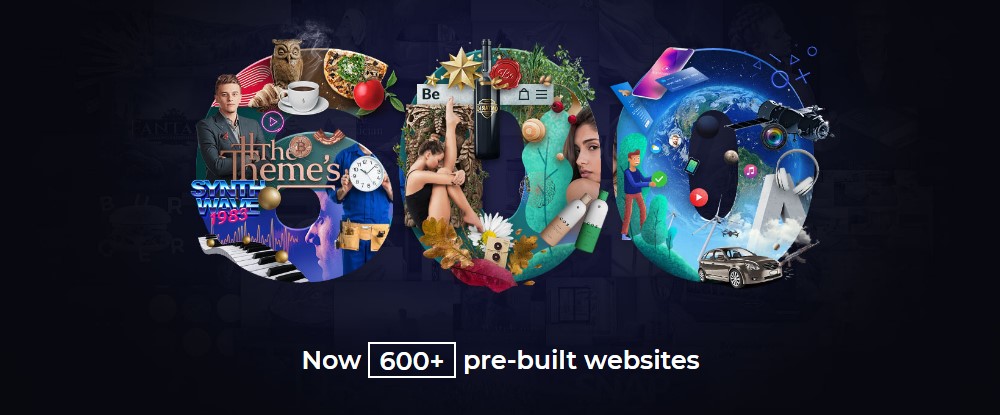
Creating that digital space can require a lot of work. But it doesn’t have to. Pick one of Be Theme’s 600-plus pre-built websites and you can have a website up and running in short order; especially if you choose one of the 15 pre-built sites described below to do the heavy lifting.
And don’t worry yourself to death about which of the 15 to select. You’ll probably find one or more to your liking from the get-go, plus every one of them is customizable.
That said, let’s get started.
1. BeAgency 4
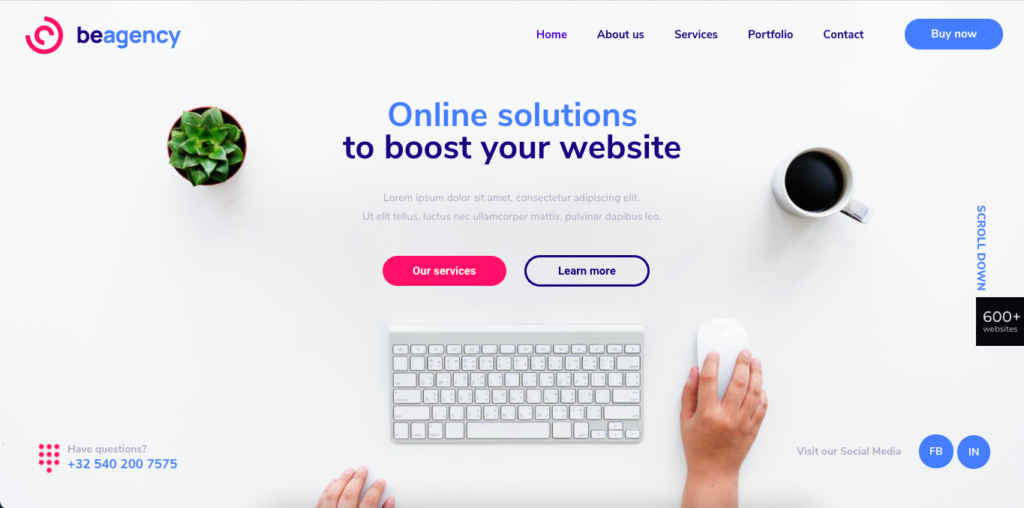
The BeAgency 4 pre-built site is a great choice if you prefer to work alone. It will also be a great choice if you intend to establish a creative agency. This pre-built sets just the right tone for presenting your work in a clean, orderly, and highly professional manner.
You can even enter your work in the built-in, ready-to-go portfolio page.
Great flexibility, powerful website building tools, and
excellent customer support. It exemplify the top-of-the line multipurpose
WordPress themes with healthy sales figures. They are thrown in for good
measure.
You may not need a best multipurpose wordpress theme for a single website-building project. But, if you design websites for a variety of clients or uses, you’ll save lots of time and money by going the multipurpose theme route.
You won’t have to familiarize yourself with a number of different themes
You’ll most likely have all the design tools you need right at your fingertips
Because of the skillset needed to design and develop a multipurpose theme you can almost always expect to receive top-notch customer service.
If you tend to specialize in certain website types, e.g.,
blogging, portfolio, or WooCommerce, we have an advice. Some multipurpose
themes, including several of those listed here, feature specific strengths in
certain areas.
Whether you like to take the time to build a website one careful step at a time, or you’re in a rush to get one up and running in response to an urgent need, Total will help you do the job right.
This multipurpose
wordpress theme is fast, flexible, an out-and-out joy to work with, and an
ideal choice for creating any type of a website for any business or to serve any
purpose.
Total is packed with useful features, any one of which you can disable if you don’t need it, so it won’t slow you down. Features you will definitely be using include:
Total’s Dynamic Template function lets you customize layouts any way you want
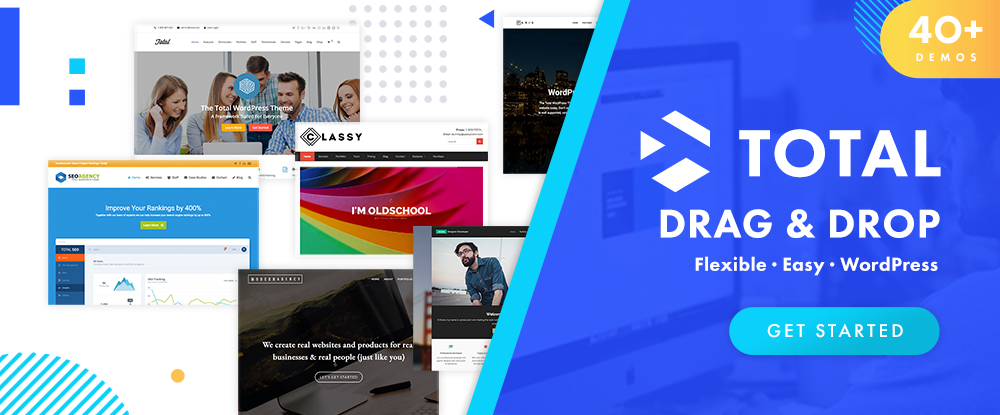
The popular WPBakery drag and drop page builder together with 40+ pre-made demos and 100 page-building modules to speed up your workflow
A Theme Customizer that utilizes 500+ styling options you can use to change colors, fonts, and section or column widths
This WooCommerce
and WordPress plugin friendly theme serves more than 47,000 satisfied
customers.
There can be various reasons for failing to deliver a product on time. Take for example a situation in which progress grinds to a halt because of a requirement or specification cannot be met because the designer doesn’t have the means to satisfy it.
While your toolbox may be well stocked, there may be design
tools or design resources you frequently go to that are simply no longer up to
the task, even if they are long-time favorites.
The 15 tools and resources for designers and agencies
described in this article are tops in their respective categories. They will
help you or your team be more productive, and in some cases, they could be
life-savers.
This multipurpose WordPress theme is hard to beat in terms of its powerful array of core features, design options, flexibility, and ease of use. Given that the sales of this long-time favorite web designer’s tool has exceeded the 200,000 mark, you have every reason to believe that you’ll get a huge return on your investment.
Be’s 40+ core features give you the tools and flexibility you need to meet the most stringent of deadlines
Be’s Muffin Builder- Admin Panel-Shortcode Generator trio lets you drag and drop your way through a project without ever having to write a line of code.
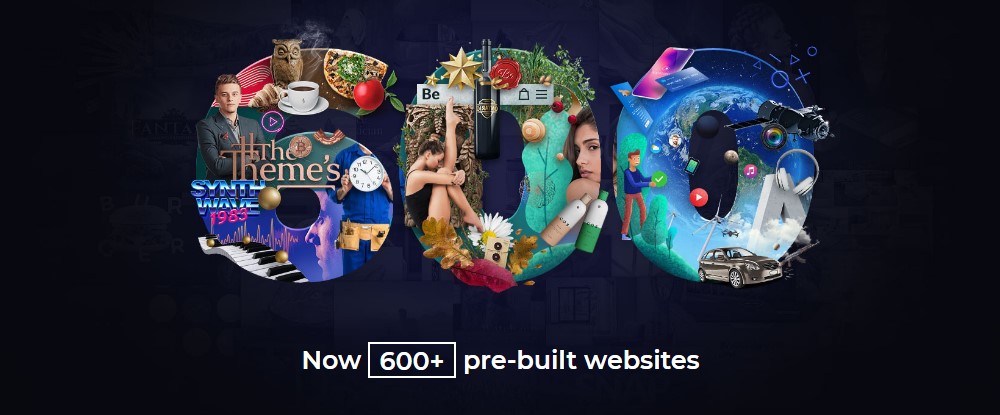
If there was a single secret to Be’s success it would likely be the selection of 600+ customizable (and responsive) pre-built websites that cover the major industry sectors, business niches, and website types and styles.
Be’s Layout Generator facilitates starting a page from scratch, plus you have ready access to a wealth of layout options to see your project through.
Click on the banner to find out what BeTheme can do for
you.
There are few if any good reasons not to choose the best of the bunch when you’re looking for useful WordPress plugins to take your web design or business to the next level.
The problem is, how do you go
about finding them?
For several categories of best WordPress
plugins, the answer is simple, and that is to just keep reading.
The WordPress plugin market is
never static. It just keeps getting bigger, and in most instances better. New cool
WordPress plugins that show great promise are continuously being added. The
more established plugins continue to improve.
You’ll find some of both types here, and whichever you may chose you won’t have to worry about bugs or bad coding.
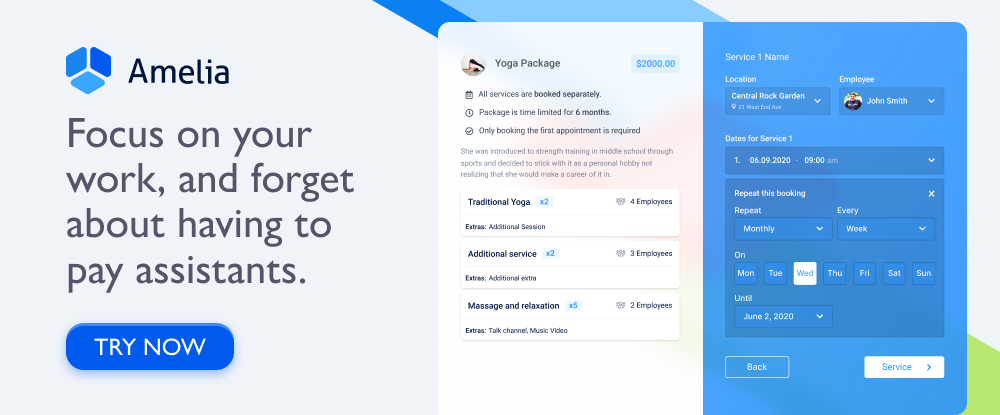
For fitness centers, beauty salons, training, and similar business types that rely on efficient and effective appointment booking systems – Amelia is an ideal solution – an affordable, feature-rich booking manager.
Amelia is easy to set up and does not require any training to use
Amelia can manage an unlimited number of appointments and events for an unlimited number of clients and employees.
Amelia can serve multiple locations
Clients and employees are presented with smooth and shiny UIs to work from
Clients can access Amelia 24/7 to make, change, or cancel appointments
Employees can connect to their Google and Outlook Calendars to avoid overlapping appointments or interference with personal commitments or events.
The list can go on,
but the message is this:
Customers don’t have to be put on hold to make an appointment.
Business owners have an instant and accurate overview of current and future appointments.
You can sell packages of appointments in Amelia by group appointments of the same service or various services in a bundle for a single price. This way, you can increase your profit and sales.
Amelia provides all parties concerned with the error-free appointment and event booking.
Click on the banner to learn more about this best-in-class WordPress plugin.
The WordPress platform is a joy to work with. It offers one of the simplest ways to create colorful, well laid-out, and engaging website pages. Clicking a mouse and dragging and dropping are required skills, coding is not.
Themes make your work easier. There are literally thousands of great WordPress themes to choose among; too many in fact to make finding the best one for a given project an easy task.
A general or multipurpose awesome WordPress themes might be all you need as long as they are customizable, as virtually all of them are. Conversely, a specialized theme for a business niche, or one dedicated to creating a portfolio, a blogging site, or a magazine site might make your website-building task an easy one.
This collection of top WordPress themes for 2021 should
present you with all the design options you need. Also should give you the
luxury of sifting through 12 web design products instead of hundreds.
With its multiplicity (40+) of core web design features, BeTheme is the biggest WordPress theme of them all, one of the most popular theme on the market, and an ideal theme for advanced web designers, beginners, and first-time users alike.
What makes this WordPress theme a great choice?
For starters:
There’s the powerful and intuitive Muffin Builder that makes creating or editing pages quick and easy.
The Admin (Options) Panel together with the Muffin Builder, negates any need for coding.
The shortcode library gives you even more options, plus a Shortcode Generator you can use to create your own.
Not to forget: color palettes, font styles, header, footer, and grid systems, special effects, etc., etc.
Do you want to get projects up and running quickly rather
than starting from scratch?
Teaser: this is
where BeTheme really shines!
Be’s library of 600+ trendy, professionally crafted, and customizable pre-built websites cover 30+ industry sectors, multiple small business niches, and all the major website types, and can get any project off to a crazy-fast start.
Many shoppers, including web designers and web design teams, look forward to Black Friday as the year’s top shopping event.
In the past, Black Friday meant getting up early and
getting in line in the dark on a wet and windy November morning. Then charging
through the doors when the store opened, and trying to claim your bargains before
the shelves emptied out.
This year, shopping from home makes added sense thanks to
Covid-19. Shopping in a crowded store while trying to maintain proper social
distancing isn’t something to look forward to. It’s much better to stay safe and
cozy while checking out these super bargains from the comfort of your home.
Slider Revolution a well-established and renowned tool that
designers can use to create unique and award-winning website sliders. Any tool
of this type that can claim more than 7 million users obviously has a great
deal going for it.
Not every designer may be aware of the Slider Revolution
transformation that has taken place. It consists of additions and improvements
that enable its users to create award-winning websites.
They include:
An excellent selection
of sliders, carousels, and other web design elements
Innovative layouts for
building single-page websites
Hero sections designed
to make your home pages stand out from the crowd
Modular design elements
and sections that can be mixed, matched, rearranged, and reused
Addons that enable
website builders to test the limits of design possibilities
To celebrate Black Friday or Cyber Monday, purchase a Slider Revolution plan now at a 33% discount. Click on the banner, use the code BLACKFRIDAY at checkout, and Slider Revolution is yours.
There are situations when using a specialty theme will
enable a web designed to proceed more easily and efficiently. But, in most
instances a multipurpose WordPress theme will do what needs to be done and do
it well.
Premium multipurpose themes generally provide all
the functionality needed to create websites for most industry sectors, business
niches, and website types.
The multipurpose themes described below are
responsive, extremely flexible, and SEO friendly
Since they are also easy to use, they are
suitable for web design experts and novices alike
They can take different approaches to achieve
similar results. You should look for an approach that you’re most comfortable
with.
It might take you a little time to reach a decision, but you
really can’t make a bad one.
In any
discussion argument about the virtues of multipurpose WordPress themes, BeTheme
is a stellar example of why selecting such a tool is almost always a sound
choice. Just a brief glance at BeTheme’s core features should be more than
enough to convince you that if you can envision a website you can build it.
BeTheme is one of the top 3 multipurpose
WordPress themes in the world
If flexibility is a concern, Be’s Muffin
Builder, Options Panel, Shortcode Generator and more than 200 shortcodes should
eliminate any cause for worrying; and with eliminate any need for coding as
well.
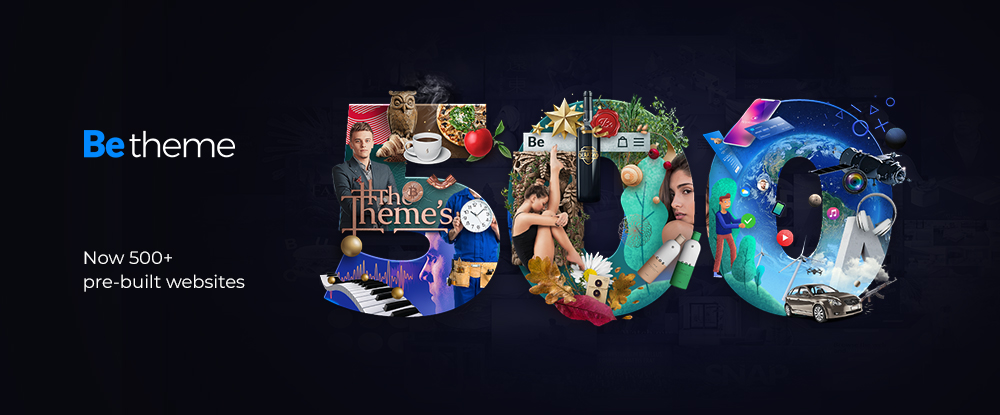
Be’s library of 500+ pre-built websites covers
the entire gamut of industry sectors, business niches, and website types;
offering even greater design flexibility.
There’s no shortage of header, footer, grid and
layout options, color palette options, etc., etc.
Click on the banner to learn more. Take a few minutes to
browse the 500+ pre-built websites. Select one to get started and you could
have a website up and running in as little as 4 hours.
One of life’s pleasures is discovering when
some small action taken yields a highly positive, or even a game-changing
outcome. A web designer could spend many hours creating a modern website with
old tools. A single new tool or a single new service could cut the time
required to do so dramatically and produce an even better result.
There’s no shortage of tools or services
that could make a difference. The problem is that there are many hundreds of
them. There are far too many to devote the amount time it could take find one
that might make your day or prove to be a game changer.
One or more of these 15 top tools and
services could easily make your day; which is why we suggest you give each one a
good close look.
That said, may your shopping experience be a
happy and profitable one.
UXPin
provides designers with a set of advanced prototyping features perfect when
designing for all screen sizes. UXPin has also been built for great
collaboration, making it possible for everyone on the team to jump into one
design and work together in context and in real-time.
These features include:
Easily accessible built-in
libraries for Material Design, iOS, and Bootstrap
Hundreds of useful icons,
interactive elements, and animated states
Vector drawing tools that
enable designers to effectively draw and combine vector shapes to create icons
or illustrations
The ability to save code
components; thereby eliminating the necessity to redraw patterns over and over
HTML import, in which a web
page or page section can be imported to UXPin to support the prototyping effort
Team members have ready access to these and
other features in addition to being able to exchange design-related information
and feedback with team members and project stakeholders in real time.
Click on the banner to learn more about
this powerful labor-saving tool.
WordPress is an ideal platform for building your own
portfolio, blog, or eCommerce site. It’s packed with all the basic tools you
need to build a professional-looking site. Plus, it has tools that can take
your web-building skills to an even higher level.
Get even more impressive results or add features to a
website that you might have thought could only be provided by extensive coding
or by a developer you can select among a large selection of WordPress plugins.
The only problem is this. When we speak of a large
selection, we’re not talking about a couple of hundred plugins. We’re talking
of more than 55,000.
Fortunately, you don’t need to look far to find the best
and most practical ones. Here are 8 of the very best for 2020, one or more of
which could resolve a nagging problem or put your websites on steroids.
A typical
plugin usually performs a specific task you need to have done, and if it’s a
premium plugin it usually does it well. If it’s free, it’s better yet.
The Brizy WordPress plugin does more than “a specific
taskâ€. You can use this flexible drag and drop builder to create a complete
website – at no cost to you.
Brizy is not intimidating to learn and it’s
intuitive and easy to work with.
You don’t need any coding skills. With Brizy
coding is not necessary.
You get 500+ design blocks, 40 popups and 150
layouts right out of the box to help you get things off to a quick start.
You can structure and build a page in minutes.
There’s plenty of helpful documentation and
video tutorials to help you if and when you should need it.
Download Brizy and get started today. Before you do, you
might want to scan the website to get a complete picture of what this premium
plugin can do for you.
Having too many WordPress themes to choose among is of course better than having too few. But there are times when searching for what you really need is like looking for the proverbial needle in the haystack.
If you’ve been looking for a top-of-the-line multipurpose theme you will probably find it right here. We’ve listed several very useful more specialized themes as well. Although admittedly we can cover every possible niche a short listing as this.
For a few of you, it may be back to searching for the needle. We sincerely hope that will not be the case.
This, the biggest WordPress theme of them all, pretty much covers all the bases with respect to what a designer needs to create the perfect website – no matter the type or niche. If you’re in need of a multipurpose theme because you have to satisfy a large and diverse clientele, a theme like this one that is packed with useful features is certainly worth a close look.
It could take a full page to summarize BeTheme’s 40+ core features, so we’ll settle for the highlights.
The popular Muffin Builder, working in combination with a powerful Admin Panel and a large selection of shortcodes eliminates any necessity for coding.
A host of design elements plus unlimited colors, custom backgrounds, advanced typography and special effects provides unmatched design flexibility
A Layout Generator, Header Builder, multiple column, grid, and other layout options serve to position your content precisely as you want it
The most popular feature of all, and in many respects the one that provides the greatest design flexibility, is the library of 500+ professionally-crafted, responsive, and customizable pre-built websites.
“It is a very versatile, intuitive and easy to handle template. When doubts appear, the support team responds quickly and solves the problem. I am satisfied with my purchase and I collaborate when I can in the forum with other users like me when they have simple problems.†anden14
Click on the banner to visit BeTheme and be sure to take time to browse the pre-built website library. Read the rest of this entry »