Colorify is a script written in Javascript, that allows you to extract colors from images, and manipulates them. From a simple plain color, based on the dominant color, to a beautiful gradient based on the image edges colors, colorify.js will spice up your designs. with Colorify.js, you can extract the dominant color from an image, generate gradients based on the images colors, isolate colors and manipulates them everywhere in the page, create a Lazy-revealer system for your images, and you can load image dynamically.

Requirements: –
Demo: http://colorify.rocks/
License: License Free
HTML Color Codes is a powerful set of free color tools, including a color picker, color charts and names, tutorials, and resources. You can easily find that perfect color with our color picker and discover beautiful color harmonies, tints, shades and tones; input Hex color codes, RGB and HSL values, and generate HTML, CSS and SCSS styles. Can’t remember all 140 HTML color names? They’ve got you covered, check out our guide for a quick reference of all the HTML color names grouped by color as well.

Requirements: –
Demo: http://htmlcolorcodes.com/
License: License Free
The delay between HTTP objects being requested/recieved leaves a timeframe where a webpage can look incomplete. Inspired by Soundclouds’s use of random gradients, Gradify can analyse an image for the 4 most common colors and create a gradient (or solid color) to act as a placeholder image. Gradify is a module which finds the most prominent colors in any image, and produces a scalable, responsive CSS gradient. This can provide a less jarring experience as image placeholders.

Requirements: –
Demo: http://gradifycss.com/
License: MIT License
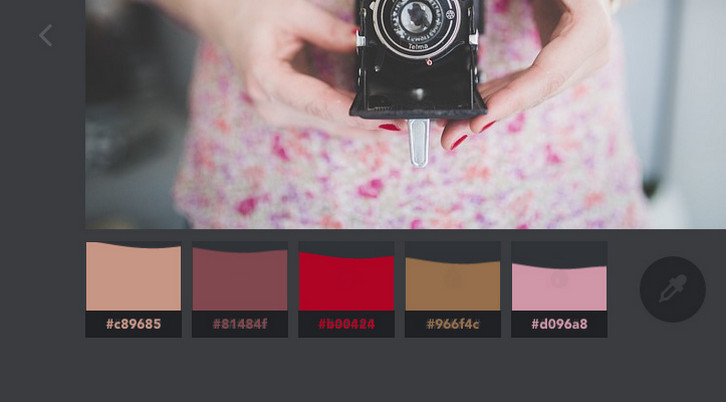
Codrops has shared a fun little color extraction experiment with us. The idea is to create a color palette from an image with a subtle effect on the image itself and some fanciness on the palette.
They are using Vibrant.js by Jari Zwarts to extract the colors from the images, and CSS Filters to transition the image to a black and white version. They also implemented a simple slider with a special “curtain†effect. Please note that this experiment uses some CSS properties that might not work in older browsers (CSS Animations, CSS Filters) though.
Requirements: –
Demo: http://tympanus.net/Development/ColorExtraction/
License: License Free
Interactive Drag and Drop Coloring Concept is a little fun experiment where you can color a website mockup by dragging and dropping a color droplet from a palette. The idea is to simply drag a color from a color palette to a website mockup and color designated areas of it like sections or texts. You might have encountered customization tools before, but Codrops wanted to add some fun to this idea and make it enjoyable to use.
You can drag a color from the color palette and drop it on any area that lights up with a blue outline, including text elements. Once the droplet that you are dragging gets dropped on a content area, a fun little Google Material like animation happens and the whole area gets filled with a colored circle. For that effect we use an SVG element that we create on the fly and then scale it up and fade it in with a CSS transition.

Requirements: –
Demo: http://tympanus.net/Development/InteractiveColoringConcept/
License: License Free
Palletab is a Chrome extension which uses Google fonts and amazing ColourLovers palettes to inspire you with fresh and clean inspiration every time you hit that new tab button. It’s a great tool for finding the suitable fonts for your websites or web applications.

Requirements: Chrome
Demo: http://palettab.com/
License: License Free
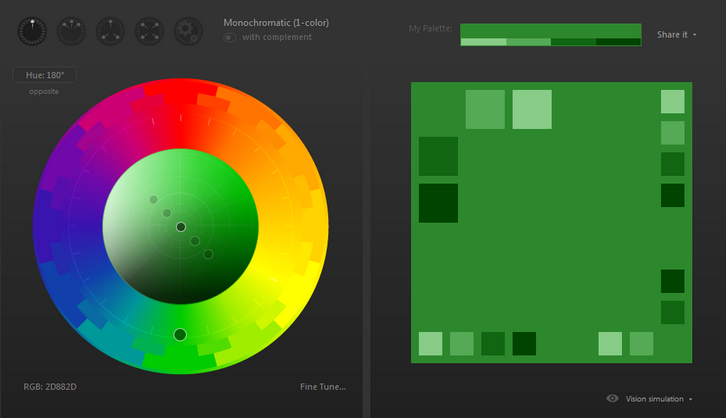
Every CSS project starts out with good intentions, but inevitably, one too many people eye-dropper colors into nooks and crannies that you never knew existed. CSS Colorguard helps you maintain the color set that you want, and warns you when colors you’ve added are too similar to ones that already exist. Naturally, it’s all configurable to your tastes.
Requirements: –
Demo: https://github.com/SlexAxton/css-colorguard
License: Apache License 2.0
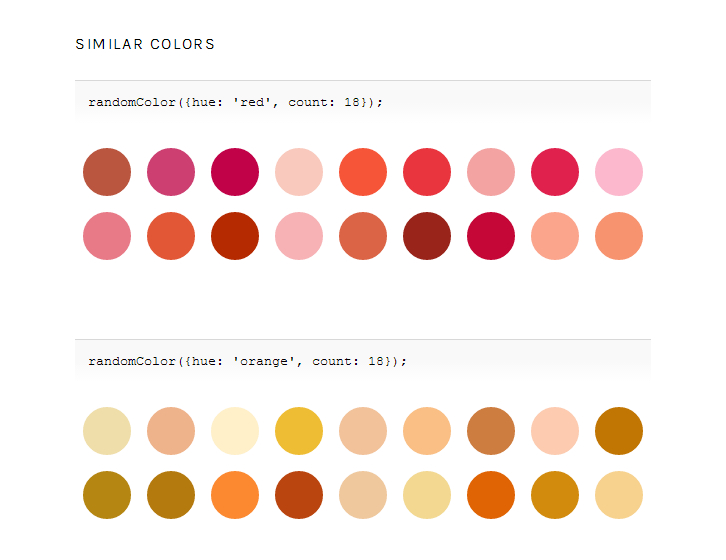
There are lots of clever one-liners for generating random colors. Unfortunately, They usually produces lots of greys and browns and murky greens.
RandomColor generates attractive colors by default. More specifically, randomColor produces bright colors with a reasonably high saturation. This makes randomColor particularly useful for data visualizations and generative art. RandomColor is a color generator for JavaScript.
Requirements: JavaScript Framework
Demo: http://llllll.li/randomColor/
License: MIT License
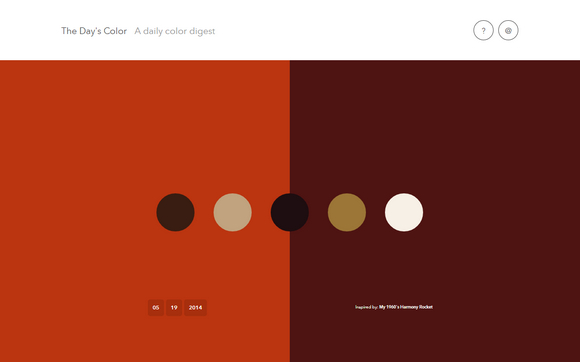
Everything you see contains a palette. Some beautiful. Some ‘ugly’. Some dark. Some light. Some hot. Some cold. But they are all inspiring. They are all engaging. Color can adjust our perception. It can effect the way our food tastes. It can increase the emotional and intuitive level of an experience.
The goal of The Day’s Color is to find colorful inspiration from things that surround us. These colors have inspired thought, art, music, memories. Everything. These colors have conjured thoughts outside ourselves. Tapped into things that we may not understand, at first. But, in a sense, make things so much clearer.
Requirements: –
Demo: http://www.thedayscolor.com/
License: License Free
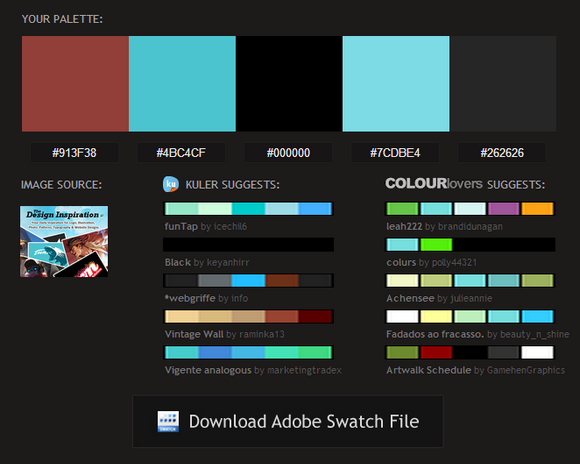
Ever wondered what colors to use with an image? Just email a picture to Pictaculous, and they’ll send back some color suggestions. Simple as that.
There are many tools out there that will analyze the colors of an uploaded picture, but the beautiful thing about Pictaculous is you can snap pictures from your mobile device, then get your results within minutes. All while you’re on the go. Think about it. When are you always inspired? When you’re out hiking, shopping, at the bookstore, on vacation, etc.
Requirements: –
Demo: http://www.pictaculous.com/
License: License Free







