Nettus has published a tutorial of “How to Create A Simple Web-based Chat Application“. In the tutorial we will be creating a simple web-based chat application with PHP and jQuery. This sort of utility would be perfect for a live support system for your website.
The chat application includes a login and logout system, AJAX-style features, and will also offer support for multiple users. Also, you can work off this and build a multiple chat rooms, add an administrative backend, add emoticons, etc…

Requirements: jQuery Framework
Demo: http://net.tutsplus.com/tutorials/javascript-ajax/how-to-create-a-simple…
License: License Free
At GraphicRiver you can buy and sell royalty free layered Adobe Photoshop Files, Vector Graphics, Icon Sets and Add-ons for Adobe Photoshop and Illustrator. It’s like having an entire graphics department at your fingertips!
Files are priced from just $1, based on the complexity, quality and use of the file. We have compiled a list of high quality design resources you may find useful when designing your own websites. Although they are not free, some of them are really a real bargain at such low prices.
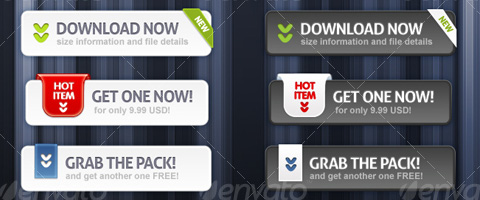
1) Premium Download Buttons
2) Web 2.0 Styled Slider Boxes
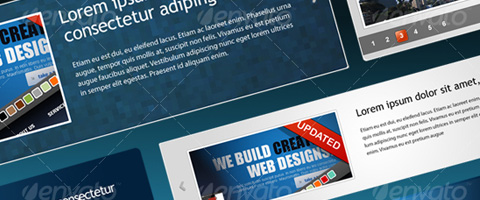
3) Great Web boxes

Read the rest of this entry »
Web applications are popular due to the ubiquity of web browsers. The ability to update and maintain web applications without distributing and installing software on potentially thousands of client computers is a key reason for their popularity.
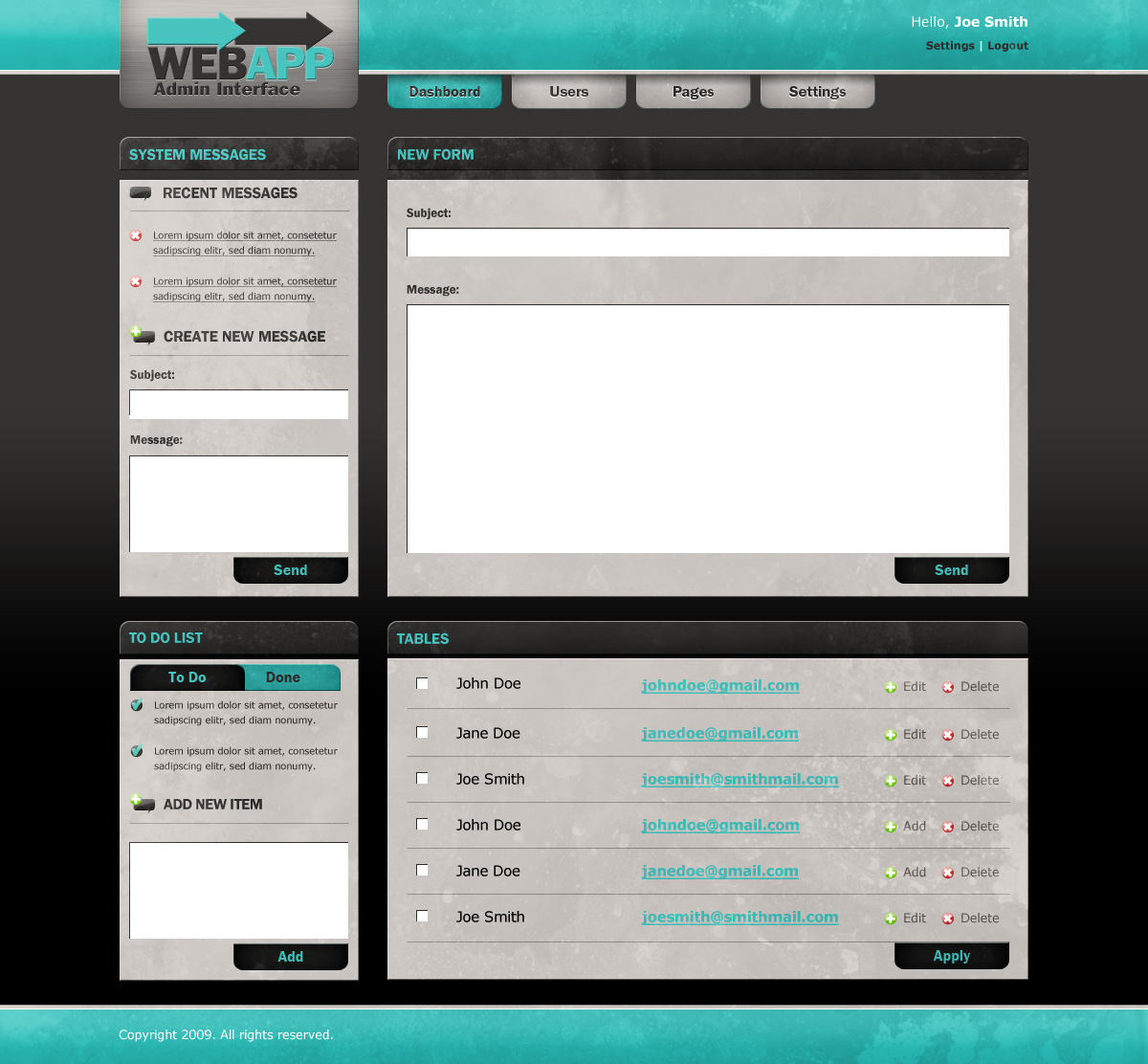
A modern and easy to use Admin User Interface is the key to success of web applications. We are going to show you How To Create a Web Application Admin User Interface in Photoshop. So that you can easily create your own admin user interface for your web applications.
Final Result
This Web Application Admin User Interface is what we are about to make. You can click on the image to see a full-scale version.

Read the rest of this entry »
The Dock is a set of iconic images that expand when rolled over with the cursor, and usually perform some action when clicked. jqDock is a jQuery plugin that mimics that behaviour by transforming a contiguous set of HTML images into an expanding Dock, vertical or horizontal, with or without labels.
Basically, jqDock expands a reduced size image towards its full size when the cursor is on or near it. You can specify a vertical or horizontal orientation for the Dock, and select the direction in which the image should expand and whether to show labels or not. The styling and positioning of the Dock is (almost) entirely down to you.
You should also check out other Fish Eye Menus we mentioned earlier.

Requirements: jQuery Framework
Demo: http://www.wizzud.com/jqDock/
License: MIT, GPL License
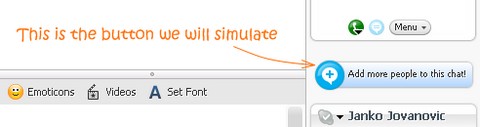
If you use Skype I am sure that you noticed that animated button for adding more people to a chat. When you mouseover on it, the icon on the left “jumps” for a few times. The animation looks really attractive.
Janko is going to show you how to create the Skype-like Buttons using jQuery and some simple CSS. The code is tested in Firefox, Safari and IE7.
Requirements: jQuery Framework
Demo: http://www.jankoatwarpspeed.com/examples/skype_buttons/
License: License Free
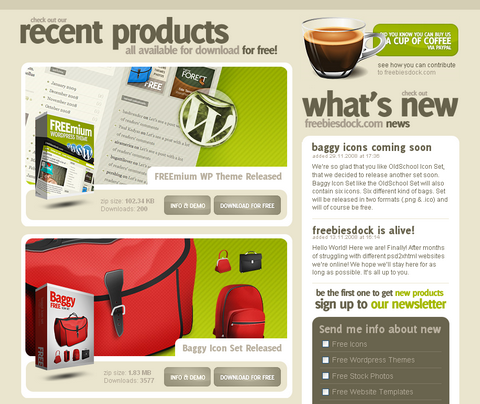
FreebiesDock is simply a collection of completely free design resources. All the products you’ll see there were created exclusively for FreebiesDock and you won’t see them anywhere else. There are hundreds of “free downloads” websites, but most of them provide poor quality services.
Paul Kadysz is the proud founder of FreebiesDock who wants it to be different. It provides some quality free downloads includes WordPress themes, Website templates, Royalty free icon sets, Royalty free stock photos and Design related articles.
Requirements: –
Demo: http://freebiesdock.com/
License: License Free
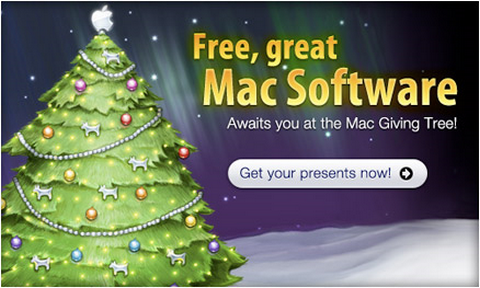
Mac Giving Tree has come back again! It’s the Holiday Season. The season of giving. MacHeist is going to treat us some insanely-great Mac Apps in celebration. Simply sign-up to MacHeist and come back Christmas morning to unwrap them.
And also, the Giving Tree now has iPhone application icons sprouting up around it, what does it all mean? When the icons grow and start wiggling you are able to click them and join a drawing for the application.
Source: Mac Giving Tree
As a web designer, you are going to need browser templates. When presenting your work to a client, adding a browser frame around your design will help you or your client get an idea of what the site will really look like.
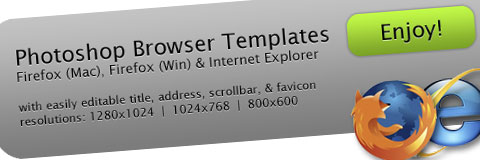
Here are the free photoshop browser templates for your professional screendesign come in 1024×768 pixels and 800×600 pixels size , all kinds of different browser (Firefox, IE, Opera, Safari, Camino and etc…) flavours. For both sizes, the safe viewing area is marked in a separate layer.
Browser components are also separated onto individual layers so you can adjust them or switch them off them as you like: Page title, Address field, Favicon, Scrollbar and Dropshadow. You can download this amazing package for free.

Update: Our reader has just pointed out that the browser templates are not updated which we have not realized. We have now found a source of Photoshop Browser Templates for IE 7 and Firefox 3.0 instead. Please feel free to download them.
Requirements: Photoshop
Demo: http://www.webdesignerstoolkit.com/
Demo: http://piksels.com/photoshop-browser-templates/
License: License Free
We can create javascript treeview component quickly with jsTree. It accepts various data sources including predefined HTML, JSON and XML. User can open, close, rename, create, delete nodes easily. jsTree supports drag & drop and multiple select as well. And also, jsTree supports easy CSS customization of icons, dots, background, fonts & sizes. So that you can create your own unique javascript treeview component easily.

Requirements: jQuery Framework
Demo: http://www.jstree.com/jsTree/examples/
License: MIT, GPL License
When feeds became popular, it worked to have one icon on your site to point your readers to your RSS or Atom feeds. As feeds are more prevalent in blogs and websites abroad, the presence of multiple feeds abound.
It’s nice to offer users a way to get your feeds, so typically you will see a feed icon lurking around a site somewhere. At times, you will see a list of two, three or more links to different feeds offered on a site. Why not have an easy and standard way of offering your feeds via a nice, compact menu, just like in the location bar, but on your site?
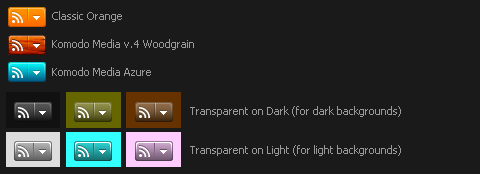
jQuery Feed Menu can do this for you easily. It allows users to click your feed icon and be presented with a list of feeds to choose from.
Requirements: jQuery Javascript Framework
Demo: http://www.komodomedia.com/samples/feed_menu/
License: Creative Commons 3.0 License