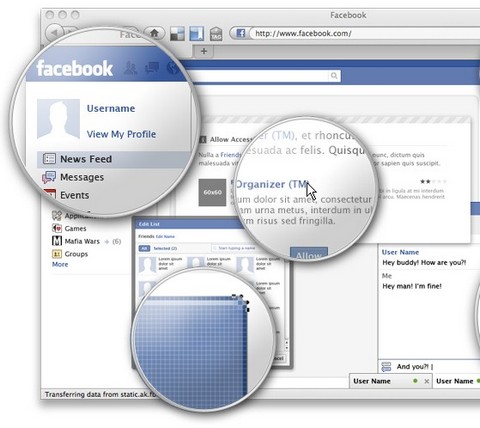
SmashingMagazine has just released Free Full Layered Facebook GUI PSD Kit. The main idea behind the kit is to speed up the prototyping of Facebook application UIs and Facebook fan pages, thus sparing you from drawing all the comps and letting you customize all the texts, buttons and data as you need. As usual, the kit is free to use in all projects, without any restrictions.
The kit brings the Facebook vector icon and logo. Also, since the focus of this resource are the UI elements, it brings a main window with the header, menu and the chat window for you to set up your realistic mock-ups. Plus all the modal components, comment boxes, buttons, message boxes, tabs, etc. All the components are full layered, built using vectors and blending options, so that scaling and editing the objects will not be a problem. The theme is released under Creative Commons. You can use it for all your projects for free and without any restrictions.
Requirements: –
Demo: http://www.smashingmagazine.com/2010/07/23/free-facebook-gui…
License: Creative Commons License
Anologue is an approach to ad hoc, linear dialogue in realtime. With anologue you can quickly and easily engage in an anonymous (or not) linear dialogue with any number of people (within reason). There is no accounts or installations required. Your “chat room” is created by the time this link loads.
Best of all: Anologue is open source. built with php 5.3.1, using the most non-heinous, totally rad lithium framework, couchdb, jquery, a few other scripts as well as some classy, original and established iconography for ui; all coming together for the conversational goodness you’re about to experience.

Requirements: PHP 5.3, CouchDB, rad-dev account
Demo: http://anologue.com/add
License: BSD License
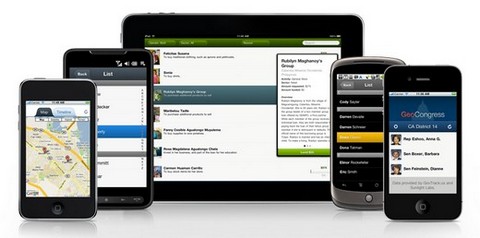
Sencha Touch allows your web apps to look and feel like native apps. Beautiful user interface components and rich data management, all powered by the latest HTML5 and CSS3 web standards and ready for Android and Apple iOS devices. Keep them web-based or wrap them for distribution on mobile app stores.
You can easily shift theme coloring, add style, and use our pre-included icons to deliver a phenomenal visual experience. Animate between views using one of our many predefined animations, with loads of configuration options.
Requirements: –
Demo: http://www.sencha.com/
License: GPL 3.0 + FLOSS License
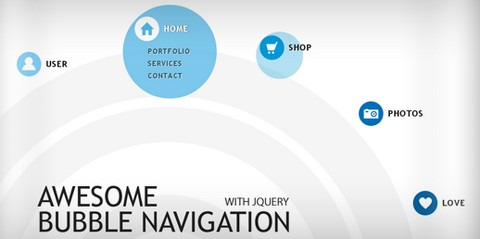
Codrops has shared a tutorial about how to create a bubbly navigation with jQuery. The idea is to have some round navigation icons that release a bubble when hovering over them. They will use the jQuery Easing Plugin for a even nicer effect.
However, if you are an IE user you might have noticed that the bubble looks kind of weird without CSS3 support. He has figured that has something to do with the transparency of the image and the animation, but there is no solution yet. Please use Google Chrome to view the demo for now.
Requirements: jQuery Framework
Demo: http://tympanus.net/Tutorials/BubbleNavigation/
License: License Free
You can find a tool for just about anything online, there’s only one problem: they cost money, and in some cases, lots of it! Many online tools offer a free basic package for anyone to use, but these packages are often strictly limited, rendering these tools practically useless until you stump up the cash. In most cases, however, there are free alternatives available, many of which are very, very good indeed.
Below, you’ll find 15 Best Free Online Tools for Web Design and Development. Rather than narrow our focus, we’ve covered various aspects of the design and development process, to include the admin side of freelancing or running a small business.
No two tools listed below perform the same function; we’ve chosen our favorite tool for doing each job. You’ll find the best free online tool for project management, one for invoicing, one for screen sharing, one for instant messaging, one for mocking up layouts, and much more besides.
1. Redmine
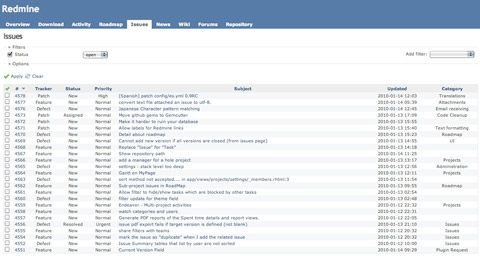
Redmine is a great, free alternative to other pricey project management apps available online. It does pretty much everything you could possibly desire, albeit in a less polished way than some of its more expensive rivals. With Redmine, you can manage a large number of projects simultaneously, defining personal roles and assigning tasks to specific team members if necessary. You can track time and issues, create Gannt charts and calendars, create project wikis and forums, and manage documents and files.
2. Billing Boss
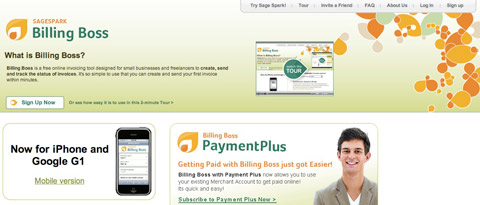
Billing Boss is a fantastic, free invoicing tool, designed especially for small businesses and freelancers, which lets you send an unlimited number of invoices to an unlimited number of clients, quickly and easily. All of your invoices are saved automatically and catalogued in a logical, understandable way. Billing Boss supports multiple currencies, is integrated with PayPal and is mobile friendly. You can even share your account with your bookkeeper or accountant.
3. Yuuguu
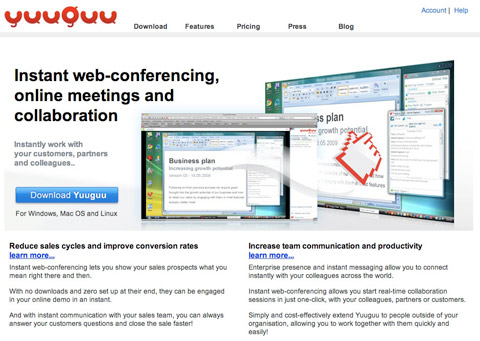
Yuuguu is a multi-platform screen-sharing tool, which allows Windows, Mac and Linux users to collaborate. You can quickly initiate an instant messaging session with a client or team member, sharing each others’ screens at the touch of a button. It’s perfect for working together on document presentations or for writing and editing documents in a group.
With Yuuguu, there’s nothing to download at either end, which means you can start sharing and communicating in seconds. The free Yuuguu package includes unlimited use with other Yuuguu users and 100mins/month use with non-Yuuguu users, as well as up to 5 participants in a single session. Read the rest of this entry »
Macintosh computers are really known to bring out the creative side of people. To harness it, and refine your potential there are some great Mac tools that you can use online and some of them for free.
As Microsoft burdens you with tons of softwares that serve the purpose and slow downs the computer at the same time these serve as a better alternative. The best part is that abundant tools are available to do things from simple text editors to image processing tools. Most of these tools provide an easy to use interface and work efficiently. Here is a list of useful Mac applications, which looks really slick too.
Fontcase

Fontcase is an elegant font management software. It combines simplicity and raw power all underneath a streamlined workstream. It organises your installed fonts with a powerful tagging system to automate the process. Like iTunes is for music, Fontcase is for fonts!
Postbox
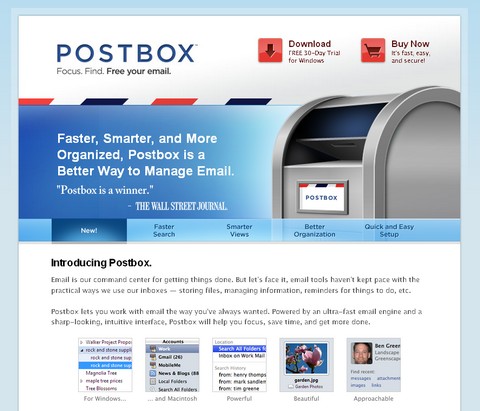
Postbox, powered by Mozilla Technology is a powerful Email Management software with cutting edge features that have set new standards for Email Clients. It has a powerful message and content search with autocomplete features. It provides a smarter message and content views that simplifies mail organisation as well as tracking them. It possess superior message handling and organisation features as well as strong security features.
Read the rest of this entry »
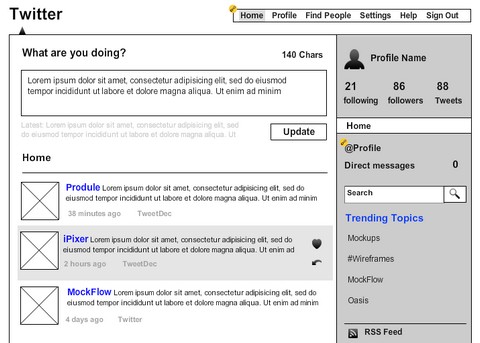
MockFlow is an online tool for creating wireframes of software and websites. It helps to enhance your planning process by enabling to quickly design and share interactive UI mockups. It also comes with ready-to-use 70+ Components and 200+ icons, all designed to suit wireframing.
Nothing to download or install, create and access your mockups from anywhere. You can share your mockups in private/public mode and get feedback from your clients & users, As simple as sharing an URL. The Basic account is completely free with 10 MB storage.
Requirements: –
Demo: http://mockflow.com/
License: License Free
WebTreats Etc shares a lot of royalty free stock icons, clip art, images, brushes, custom shapes, layer styles, layered PSD’s, patterns, textures, and other design resources with us. All of them are free for use in both personal and commercial projects.
You may freely use them in software programs, scrapbooking kits, web templates, websites, blogs, etc. No attribution or backlinks are required, but are always appreciated.

Requirements: –
Demo: http://webtreats.mysitemyway.com/
License: License Free
Would you like to Create a Realistic Hover Effect With jQuery? It adds a rising hover effect to a set of icon links using jQuery’s animate effect. In a nutshell, the JS appends the reflection/shadow to each <li>, then animates the position and opacity of these elements and the icon links on hover. And .stop() eliminates any queue buildup from quickly mousing back and forth over the navigation.

Requirements: jQuery Framework
Demo: http://adrianpelletier.com/sandbox/jquery_hover_nav/
License: License Free
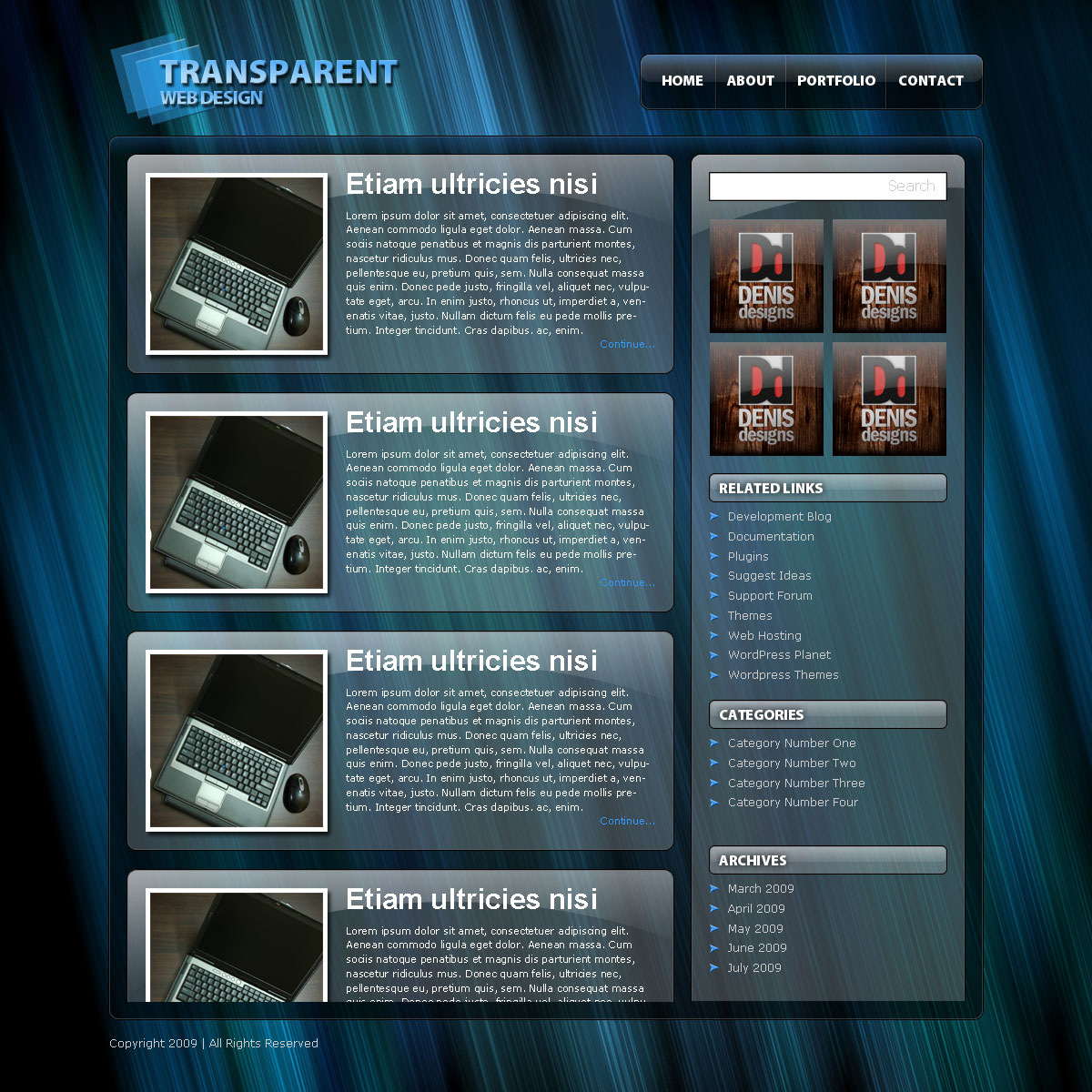
Would you like a Transparent Website Layout? It can be very useful if you would like to have a different theme for your website, but do not want to change too much of the design. Simply changing the background image can also give you a whole different feeling sometimes. We are going to teach you how to design a transparent website layout in Photoshop. Hope you would find it useful.
Final Result
A Transparent Website Layout is what we are about to make. You can click on the image to see a full-scale version.

Read the rest of this entry »