Web applications are popular due to the ubiquity of web browsers. The ability to update and maintain web applications without distributing and installing software on potentially thousands of client computers is a key reason for their popularity.
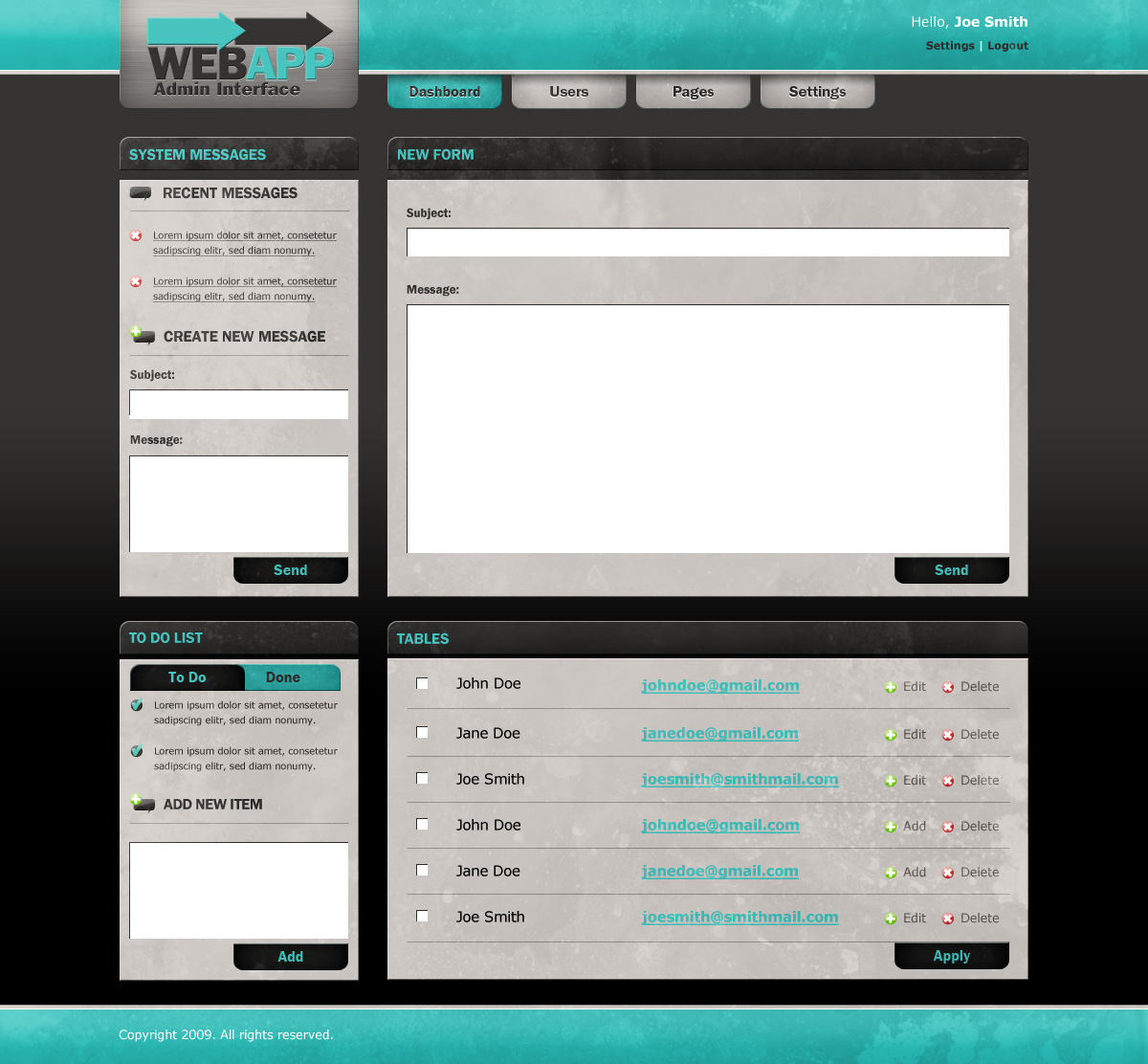
A modern and easy to use Admin User Interface is the key to success of web applications. We are going to show you How To Create a Web Application Admin User Interface in Photoshop. So that you can easily create your own admin user interface for your web applications.
Final Result
This Web Application Admin User Interface is what we are about to make. You can click on the image to see a full-scale version.

Read the rest of this entry »
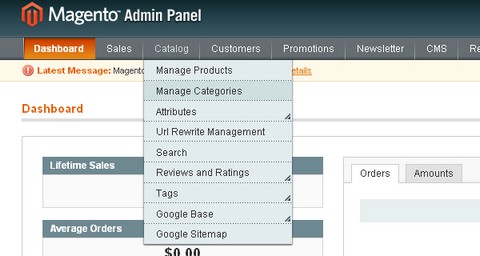
Magento is a very Powerful Open Source eCommerce System, which offers offering unprecedented flexibility and control.
Nettus has written a tutorial: “Easy E-Commerce With Magento” which demonstrates how to download and install Magento to a local host, configure some of the site options, and create simple and configurable products and categories for your e-commerce site. You can learn most of the basics of Magento from the tutorial.
Source: http://net.tutsplus.com/videos/screencasts/easy-e-commerce…
Would you like the Scrolling Background Effect like youlove.us? The technique is actually a lot simpler than it looks, it’s based around scrolling a very tall gradient image behind some transparent PNG images. The header image has a transparent background and solid text, while the main page is actually an image with the heading text as transparent cut outs.
The JavaScript is where the real magic happens. They have made use of the jQuery library and Alexander Farkas backgroundposition.js script to help them make the background move. The final result looks very nice. However, it might consume a lot of your CPU resources.

Requirements: jQuery Framework
Demo: http://youlove.us/blog/the-youloveus-scrolling-background-effect…
License: License Free
DreamCSS has written a tutorial explains how to Create Beautiful jQuery sliders with image description and name. The gallery looks so simple but elegant. The text effect it displays the image title and description is very attractive as well.

Requirements: jQuery Framework
Demo: http://dreamcss.comli.com/jquery sliders/
License: License Free
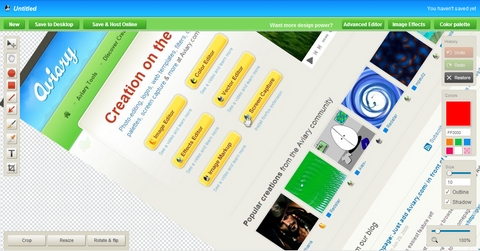
Aviary has just launched Screen Capture Talon that can let you capture any webpage from any browser, by simply putting Aviary.com/ in front of the URL. You can capture a page at different resolutions or to only capture a portion of the page as well.
After capturing the page, you can edit it, add simple markup to it and save it to your desktop (or host it online with a single click). It works on almost any public page on the Internet, with any browser. It can even capture Flash. However, it does not support multiple browsers / operating systems at the moment.
Source: http://aviary.com/launch/talon

XRegExp is an open source (MIT license) JavaScript library that provides an augmented, extensible, cross-browser implementation of regular expressions, including support for additional syntax, flags, and methods.
XRegExp adds new regex and replacement text syntax, including comprehensive support for named capture. It also provides a suite of 12 functions and methods that make complex regex processing a breeze. And it lets you easily create and use plugins that add new syntax and flags to XRegExp’s regular expression language.
XRegExp is fully compliant with the regular expression flavor specified in ECMA-262 Edition 3 (ES3), and has been tested with Internet Explorer 5.5–8, Firefox 2–3, Safari 3–4, Chrome 1–2, and Opera 9. XRegExp uses feature detection—no browser sniffing.
Requirements: –
Demo: http://xregexp.com/
License: MIT License
With 200 lines of JavaScript, you can drag and drop table content. Content of the HTML table cells can be dragged to the another table cell or another table. Script has built in autoscroll and option to forbid landing to some table cells. Table could have rowspan or colspan cells and different background color for every cell.
In order to detect destination table cells, script calculates all table cell coordinates / dimensions and store them to the arrays. Arrays are searched inside onMouseMove handler and when user release left mouse button, object will drop to the current table location.

Requirements: FireFox 3, Internet Explorer 6 and Google Chrome
Demo: http://www.redips.net/javascript/drag-and-drop-table-content/
License: License Free
scripty2 is a complete rewrite of the venerable script.aculo.us library. It is a powerful, flexible JavaScript framework to help you write your own delicious visual effects & user interfaces.
However, scripty2 is still in a prerelease alpha version and not meant for production use at the moment. Even in alpha, the effects engine can now do so much more, with less code to write.

Requirements: Prototype Framework
Demo: http://scripty2.com/demos/cards/
License: Creative Commons 3.0 License
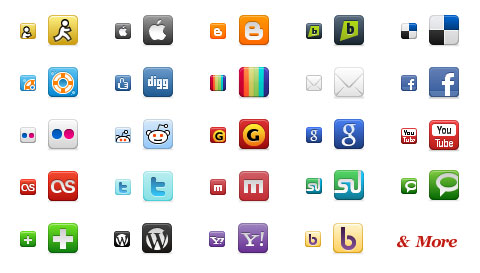
Komodo Media has developed over 80 refined, amazing social networking icons for the top networks around. The Social Network Icon Pack consists of 40+ 16 pixel x 16 pixel icons and 40+ 32 pixel by 32 pixel icons all in 32-bit PNG format. Social Network Icon Pack is licensed under a Creative Commons Attribution-Noncommercial-Share Alike 3.0 United States License.
Requirements: –
Demo: http://www.komodomedia.com/blog/2009/06/social…
License: Creative Commons 3.0 License
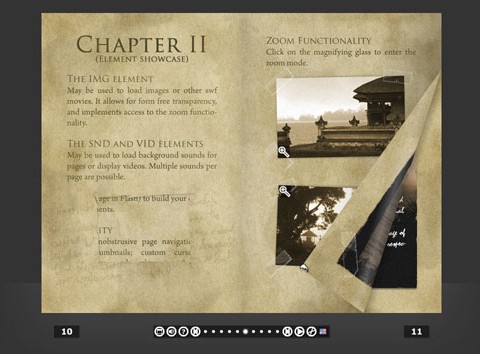
MegaZine 3 is an open source pageflip/flashbook engine, written completely in AS3. It generates an interactive book, which can then be flipped through by the user. MegaZine 3 uses a completely dynamic approach, allowing full configuration through an external XML file. This makes it easy to set up books even if you do not even own the Flash IDE.
MegaZine 3 automatically generates a control bar that allows jumping to every individual page. It also generates thumbnails for the pages, to make it easier for the user to find a page again, or getting a first impression.
Requirements: Flash Required
Demo: http://megazine.mightypirates.de/demo/index.html
License: LGPL License