The popular B2B web design studio, Webydo continues to create quite the stir amongst the web design community and is making waves again – this time with their release of the first code-free Parallax Scrolling Animator. Webydo is an advanced online web design studio for creative professionals that allows for pixel perfect accurate web creation and incredible features for designers to take advantage of without having to know how to code. And now Webydo’s users can once again reach new heights in their web designs with the ability to create parallax scrolling websites, code-free.
One unique feature of Webydo is that it provides users with a voice through their Participation panel on which designers can make suggestions, vote on these posts, and then watch Webydo take action on the most popular ones. Parallax scrolling was one of the most popular feature suggestions that Webydo pushed to the top of its list. Still in closed beta and Webydo is inviting the first 8,000 designers who sign up in the next seven days to join the closed beta program. Invites will go quick, so hurry up and get yours before they are gone. Just last week Webydo offered 2,000 invites to their community, which ran out in the first 1.5 hours, so don’t miss out on the chance to be part of web design history.
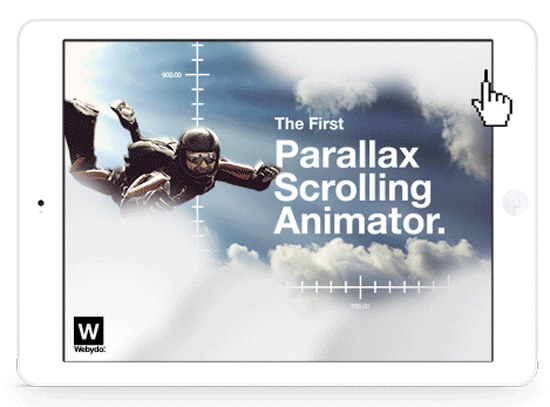
Take a look at the details below to see just how perfectly Webydo’s code-free parallax scrolling feature works seamlessly in line with the rest of its design studio. Then get ready to join the rest of the professional design community who had previously been limited in their ability to offer parallax websites to clients until now. Read the rest of this entry »
Many HTML5 applications need more than just a browser, they need all the features of a native application. Crosswalk is a web runtime for ambitious HTML5 applications. It provides all the features of a modern browser, combined with deep device integration and an API for adding native extensions. It is especially suited to mobile devices, with support for both Android and Tizen.
By using Crosswalk, an application developer can: Use all the features available in modern web browsers: HTML5, CSS3, JavaScript. You can also add custom extensions to an application, to leverage platform features not exposed by Crosswalk or the standardized web platform.

Requirements: –
Demo: https://crosswalk-project.org/
License: License Free
If backgrounds are your business and business is your business, then this deal is so for you. This designerific Mighty Deal features not 1 but 2 amazing collections for you! First up is a set of 80 high-quality backgrounds and patterns to spice up your latest project.
Fully scalable and easy to edit, these badboys will make even the dullest-looking projected pop! Next up is a collection of 30 business card templates to let you spread the word about yourself and your business. Each hi-res JPG clocks in at 3840×2970 or 3840×2400 and is easily resizable to suit your needs, without having to worry about losing any quality in the process.
This backgrounds and business cards bundle normally sells for $200, but for a limited time only, you can get both incredible collections for only $18. That’s more than 90% off the regular price.
Fort.js is a modern progress bar for form completion. All you do is add the form and Fort.js algorithm will take care of the rest. Best of all, it super small.
Using Fort.js is so simple, it’s simple. All you do is insert fort.min.js and fort.min.css into the <head> then pop in an <input> into <div>. Anything outside of the <div> won’t count. Yep, that’s all there is to it. Fort.js does the rest.

Requirements: JavaScript Framework
Demo: http://colourity.github.io/sections/
License: MIT License
If you are a designer you will surely agree to this, won’t you? What makes them better is that they are for free! Yes, thats right. If you are a designer then you will certainly want to checkout these high quality resources which you can’t refrain from downloading.
Get a sneak peek into these design resources now:
1. Web design UI Elements
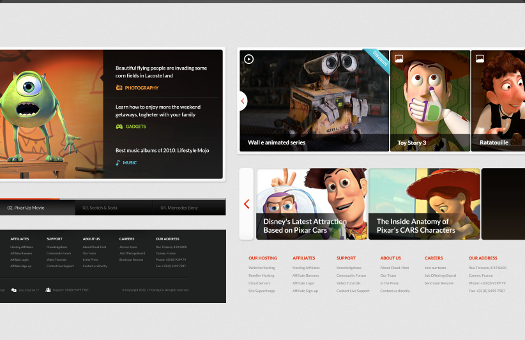
Present your website in a professional manner with this UI kit which includes over 100 vector graphic elements in 6 categories.
Download these here
2. Elegant Print Templates

Go for this traditional but inexpensive way to promote and advertise your Brand. Customize these easily customizable templates for Personal or Commercial Use Read the rest of this entry »
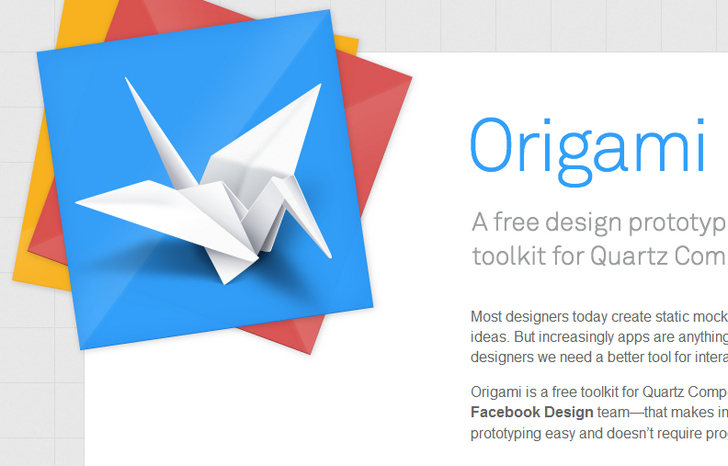
Origami is a free toolkit for Quartz Composer — created by the Facebook Design team — that makes interactive design prototyping easy and doesn’t require programming.
Most designers today create static mockups to communicate app ideas. But increasingly apps are anything but static, which means as designers we need a better tool for interaction design — this is where Origami comes in.
Requirements: Quartz Composer
Demo: http://facebook.github.io/origami/
License: See License Agreement
App.js is a lightweight JavaScript UI library for creating mobile webapps that behave like native apps, sacrificing neither performance nor polish. It’s cross-platform, themable platform-specific UI designs, configurable native-like transitions. And it supports built-in widgets for general use-cases.
The goal of App.js is to provide a robust starting point for mobile webapps, handling general scenarios, and maintaining compatiblity with other common JavaScript libraries.

Requirements: JavaScript Framework
Demo: http://code.kik.com/app/
License: MIT License
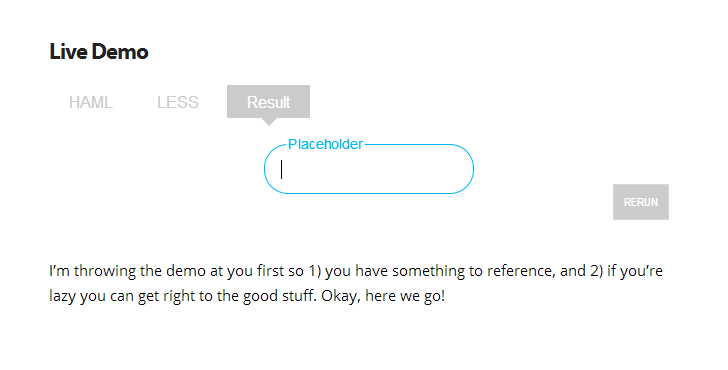
Danny King has designed an interactive placeholder thing for his forms and wrote it entirely in CSS. He has shared how he designed that placeholder and how it manages to adapt to user input.
Before he came up with the Adaptive Placeholder, it was just using a normal one. he liked the simplicity of using a placeholder as a label. It actually made a pretty crappy interaction for the user though. A user would type and the text disappeared. The person who enters a value first isn’t always the same person who sees it later. To solve this problem he tried making the placeholder persist through the typing.
Requirements: CSS
Demo: http://blog.circleci.com/adaptive-placeholders/
License: License Free
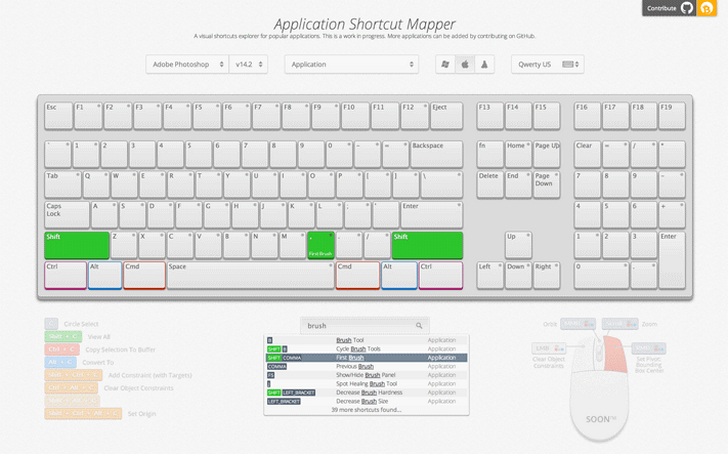
ShortcutMapper is a keyboard shortcuts visualiser for popular applications. The application uses ajax calls to load keyboards and application data. First, try and find an online resource that lists all the application shortcuts for each platform.
Now you’re going to use that resource to export an to intermediate data format that can be edited by hand easily. SHMAPLIB is short for “Shortcut Mapper Lib”. It’s a Python library that will help you export data in the right format to the right location.
Requirements: –
Demo: http://waldobronchart.github.io/ShortcutMapper/
License: MIT License
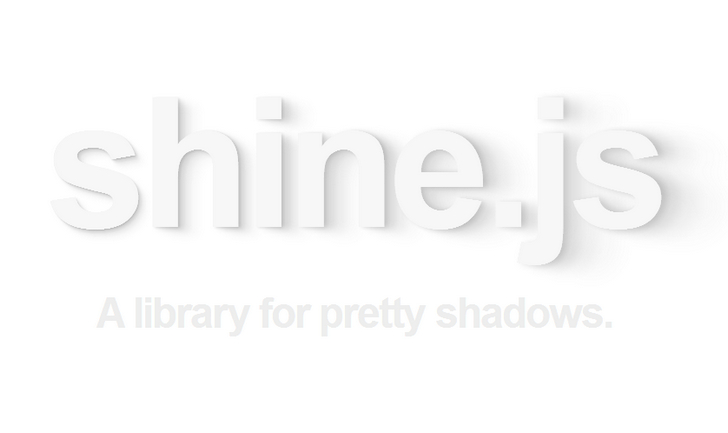
Shine.js is a library for pretty shadows. You can set dynamic light positions, Customizable shadows. And there is no library dependencies, AMD compatible. It works in browsers that support textShadow or boxShadow and auto-prefixes if necessary.
Requirements: JavaScript Framework
Demo: http://bigspaceship.github.io/shine.js/
License: MIT License







