roBrowser is an open source project based on the game Ragnarök Online. It’s not afficiliate by anyway with Gravity. The concept is to reproduce the game using awesome new web technologies (HTML5, Javascript, WebGL) to bring it to Web Browsers.
Since roBrowser run into a Web Browser, it also mean it’s cross-plateform and can run into multiples OS (Windows, Linux, Macintosh, …) instead of the original client limited to Windows. It should also run fine on others devices ( televisions, smartphone, tablettes, computer) if the device support openGL ES 2.0 and is enough powerfull to support the game.

Requirements: WebGL, JavaScript, HTML5, and more
Demo: http://www.robrowser.com/
License: GPL License
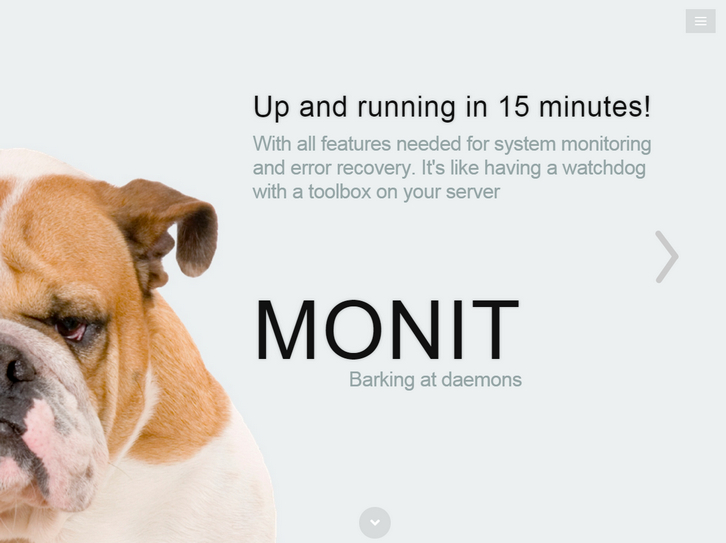
Monit is a small Open Source utility for managing and monitoring Unix systems. Monit conducts automatic maintenance and repair and can execute meaningful causal actions in error situations.
You can use Monit to monitor daemon processes or similar programs running on localhost. Monit is particular useful for monitoring daemon processes, such as those started at system boot time from /etc/init/ For instance sendmail, sshd, apache and mysql. You can also use Monit to monitor files, directories and filesystems on localhost. Monit can monitor these items for changes, such as timestamps changes, checksum changes or size changes.
Requirements: Unix Systems
Demo: http://mmonit.com/monit/
License: AGPL License
Timesheet.js is a simple JavaScript library to create HTML time sheets. You can visualize your data and events with sexy HTML5 and CSS3. Create simple time sheets with sneaky JavaScript.
Just include Timesheet.js and configure your data. No external dependencies, no jQuery needed and of course no Angular.JS! Just a few lines JavaScript to generate a beautiful HTML5 layout and some really delicious CSS to be customized by mighty you.

Requirements: JavaScript Framework
Demo: http://semu.github.io/timesheet.js/
License: MIT License
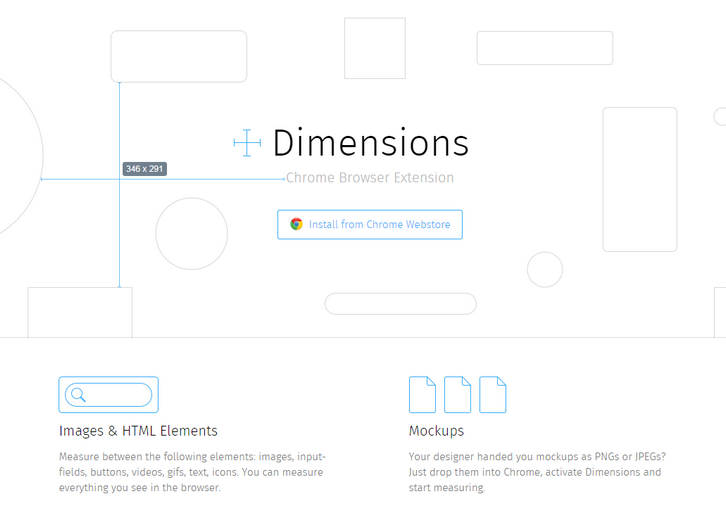
Dimensions is a browser extension for coders to measure screen dimensions. Currently only available for Chrome. You can measure between the following elements: images, input-fields, buttons, videos, gifs, text, icons. For the best experience set a keyboard shortcut in the chrome setting at the end of the extensions list to quickly enable and disable Dimensions.
Your designer handed you mockups as PNGs or JPEGs? Just drop them into Chrome, activate Dimensions and start measuring. Best of all, Dimensions is Open Source and hosted on Github.
Requirements: –
Demo: http://felixniklas.com/dimensions/
License: MIT License
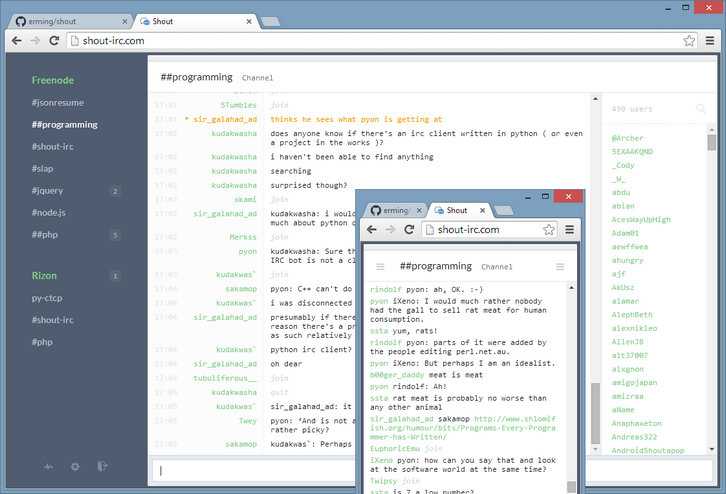
Shout is a web IRC client that you host on your own server. It stays auto-connected with no configuration. It offers a great desktop (web-based) UI, including embedded images, videos, tweets, pastebins, and more. And it offers fantastic mobile apps for both iOS and Android, for both phone and tablet form factors. Best of all, it’s free for download and released under MIT license.
Requirements: –
Demo: http://demo.shout-irc.com/
License: MIT License
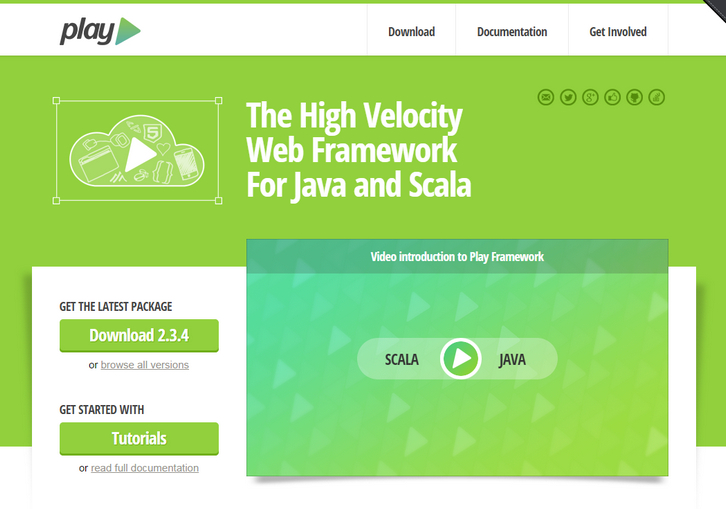
The Play Framework combines productivity and performance making it easy to build scalable web applications with Java and Scala. It’s built on Akka, Play provides predictable and minimal resource consumption (CPU, memory, threads) for highly-scalable applications.
Play is developer friendly with a “just hit refresh” workflow and built-in testing support. With Play, applications scale predictably due to a stateless and non-blocking architecture. By being RESTful by default, including assets compilers, JSON & WebSocket support, Play is a perfect fit for modern web & mobile applications.
Requirements: –
Demo: https://www.playframework.com/
License: Apache 2.0 License
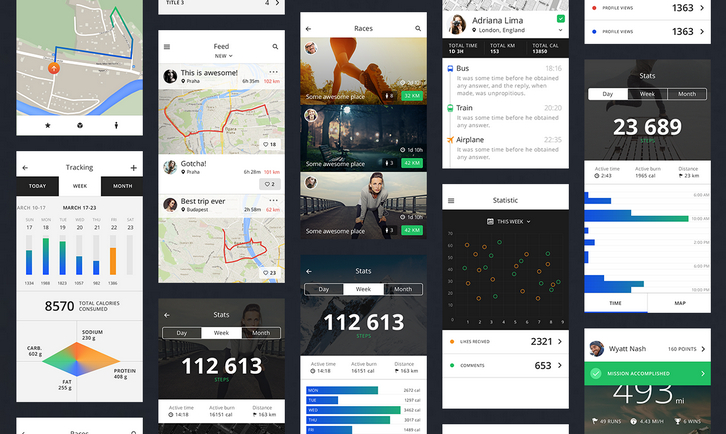
InVision are obsessed with helping people become better product designers, thinkers, and creators of web and mobile products. That’s why they are so excited to introduce you to TETHR.
TETHR is the most beautiful, complete iOS design kit you’ve ever seen, and it also happens to be free. The kit features retina-ready, clean modern designs that can be mixed and matched to simply create beautiful iPhone interfaces. It includes 8 PSD files, 138 templates, and more than 250 individual components.
Requirements: –
Demo: http://www.invisionapp.com/tethr
License: License Free
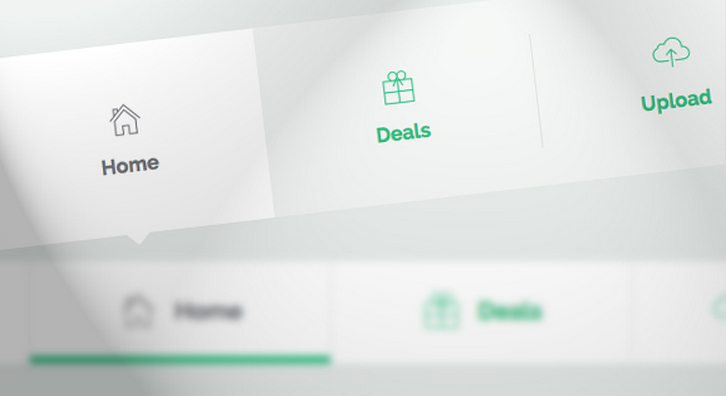
Codrops has shared a couple of modern and subtle tab styles and effects for your inspiration. They use pseudo-elements, SVGs and CSS transitions for some of the techniques.
This Tab Styles Inspiration collection contains some styles and effects for modern tabs; from a simple box to a SVG shape. Depending on your design, different tab layouts and looks can spice up your sections; think outside of the box and you’ll see how interesting the usually boring tabs can become.
Requirements: –
Demo: http://tympanus.net/Development/TabStylesInspiration/
License: License Free
Picdeck is a Tweetdeck-style viewer for Instagram. Simply add columns for hashtags and users you want to follow and BAM! Photos start streaming in. Picdeck allows you to set-up individual columns for users and hashtags to monitor images as they get posted. Also the site is about as responsive as a rock.

Requirements: Instagram Account
Demo: http://picdeck.co/
License: License Free
TutsMix has shared with us some cool CSS loading effects for grid images. You can use them on your portfolio, blog, or anywhere you want. The setup is quite simple. We use Normalize.css as an alternative to the traditional CSS reset, ZURB Foundation to create a responsive grid, Masonry to create a dynamic grid layout, imagesLoaded to check if the images have been loaded, and Infinite Scroll by Paul Irish to load more images and append them to the gallery.

Requirements: JavaScript Framework
Demo: http://tutsmix.com/demo/cool-css-loading-effects-for-grid-images/
License: MIT License







