Droidicon provides over 1600 customizable icons, 25 ready-made social badges and more! Droidicon makes it super easy to add icons and badges to your app. All of the social badges are already styled. Just add them to your app! Or you can customize the icons however you want. You can also add strokes, transparency, and color filters to icons. They are licensed under MIT License.

Requirements: –
Demo: https://github.com/theDazzler/droidicon
License: MIT License
JuliusJS is a speech recognition library for the web. It is an opinionated port of Julius to JavaScript. It actively listens to the user to transcribe what they are saying through a callback. All recognition is done in-browser through a Worker. It is licensed under MIT License.

Requirements: –
Demo: https://github.com/zzmp/juliusjs
License: MIT License
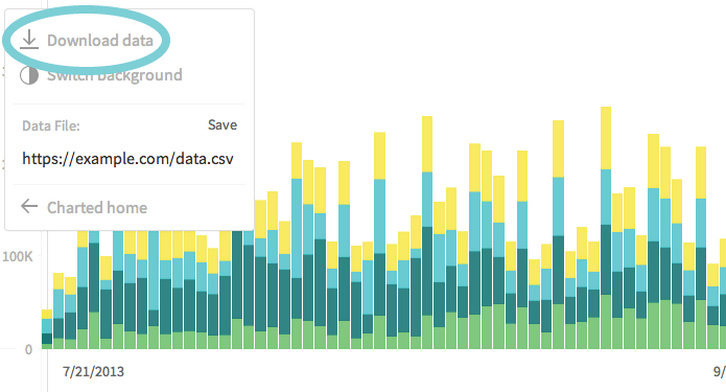
Charted is a tool for automatically visualizing data, created by the Product Science team at Medium. Give it the link to a data file and Charted returns a beautiful, shareable chart of the data. Charted does not store any data. It only fetches and visualizes what the link provides. It also refetches the data every 30 minutes, so the chart is always up-to-date.
Charted is open-sourced and available for anyone to use at charted.co. The publicly-hosted charted.co works with files that are already publicly accessible to anyone with the link (e.g., Dropbox share links). For protected or sensitive data, you can serve your own instance of Charted on your secure network.
Requirements: –
Demo: http://www.charted.co/
License: MIT License
We have some great news to share! The folks from TemplateMonster (we hosted their giveaway a while back) announced a Seven Week Giveaway. They have seven great prizes like: Pebble Steel, NVIDIA SHIELD, Moto 360, Bluetooth Smartphone Watch, Nexus 5, Moto Hint, and iPhone 6. Each week they will be giving away a different prize to one lucky winner.
How to Win One of the Seven Prizes
Head on over to TemplateMonster and buy one of their web templates between now and December 30, 2014
As you probably know, TemplateMonster is a perfect destination for different types of templates, including WordPress themes, PrestaShop themes, HTML5 templates, etc (there are over 40,000 templates to choose from). In other words, TemplateMonster can offer a web page design for any type of website you have in mind, be it a blog, an eCommerce site, a portfolio site, or any other site.

The giveaway has already started, and runs through December 30, 2014. The first two prizes have already been awarded to the two lucky TemplateMonster customers.
The good thing is that you have 5 more weeks to enter the giveaway, but if you enter this week, you’ll get a chance to win Nexus 5.
Also, there is one more reason to try your luck now. This week ALL TemplateMonster templates are available at half price. Just because it’s Thanksgiving!
Enter this code to receive 50% off your purchase – TURKEY
Please note: The code only works for a limited time, so make sure to use it before December 1st.
With all said, this week seems to be the best time to enter the Seven Week Giveaway.
You can find more info about the giveaway here: www.templatemonster.com/presentations/end-of-the-year-giveaway-templatemonster/
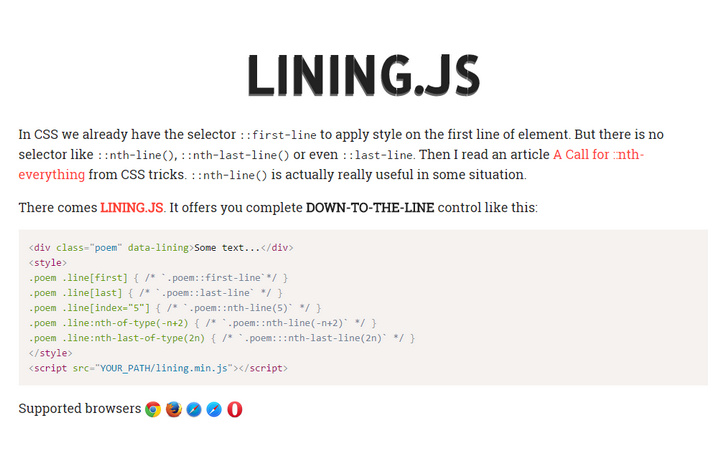
In CSS we already have the selector ::first-line to apply style on the first line of element. But there is no selector like ::nth-line(), ::nth-last-line() or even ::last-line. A Call for ::nth-everything from CSS tricks. ::nth-line() is actually really useful in some situation. There comes Lining.js. It offers you complete DOWN-TO-THE-LINE control.
If you want your line style support Responsive web design. Make sure you add the data-auto-resize attribute. It will automatically relining when window resize event happen. lining.effect.js is an extra part of lining.js. It gives you the power to add appearances animation on your lines.
Requirements: JavaScript Framework
Demo: http://zencode.in/lining.js/
License: MIT License
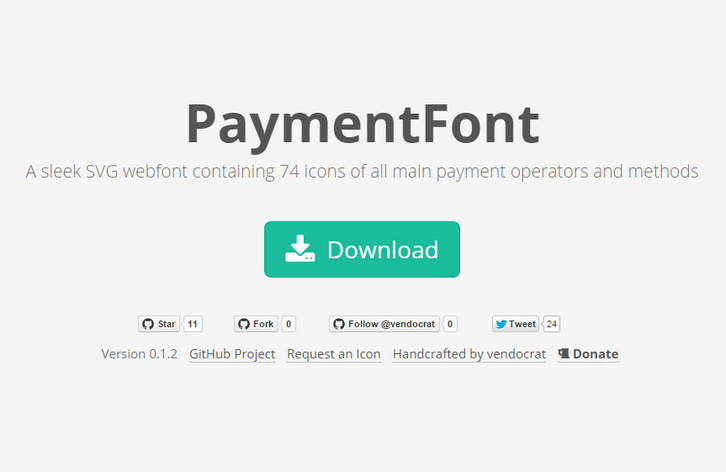
PaymentFont is a sleek SVG webfont containing 74 icons of all main payment operators and methods. Simply copy or upload the folders /css and /font, include paymentfont.min.css and enjoy your icons. PaymentFont was originally made for our WooCommerce Payment Methods Plugin for WordPress and WooCommerce. The font is licensed under the SIL OFL 1.1. Attribution is not required, but much appreciated.
Requirements: –
Demo: http://paymentfont.io/
License: SIL OFL License
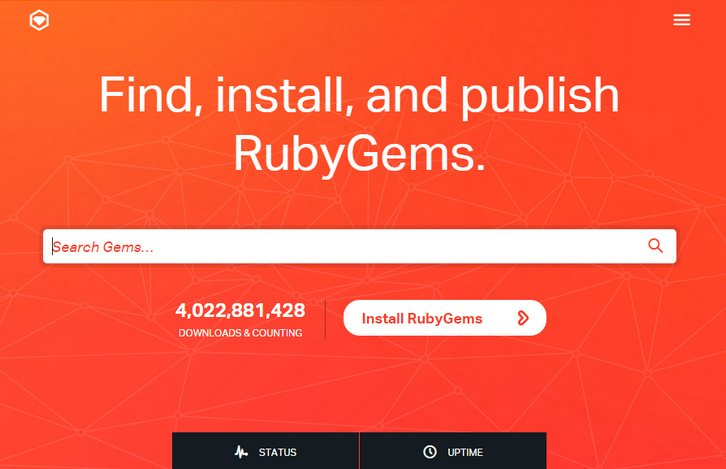
The RubyGems software allows you to easily download, install, and use ruby software packages on your system. The software package is called a “gem” and contains a package Ruby application or library. It is the Ruby community’s gem hosting service. Instantly publish your gems and install them. Use the API to interact and find out more information about available gems.
Gems can be used to extend or modify functionality in Ruby applications. Commonly they’re used to distribute reusable functionality that is shared with other Rubyists for use in their applications and libraries. Some gems provide command line utilities to help automate tasks and speed up your work.
Requirements: –
Demo: https://rubygems.org/
License: License Free
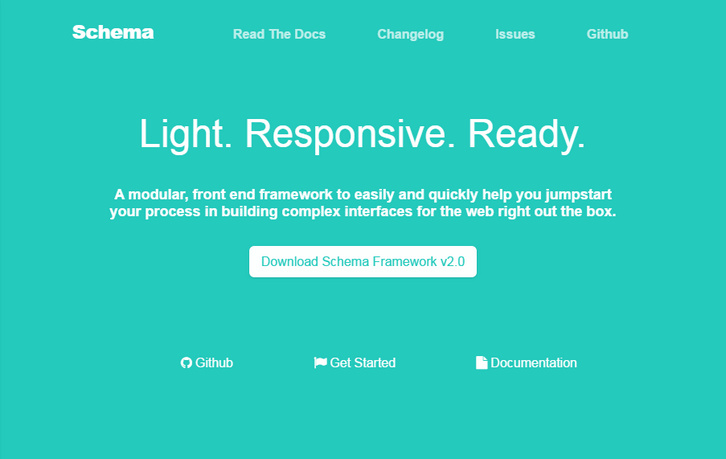
Schema is a modular, responsive, front end framework to easily and quickly help you jumpstart your process in building complex interfaces for the web right out the box. Schema comes fully equipped with the capabilities of creating familiar experiences across multiple viewports. From a desktop monitor down to a mobile device, Schema’s 12-column grid provides flexibility.
Schema leverages the power of Less. This enables a clean structure of code that is super easy to maintain. Whether you’re trying to put a quick design to a prototype, or if you’re working on a production-ready application, Schema provides the foundation and components to easily design any responsive web project.
Requirements: –
Demo: http://danmalarkey.github.io/schema/
License: MIT License
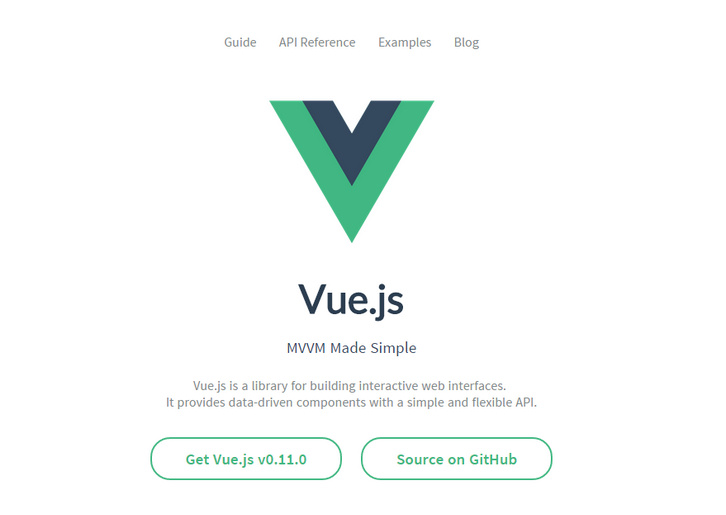
Vue.js is a library for building interactive web interfaces. It provides the benefits of MVVM data binding and a composable component system with a simple and flexible API. Technically, Vue.js is focused on the ViewModel layer of the MVVM pattern. It connects the View and the Model via two way data bindings. Actual DOM manipulations and output formatting are abstracted away into Directives and Filters.
Philosophically, the goal is to provide the benefits of reactive data binding and composable view components with an API that is as simple as possible. It is not a full-blown framework – it is designed to be a view layer that is simple and flexible. You can use it alone for rapid prototyping, or mix and match with other libraries for a custom front-end stack. It’s also a natural fit for no-backend services such as Firebase.
Requirements: JavaScript Framework
Demo: http://vuejs.org/
License: MIT License
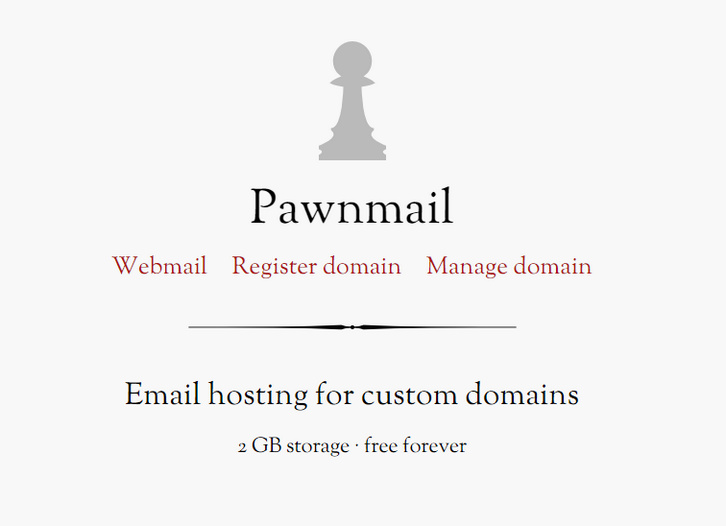
Pawnmail was created by Andrew Belt to give domain name owners a simple email solution. He uses Pawnmail for his own projects and hope that you may find it useful as well. It provides Email hosting for custom domains with 2 GB storage and best of all, it’s free forever.
The easiest way to access your email account is via the webmail client. Pawnmail can also be accessed with other web, desktop, and mobile email clients with POP3, SMTP, or IMAP server settings. Sent and received messages are stored unencrypted on the servers.
Requirements: –
Demo: https://pawnmail.com/
License: License Free







