Shepherd is a JavaScript library for guiding users through your app. It uses Tether, another open source library, to position all of its steps. Tether makes sure your steps never end up off screen or cropped by an overflow. You can easily guide your users through a tour of your app.

Requirements: JavaScript Framework
Demo: http://github.hubspot.com/shepherd/docs/welcome/
License: License Free
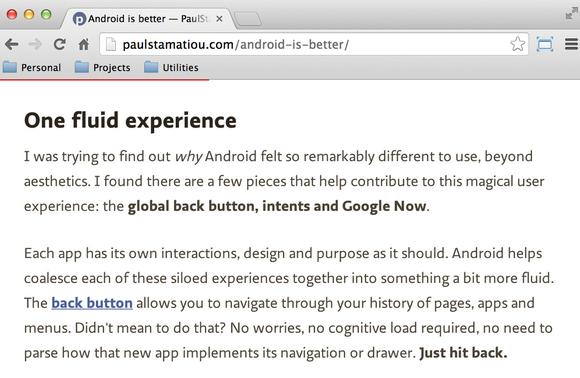
There are some websites that have some kind of an indicator to display the current reading position (how much you have “read”, depending on how far you have scrolled down an article). Generally, such indicators are used on blog posts or long form articles and help readers understand how far they are from finishing the article.
CSS-Tricks has shared an article: Reading Position Indicator, uses a horizontal progress bar as the indicator. But instead of using traditional div/span(s) and some non-linear math to build the indicator, we will use the HTML5 progress element. It is much more semantically accurate and suitable to represent this information, and that too with no complex calculations involved.
Requirements: –
Demo: http://css-tricks.com/reading-position-indicator/
License: License Free
Debug is a small library for logging debug messages. Since it is just a wrapper around console.log, it works in both Node and the Browser. It allows you to filter logging output without changing your source and it also outputs time differences which lets you easily tell how much time has elapsed between log messages.

Requirements: JavaScript Framework
Demo: http://smalljs.org/logging/debug/
License: MIT License
No matter which business you are in, business card will play a important role especially when having business communications with potential clients. There’s crazy amount of competition on the internet, and it is not easy to make your business stand apart from the competition. Everyone is trying innovative ways of attracting and retaining the attention of the customers.
The Design Inspiration has featured the Top 100 Creative Business Cards of All Time for our inspirations. Some business cards feature simple, beautiful typography whilst others more are fun and colourful.
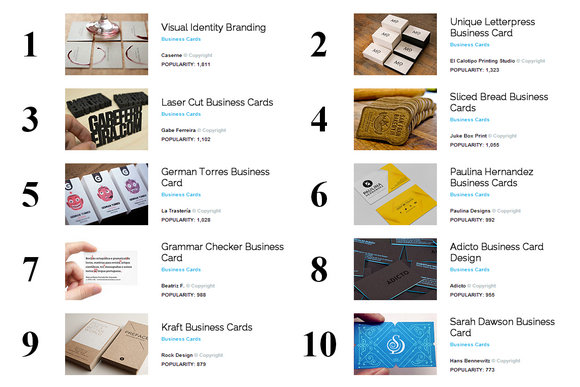
Source: Top 100 Creative Business Cards of All Time
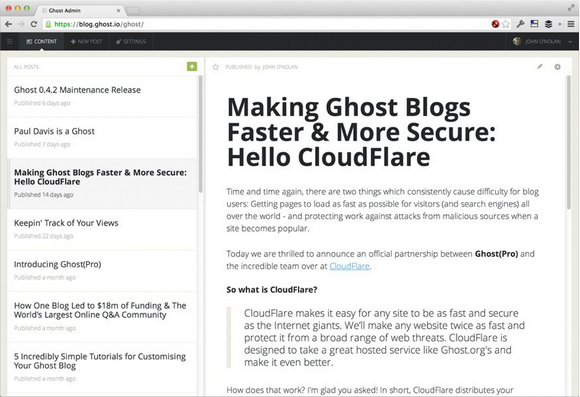
Ghost is a platform dedicated to publishing. It has a beautiful minimal design, is very customizeable and Open Source. Ghost allows you to write and publish your own blog, giving you the tools to make it easy and even fun to do.
Ghost application is free. Free to use, free to modify, free to share, free to redistribute. You can do anything you like with the software, without legal restriction. When you download a copy of Ghost, you own it. It’s completely yours.
Requirements: –
Demo: https://github.com/TryGhost/Ghost
License: MIT License
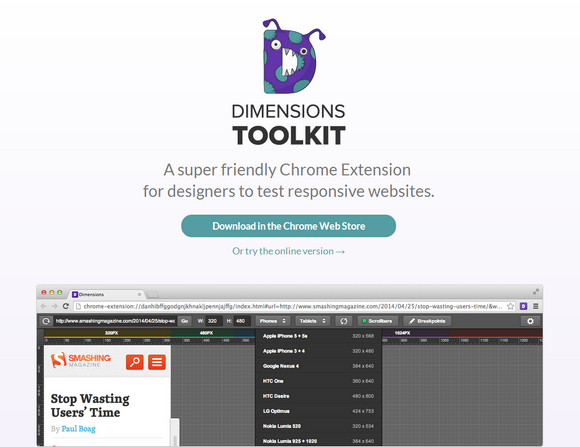
Are you sick of having to constantly press that refresh button? Well no more. Dimensions Toolkit is compatible with all JavaScript auto-refreshers, so no more incessant button bashing.
Dimensions Toolkit is all for accurate measurements and sizes. We can control the dimensions of the preview by dragging handles, entering specific values manually or choosing from a selection of popular device measurements.
The toolkit is set to the default breakpoints of 320px, 480px, 768px & 1024px. Using the custom breakpoints feature, Dimensions allows you to change these values to anything you desire.
Requirements: –
Demo: http://www.dimensionstoolkit.com/
License: License Free
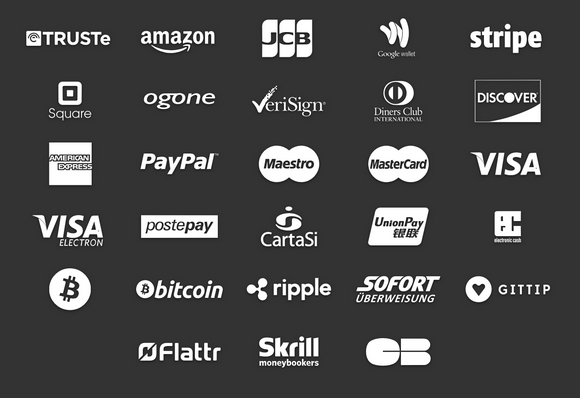
Payment webfont icons set is handy for designing eCommerce websites. It’s an SVG webfont full of icons of main payment systems. It includes Mastercard, Maestro, Visa, Visa Electron, American Express, Postepay, Cartasì, Diners Club, Discover, Union Pay, Electronic Cash, TrustE, Amazon, JCB Google Wallet, Stripe, Square, Ogone, VeriSign, Bitcoin (2 glyphs), Ripple, Sofortüberweisung, Gittip, Flattr, Skrill Moneybookers, Cartes Bancaires CB.
Requirements: –
Demo: https://github.com/orlandotm/payment-webfont
License: License Free
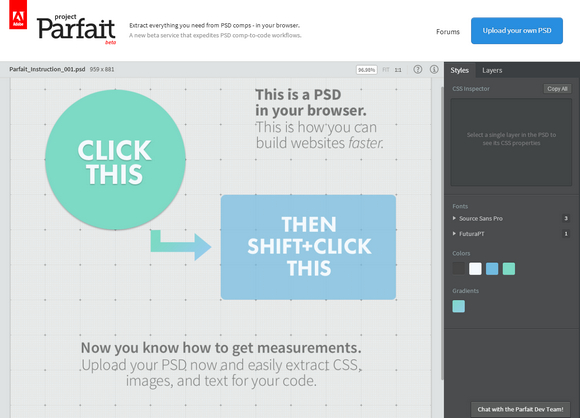
Project Parfait is an experimental service for designers and developers, who turn Photoshop comps into code-based designs. It lets you quickly and easily extract what you need from a PSD comp.
Project Parfait lets you do the following directly in your browser: Extract color, gradient and font info from a PSD, Copy text and CSS, Get accurate measurements between elements, Export production-ready optimized images.
Project Parfait is ideal for developers and designers who regularly receive Photoshop comps, and translate them into code-based designs. It makes it easier to extract vital information from PSDs. Developers working on native iOS, Android, Mac, and Windows applications may also find Project Parfait valuable.
Requirements: –
Demo: https://projectparfait.adobe.com/
License: License Free
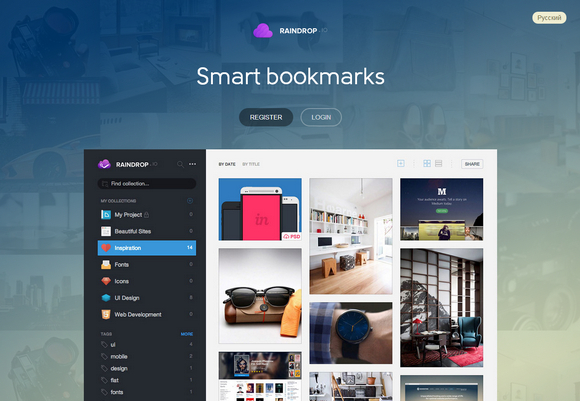
Raindrop makes bookmarks more vivid and functional. Save important pages, articles, video or photo in one click. Organize collection contents and share with friends.
Raindrop saves not just bookmarks but associated content depending on page type. If it’s an article, it will be cut and saved with the bookmark. The same applies to video, photo and presentations. So you can organize thematic collections with different content. Collections can be made public and used in your application or a website using API.
Requirements: –
Demo: http://raindrop.io/
License: License Free
Consumers increasingly rely on the mobile web to research and make purchases, which makes it more important than ever for companies to have an effective mobile presence. But what makes a good mobile site?
To answer this question, Google partnered with AnswerLab to research how a range of users interacted with a diverse group of mobile sites. From this research: Principles of Mobile Site Design: Delight Users and Drive Conversions, Google established 25 principles of mobile site design to help companies build mobile sites that delight customers and drive conversions.
Source: http://www.google.com/think/multiscreen/whitepaper-sitedesign.html







