Gutenberg is a flexible and simple–to–use web typography starter kit for web designers and developers. It’s a small step towards a better typography on the web. Beautiful typographic styles can be made by setting base type size, line-height (leading) and measure (max-width). Gutenberg sets the baseline grid to establish a proper vertical rhythm and makes sure all elements fit into it. It sets up the macro typography so you can focus on the micro–typographic details.

Requirements: –
Demo: http://matejlatin.github.io/Gutenberg/
License: Creative Commons 3.0 License
SuperPlaceholder.js is a library to bring your input placeholders to life by cycling multiple instructions in a single input placeholder. It is less than 1KB minified & gzipped. Superplaceholder.js supports AMD and commonJS module pattern out of the box. It works best on latest versions of Google Chrome, Firefox and Safari and Chrome mobile. For all non-supported browsers, the library will graceful degradate without any explicit handling in your code.

Requirements: –
Demo: http://kushagragour.in/lab/superplaceholderjs/
License: Creative Commons License
Pexels started a year ago and has since evolved to a huge database with a lot of amazing free stock photos. To grow Pexels even further they had recently rewrote the whole application and released Pexels 3.0. You can like photos to save them for later and to motivate the photographer. You can upload your own photos to Pexels. And also, there is API available now. Pexels is one of the best sources for high quality stocks. This new version makes it easier to find and download images.

Requirements: –
Demo: https://www.pexels.com/
License: Creative Commons License
Placemat got some pretty nice placeholder nouns for your site. The three current endpoints are https://placem.at/people, https://placem.at/places, and https://placem.at/things. Any one of those will actually give you a valid image back on its own, but you probably want to do something a little bit fancier. The good news is that all three endpoints accept the same parameters, so there’s not too much to remember. Everything is controlled via a few simple query string parameters: width, height, text, text color, overlay color, overlay blend mode and etc…

Requirements: –
Demo: https://placem.at/
License: Creative Commons 2.0 License
Chocolat.js enables you to display one or several images staying on the same page. The choice is left to the user to group together a series of pictures as a link, or let them appear as thumbnails. The viewer may appears full-page or in a block. Chocolat comes with an API and multiples CSS classes which make it very handy to use for advanced users, and very easy to use for newbies. Chocolat works well with all major browser. It has been tested on : IE7+, firefox, chrome, opera, safari.

Requirements: JavaScript Framework
Demo: http://chocolat.insipi.de/
License: Creative Commons 2.0 License
Lightning Design System helps you create the world’s best enterprise app experiences. With the Design System you can build custom applications with a look and feel that is consistent with Salesforce core features — without reverse engineering our styles! Simply download our platform-agnostic CSS framework and get started today.
You can utilize the detailed guidelines to confidently design excellent apps that fit right into the Salesforce ecosystem. With the Design System, you get access to all of the Salesforce core visual and interaction design patterns so that you can follow established best practices and build apps that have a consistent look and feel with the Salesforce user experience.

Requirements: –
Demo: http://www.lightningdesignsystem.com/
License: Creative Commons License
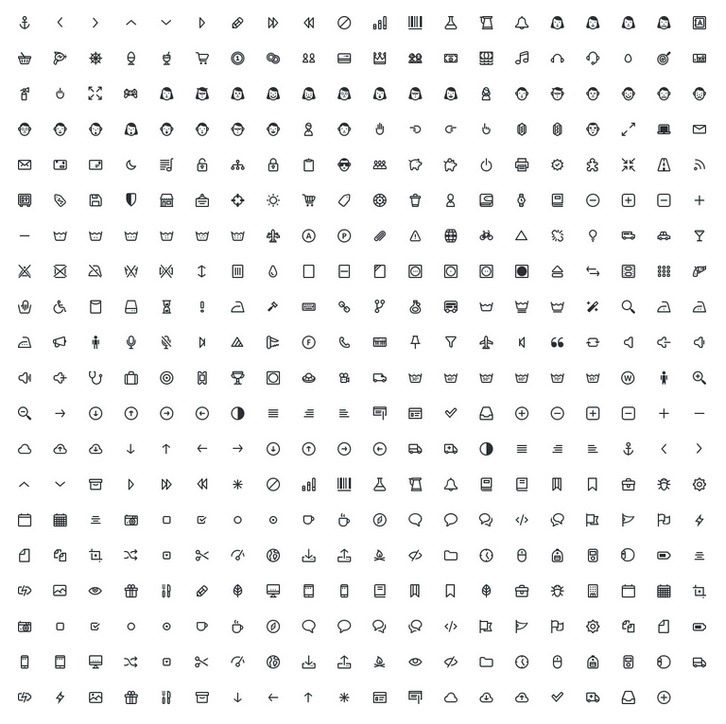
As part of PrestaShop’s product redesign, they decided to use and create our own icon pack. They’re sharing here the very first version of this new icon set. It’s also released under the CC BY-NC 4.0 license. You can do pretty much what you want with it, except reselling it. Prestashop official icon pack is an open source icon pack made with love by the PrestaShop design team. You can use everywhere to make your designs and websites look awesome. This icon pack is in Beta version: it’s a work in progress!
Requirements: –
Demo: http://build.prestashop.com/icon-pack/
License: Creative Commons License
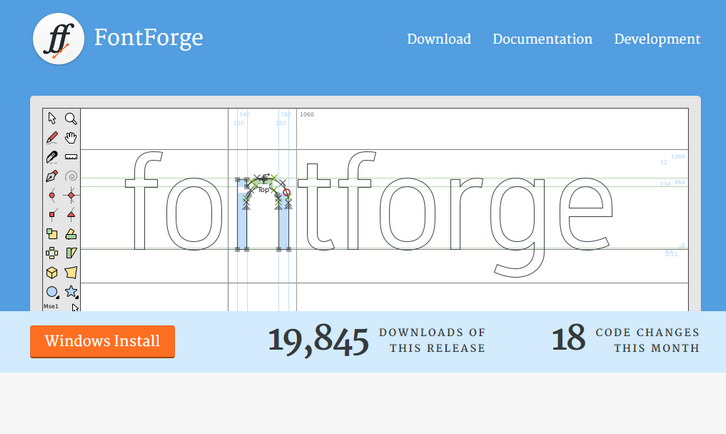
Type design is visually complex as well as highly technical – however it is easier to begin making type now than ever, partly because of the availability of free tools like FontForge. FontForge is a free (libre) font editor for Windows, Mac OS X and GNU+Linux. Use it to create, edit and convert fonts in OpenType, TrueType, UFO, CID-keyed, Multiple Master, and many other formats. While being a handy tool with which to begin, FontForge is not just for beginners. It has an advanced toolset and is rapidly improving at the time this book is being written.
FontForge aims to offer technical help and general insight into planning a type design project, and also offers advice about how to make your workflow more efficient. If you wish to help them, you can contribute to making FontForge better by giving feedback or even by contributing content and fixes on GitHub.
Requirements: –
Demo: http://fontforge.github.io/
License: Creative Commons 3.0 License
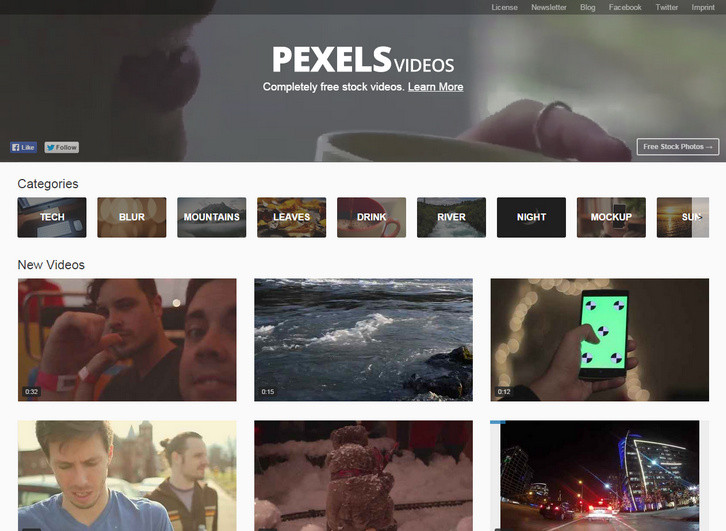
Pexels is a huge platform for free stock photos. Many designers and bloggers use it every day to find photos for their personal and commerical projects. Now we would like to introduce Pexels Videos. The only difference is that its purpose is to find free videos instead of photos.
All of the videos on Pexels Videos are also licensed under the CC0 license. Every video is free for any purpose – including commercial. This guarantees that you will be saving the hundreds of dollars better spent promoting your brand.
Requirements: –
Demo: https://videos.pexels.com/
License: CC0 License
Subway Icon Set is a set of 306 pixel perfect crafted icons optimized for: iOS, Windows Phone, Windows 8 and BlackBerry 10. They are delivered in PNG, SVG, XALM, PSD, CSH, SKETCH, PDF, AI and EPS format. They are licensed under Creative Commons 4.0 License.

Requirements: –
Demo: https://github.com/pixle/subway
License: Creative Commons 4.0 License







