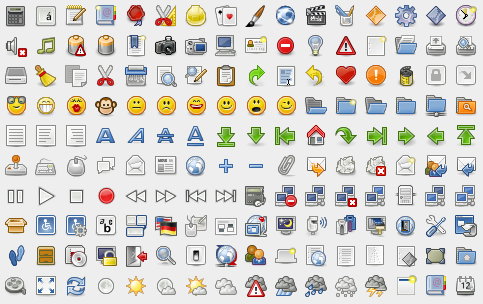
Matt Ball is a student currently attending UCLA with a major in Computer Science and Engineering. He spent some of my spare time designed a set of good looking toolbar icons for us. These toolbar icons are very suitable for developing web applications and services.
Famfamfam offers us a set of wonderful and most pupular icons on the internet named “Silk†which contains over 700 16-by-16 pixel icons in strokably-soft PNG format. And all for a low low price of $0.00. You can’t say fairer than that.
David Vignoni from Icon-King spent more than 1 year to create Nuvola version 1, the more professional, consistent and complete Nuvola theme ever released, it is one of the KDE themes. These icons look very cute and web 2.0 because of the glossy effect on each icon.
Pinvoke has designed 4 sets of amazing mini icons ( 10×10 and 16×16 pixel ). The icons can be used royalty-free by the licensee for any personal or commercial projects.
Tango Icon Library provides developers a set of professional high quality icons. They are in PNG ( Transparent background which can easily integrate into any web site) and SVG format ( Scalable which means you can increase the size of the icons without losing quality.
If you are
building a website from scratch you have to rely heavily on your own creativity
to achieve any measure of success. In truth, building a great website lies in
the underpinning the tools you use are able to create. Drag and drop alone may
not be sufficient because it is the creativity of the developers or development
team that design specialized website-building tools that are most apt to lead
the way to your success.
This is
especially true as we enter 2025 in that the bar is raised as far as what
constitutes an award-winning, competitive website. What constitutes an
award-winning, competitive website is no longer a simple matter of aesthetics.
It’s primarily about a website’s responsiveness, efficiency, and adaptability.
From Trafft White Label to XStore and everything in between, the tools and resources described below offer the unparalleled customization, collaboration, and efficiency that you need to build an award-winning competitive website.
Even those feature-rich
WordPress themes that offer virtually unlimited flexibility can’t necessarily handle
every possible demand a designer or developer may throw at them, leaving the
website builder with the choice of relying on coding to resolve the issue or seek
another solution. That other solution
often takes the form of a WordPress plugin.
Plugins bring a
variety of helpful features to the table. They can provide added flexibility
and functionality or serve to improve the performance of both a theme and a
website. Some qualify as game changers, either in terms of how they impact method
and workflow associated with building a website, or to the characteristics of
the finished product itself.
Amelia, Slider Revolution, and the other top WordPress plugins addressed in this article have redefined what’s possible in website design and performance.
It’s 2024 and the number of web design resources and tools on the market seems overwhelming. That’s good news since you need the right tools and resources to come up with competitive designs.
The bad news is, rather than sifting through
thousands of products to get the ones that best meet your needs you might decide
to retire.
That’s an exaggeration, but you probably would
prefer the following approach.
We’ve tested a ton of free and premium web
design tools & resources and narrowed it all down to 15 essential ones in
the following categories:
WordPress themes for building larger, more complex websites and
online stores.
website builders to help you build landing pages and multiple page
websites quickly and easily.
WordPress plugins for extending the functionality or improving the
appearance of a website.
Vector illustrations for adding a little zip or humor to your
products.
-font identifiers for identifying “must have” fonts to use in your
website projects.
They look top quality.
There is something about each one of them that makes it stand out. That “something”
most likely has to do with how easy and enjoyable it is to work with.
They are intuitive. Whether
you are installing, using, downloading, or cancelling, everything you need is right
where it should be.
They add real value. They
help you deliver web products faster or make them more attractive, and help you
get better paid work.
15 great Tools & Resources
for Designers and Agencies
Key information included to assist you in deciding what would serve you best addresses top and best features, product rating on non-biased platforms such as Trustpilot, Capterra, or WordPress.org, and client testimonials.
Do you need a little inspiration to help you get started on a long-awaited online store design project. One of the best places to find it is a WordPress theme.
The problem is, there are so many themes to choose from.
You’re going to have to sift through a number of them to find a specialty theme
or a multipurpose theme that features the flexibility that allows you to build
anything you want.
Even then, the inspiration you hoped to find may still not
be there, so you’ll have to continue and probably narrow your search. For
creating an online store or presence the obvious solution is WooCommerce
whether it is integrated into a multipurpose theme or the theme itself is
dedicated to WooCommerce-oriented applications.
You will find some great sources of inspiration here.
Particularly if you check out the 11 top WooCommerce WordPress themes on the
market that are described in this post.
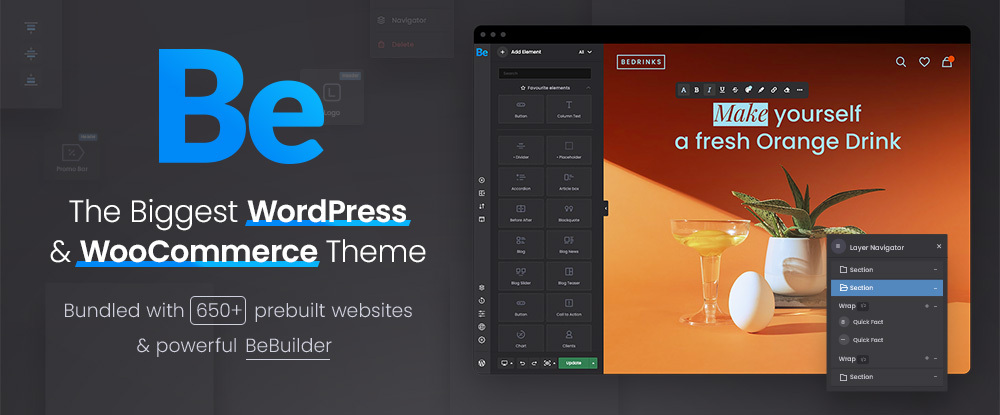
BeTheme is the fastest, lightest, and biggest WordPress and WooCommerce theme of them all.
Be’s 40+ powerful
core features include the new BeBuilder, 650+ professionally crafted pre-built
websites, the BeBuilder Woo, the Loop Builder, and a host of other web design
tools, aids, options, and elements.
The 650+
pre-built websites are excellent sources of inspiration and you can rely on
BeBuilder Woo to create the exact custom store you want. You could even start
from scratch, but that’s generally not the easiest way to achieve a desired
result.
BeBuilder Woo
lets you –
design versatile shop and single product layouts that sell.
incorporate customer-centric features that include everything from
a sticky bottom menu, a wish list, and and shopping cart that includes product
photos and attributes, to a drop down customer login and account manager,
product galleries, and a catalog mode.
Be’s Loop Builder
can take your designs a step further by designing specialized sliders, blogs,
portfolios, and Woo shop listings.
Click on the banner to find out more about BeTheme’s impressive core features.
The beginning of a new year is
typically a time when we plan to find ways to make life a little better. The
same applies to web designers who look for new and better ways to make their
designs more engaging and productive.
In this post we will look into 5 web design trends that focus on issues like UX, accessibility, and responsiveness and use 10 pre-built websites from BeTheme to demonstrate how best to execute those trends .
If you intend to improve something,
it’s always good to have an understanding of those things that can influence or
impact it, whether they be positive or negative.
In our case, its web design skill
and experience, along with web design itself we want to improve on. Web design
trends, in this case 5 of them, make up the influencing factor. What follows is
how these trends can be implemented.