WebSlides makes HTML presentations easy. Just the essentials and using lovely CSS. Each parent <section> in the #webslides element is an individual slide. Code is clean and scalable. It uses intuitive markup with popular naming conventions. There’s no need to overuse classes or nesting. Making an HTML presentation has never been so rewarding. You can Create your own presentation instantly. 120+ premium slides ready to use.

Requirements: –
Demo: https://webslides.tv/
License: MIT License
Lightgallery is a lightweight modular responsive light box gallery, which allows you to create beautiful image & video galleries. Lightgallery allows you to create animated thumbnails for your gallery with the help of thumbnail plugin. It supports touch swipe navigation on touchscreen devices as well as mouse drag for desktops. It also allows users to navigate between thumbnails via swipe of their fingers or mouse drag.

Requirements: –
Demo: https://sachinchoolur.github.io/lightgallery.js/
License: License Free
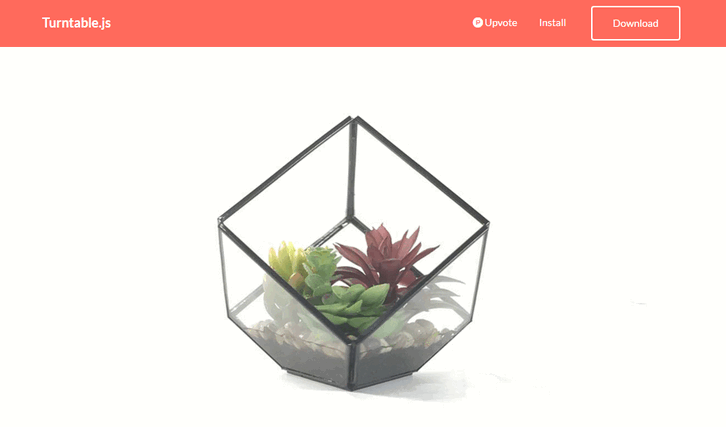
Turntable.js is a responsive JQuery slider that will let you rotate through a list of images as your mouse (or finger) sweeps across a container. Think of it like a flipbook made with Javascript, instead of paper. All you need is a set of images, and jQuery. It’s a fresh alternative to the typical ‘click-to-slide’ JQuery gallery.
Requirements: –
Demo: http://polarnotion.github.io/turntable/
License: License Free
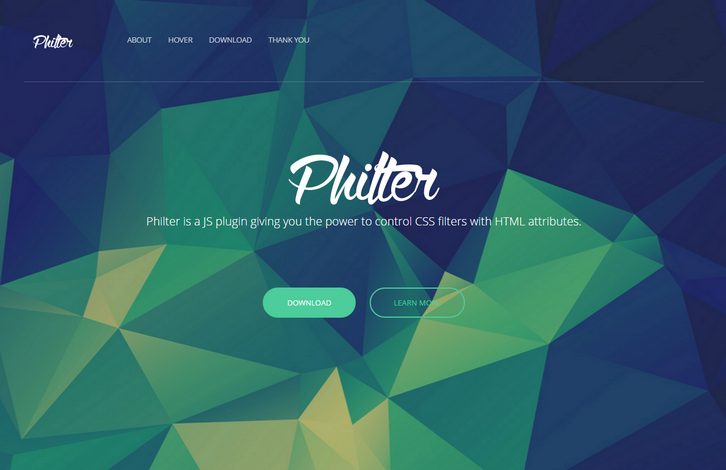
Philter provides an easy way for almost anyone to post-process their content in the web. Using Philter is as easy as writing an attribute in HTML. Philter also supports hover effects. This nice effect of grayscale transition was created by Philter with one simple attribute. And some drop shadow, of course.
Have you ever wanted to apply some filters but they didn’t work as you expected? Have you ever wondered why there’s no particular filter? Well, Philter has you covered. Check out their custom filters! There ain’t much of these filters yet but further on they will be introducing more and more of them.
Requirements: –
Demo: http://specro.github.io/Philter/
License: MIT License
A picture is worth a thousand words.
Yes a picture indeed is the first thing that strikes the visitor’s eye on any website. Presently in a world of instant gratification, quick fixes and where an alternative website is just a mouse click away bloggers need to find ways to firstly grab the attention of a user, and then keep it for long enough to get their message across. If you don’t, their cursor will be heading to the back button and on to a competitor in the blink of an eye.
Call them slideshows, content sliders, featured image sliders, rotating images or anything you want but those are definitely the best options to get your point across in seconds & keep any site visitor engaged on your site. So which WordPress plugin would help you with this? The answer is SlideDeck 3 Responsive Content Slider.
SlideDeck 3 – Create gorgeous, dynamic & responsive content sliders out of almost any content without any coding
SlideDeck 3 is a plugin that lets you create content sliders with content sources like Flickr, Pinterest, Youtube, Google+, Instagram, NextGen Gallery, Facebook and many more in just a few clicks plus you need not do any coding for it. Use text & images, dynamic content from popular external sources to grab & hold your site visitor’s attention.
Configuring & getting started with SlideDeck3
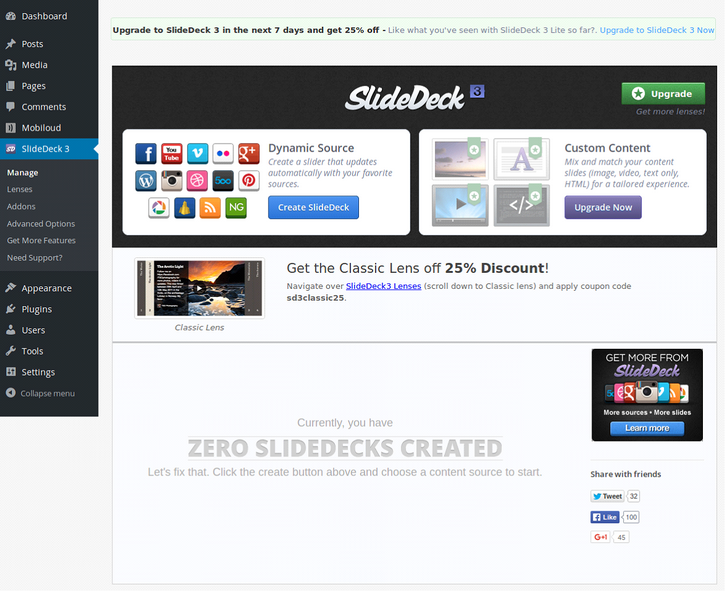
SlideDeck 3 Lite – Settings
All you need to do is activate the plugin and get started with creating gorgeous content sliders straight away. It is simply a breeze to create the sliders since you get a live preview of the slider as you make changes to it. So you do not need to keep previewing a post/page to see the various effects you want to apply to your slider. Read the rest of this entry »
Simply put, CSSgram is a library for editing your images with Instagram-like filters directly in CSS. What we’re doing here is adding filters to the images as well as applying color and/or gradient overlays via various blending techniques to mimic these effects. This means less manual image processing and more fun filter effects on the web!
They are using pseudo-elements (i.e. :after) to create the filter effects, so you must apply these filters on a containing element (i.e. not a content-block like <img alt=”” />). The recommendation is to wrap your images in a <figure> tag.

Requirements: CSS
Demo: http://una.im/CSSgram/
License: MIT License
Chocolat.js enables you to display one or several images staying on the same page. The choice is left to the user to group together a series of pictures as a link, or let them appear as thumbnails. The viewer may appears full-page or in a block. Chocolat comes with an API and multiples CSS classes which make it very handy to use for advanced users, and very easy to use for newbies. Chocolat works well with all major browser. It has been tested on : IE7+, firefox, chrome, opera, safari.

Requirements: JavaScript Framework
Demo: http://chocolat.insipi.de/
License: Creative Commons 2.0 License
jQuery LightGallery is a lightweight, customizable, modular, responsive, lightbox gallery plugin for jQuery. It uses CSS-only approach for resizing images and videos. So it will be extremely flexible, and considerably faster than using the JavaScript approach. Lightgallery comes with a few built in modules, such as thumbnails, full screen, zoom, etc. It is easy to create your own modules, as well as detach modules that you don’t want to use.
Lightgallery supports touch and swipe navigation on touchscreen devices, as well as mouse drag for desktops. This allows users to navigate between slides by either swipe or mouse drag. You also have the option to enable animated thumbnails from the settings. otherwise normal thumbnail will be used. You can also make thumbnails automatically load for your YouTube or vimeo videos. LightGallery uses Hardware-Accelerated CSS3 transitions for faster animation performance. This plugin comes with numerous number of beautiful inbuilt animations.

Requirements: jQuery Framework
Demo: http://sachinchoolur.github.io/lightGallery/
License: Apache License
Swiper is the free and most modern mobile touch slider with hardware accelerated transitions and amazing native behavior. It is intended to be used in mobile websites, mobile web apps, and mobile native/hybrid apps. Designed mostly for iOS, but also works great on latest Android, Windows Phone 8 and modern Desktop browsers
Swiper is not compatible with all platforms, it is a modern touch slider which is focused only on modern apps/platforms to bring the best experience and simplicity. Swiper, along with other great components, is a part of Framework7 – full featured framework for building iOS apps.

Requirements: –
Demo: http://www.idangero.us/swiper/
License: MIT License
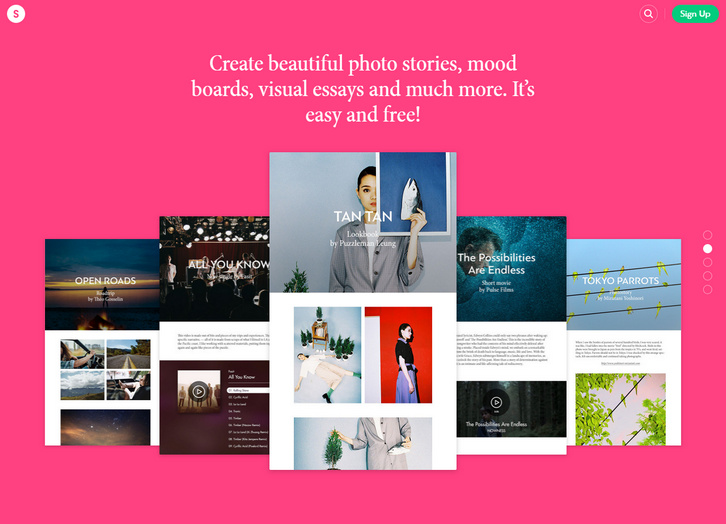
Stampsy helps you create beautiful photo stories, mood boards, visual essays and much more. It’s easy and free! You can add your creation to relevant collections curated by people like you and get your work instantly noticed. Or start a collection of your own and use it however you like.
Once you follow a collection, all of its stamps show up in your feed. You can follow cool collections and discover extraordinary publications from the world’s top creators or stories from your friends.
Requirements: –
Demo: http://stampsy.com/
License: License Free







