We will send you weekly newsletter packed with open source resources, plugins as well as cool new products and services for web developers and designers. You will also get the following freebies and exclusive deals from webappers if you are subscribing to our newsletter. You can subscribe to the newsletter below. We will not spam, rent or sell your email address.
Once you have subscribed our newsletter for the first time, you will get a “Welcome Email”. It includes instructions to claim the following awesome freebies and deals immediately. We appreciate your support, and we’ll make sure to keep your subscription worthwhile.
#1 $20 Free Web Browser Icons
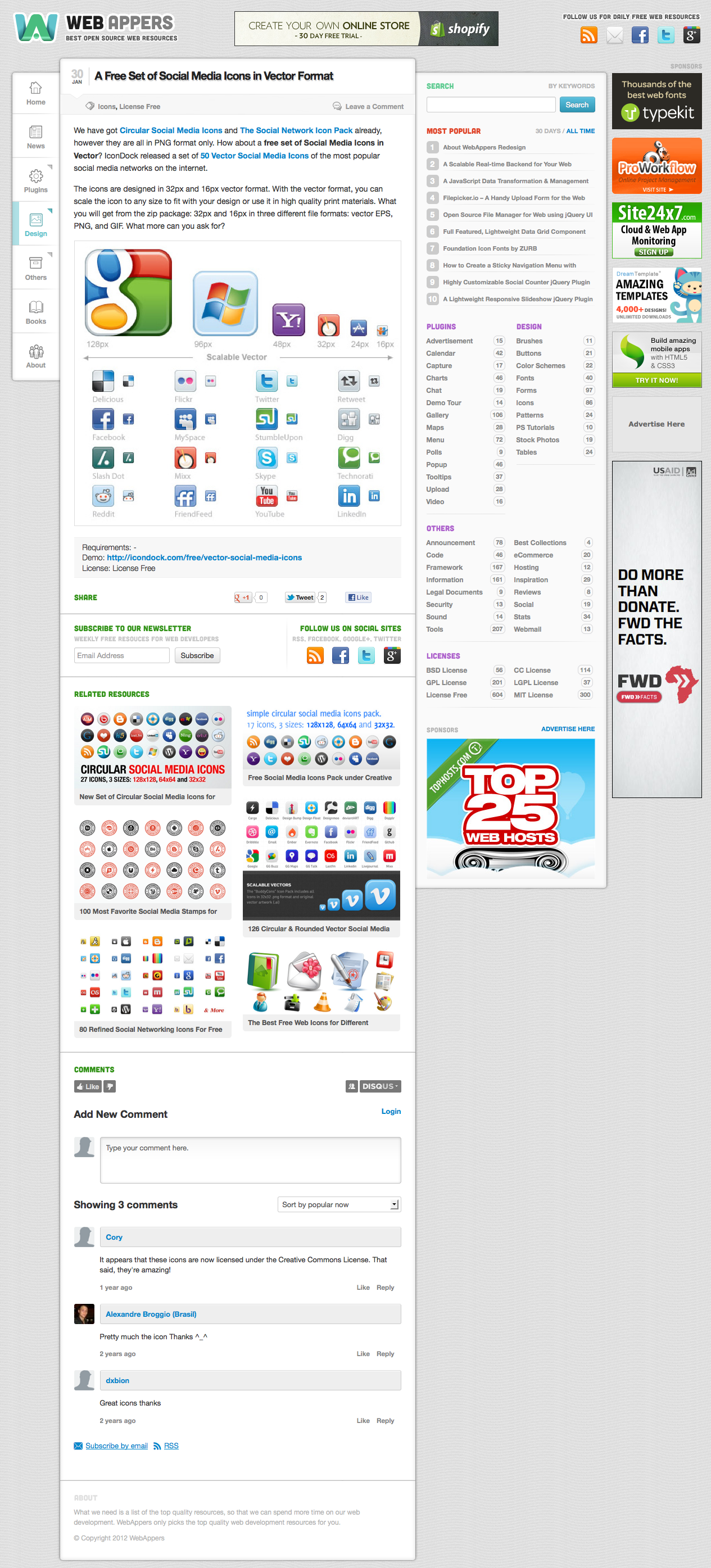
Browser icons are particular useful for showing browser support for your websites, web applications or desktop applications. They clearly show what browsers your websites are compatible and working with. Web Browsers Icon Set includes Chrome, Firefox, Safari, Opera and Internet Explorer browser icons in both professional and fun style.
#2 One Month Free Treehouse Membership
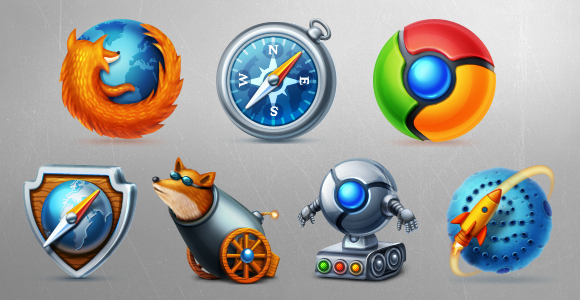
TreeHouse is the best way to learn how to design and develop for the web and iOS. Along with over 800 high-quality videos, Treehouse uses online quizzes and badges to teach people. If you plan to learn web design, web development and coding, Treehouse is the best place to be. Their mission is to bring affordable Technology education to people everywhere, in order to help them achieve their dreams and change the world.
#3 Dreamhost $50 Discount Off
DreamHost is really a good hosting company. They offer excellent services with low cost. Dreamhost now hosts over 500,000 unique domain names. With the lowest cost $5.78 per month. If you sign up with our Coupon Code, you will get a $50 off on all plans as well. What are you waiting for?
You can subscribe to the newsletter below. We will not spam, rent or sell your email address.
A modern and easy to use Admin User Interface is the key to success of web applications. A custom made web admin user interface usually cost you a fortune.
Due to the popularity of 20 Professional Web Admin Templates we have published a year go, we have hand picked the following 10 New Professionally Designed Admin Templates on ThemeForest. You may find them useful when designing your own web application. All of them are professionally designed, and selling at a very low price.
1) Supr Responsive Admin Template
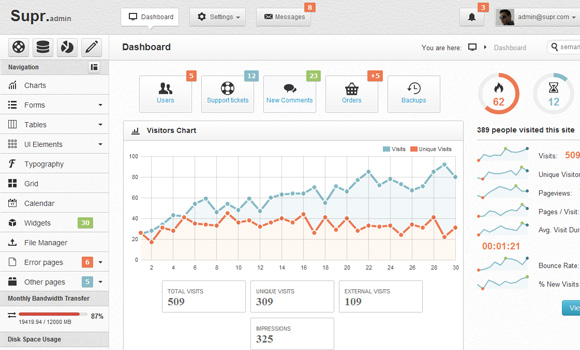
Supr is a full admin skin based on popular Twitter Bootstrap framework. This template is designed to help you build the site. Administration without losing valuable time. Template contains all the important functions which must have one backend system.
2) Aquincum Responsive Admin Template
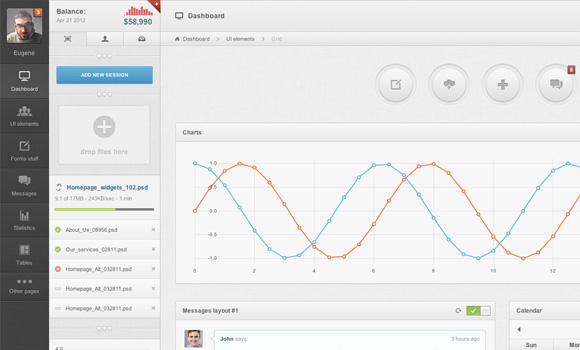
Aquincum – a new premium admin skin with lots of custom elements, 35+ plugins and very flexible content structure. It has 3 columns liquid structure with 3 level navigation and 2 level sidebar. Available 10 main backgrounds, compatible with Bootstrap 2.0.3 and latest jquery versions.
3) Zice Admin Colorful Admin Templates
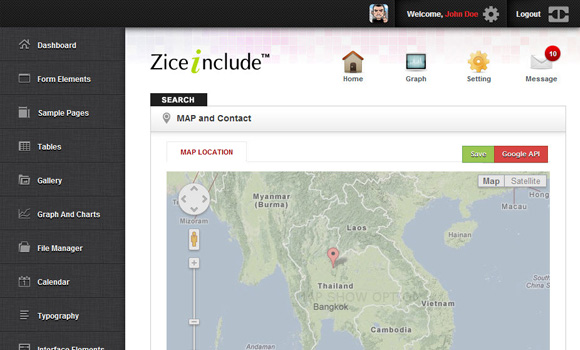
Zice Admin is Colorful Admin theme, includes dashboard, form, full option gallery, graph presentation, file management, calender, user interface, map & location, error page, 200+ icon,Theme PSD File and documentation for admin management. It is colorful style effect and design templates for easy to use
Read the rest of this entry »
Creating wireframes is a critical step in building out a website or app. It helps lay the foundation of your site or site, and figures out the overall framework and navigation that users will follow. There are tons of wireframe-building programs out there, but they’re all self-contained and produce extremely basic skeletons to interact with.
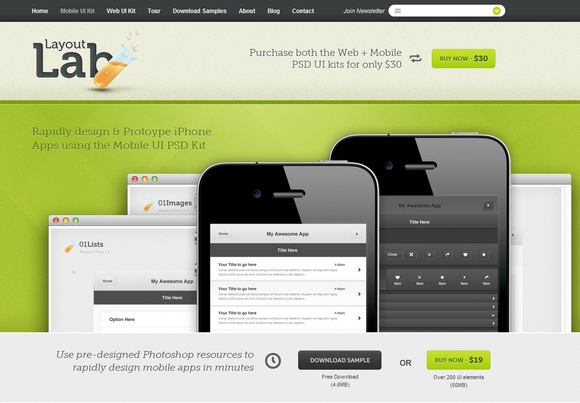
Wouldn’t it be nice to create prettier, more detailed versions of wireframes that can include all sorts of fancy icons, buttons and placeholders? With the Layout Lab’s Web + Mobile UI PSD Bundle, you can do exactly that. Even better, you can work right in Photoshop.
For a limited time, you can get both kits for just $15 total! That’s a 50% off savings from the regular price. This amazing deal can be found on Mighty Deals with more details. This deal is available only for this week.
* You can also get additional 25% off on Independence Day. To take advantage of this, enter this coupon code in the shopping cart and click apply: FREEDOM. This coupon code expires in less than 24 hours (July 4th – midnight ET) and won’t be renewed.
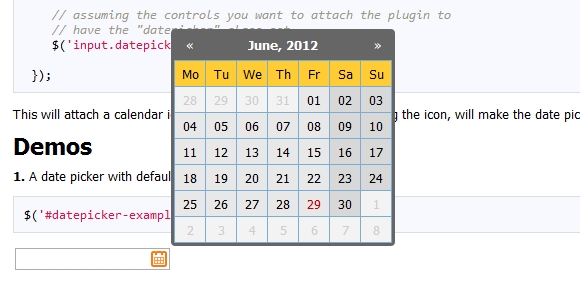
Zebra Datepicker is a small, compact and highly configurable datepicker jQuery plugin, meant to enrich forms by adding the datepicker functionality to them. This jQuery plugin will automatically add a calendar icon to the indicated input fields which, when clicked, will open the attached datepicker.
Users can easily jump between months and years due to the datepicker’s intuitive interface. The selected date will be entered in the input field using the date format of choice, configurable in the datepicker’s options. It is distributed under the LGPL.
Requirements: –
Demo: http://stefangabos.ro/jquery/zebra-datepicker/
License: LGPL License
Brackets is an open-source editor for web design and development built on top of web technologies such as HTML, CSS and JavaScript. The project was created and is maintained by Adobe, and is released under an MIT License. What makes Brackets different from other web code editors?
Instead of cluttering up your coding environment with lots of panels and icons, the Quick Edit UI in Brackets puts context-specific code and tools inline. With Live Development, Brackets works directly with your browser to push code edits instantly, set breakpoints, and jump back and forth between your real source code and the browser view.

Requirements: –
Demo: http://brackets.io/
License: MIT License
Visual Idiot is a top-notch designer and developer with great sense of humor. He has recently released a set of beautiful pictograms and free for download. They look very clean and sharp.
All of them come with 32px size, however you can resize them to other sizes without losing the quality of the icons. And best of all, you can use them on both of your personal and commercial projects.

Requirements: –
Demo: http://dribbble.com/shots/587469-Free-16px-Broccolidryicons…
License: License Free
First of all, thank you very much for all of your opinions and suggestions about the redesign. You guys have pointed out some of the most important things I missed when designing. Most of them are very useful and helped me improved the new design dramatically.
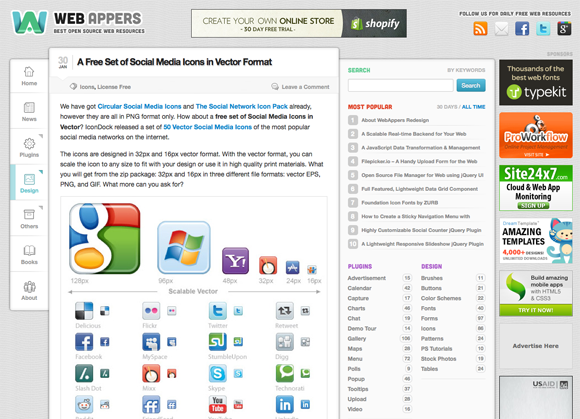
Sticky Navigation Menu No Longer Sticky
I have now set the navigation menu on the left hand side to be fixed position. A little Up Arrow button will be appeared when you scroll, so that you can quickly go to the top of the page if needed.
#05-12-2012 Update
The Navigation Menu is now sticky again, but used simple CSS: Fixed Postion instead. So it still follows your scroll but in a smooth way.
Content Area is Bigger than Ever
The content area is bigger for larger screens now. I have set the font size bigger, so it makes the content area more stand out. I have also made the sidebar background a bit darker, so that it won’t distract you from reading the content.
Better Contrast
The color of headings and titles are changed. It makes better contrast for them with the text of the content. And it’s more comfortable reading the text now. The links are now more obvious and visible too.
CSS Image Sprites
This should be the biggest mistake I have made. Preloading images for mouseover images on navigation menu did not work very well apparently. I have used CSS Image Sprites for mouseover images for navigation menu and most popular section now.
Still Responsive
It’s still a responsive design. You can always test it out in browser with different resolutions: 1280px, 1024px, 800px, 600px and 320px.
There are other bits and pieces I have made changes. Added the small indication for sub menus and etc.
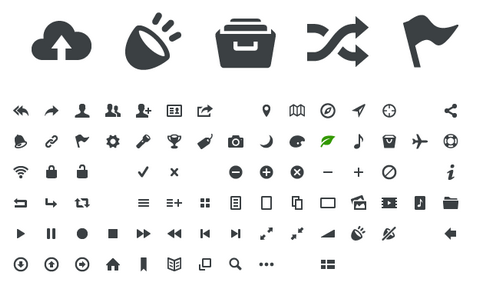
Entypo is a set of 100+ carefully crafted pictograms available as an OpenType font, vector EPS and web font. They work equally well in size 15, 20 or larger. It’s perfect for websites, apps and digital services.
Entypo Pictogram Suite is absolutely free. Even for commercial use. All released for free under the Creative Commons license CC BY-SA.
Requirements: –
Demo: http://www.entypo.com/
License: Creative Commons License
Bootstrap 2.0 has just released with a lot of new features, rewritten documentation, and use cases to test with the addition of media queries.
They have also added some new components like progress bars, customizable gallery thumbnails and split buttons. Another great new feature are the new glyph icons, that you can use to style your buttons and menus.
Now there are total 12 custom jQuery Plugins for you to enhance Bootstrap. It includes, Modals, Tooltips, Dropdowns, Scrollspy, Carousel and more. All in all a huge update with many exciting features.

Requirements: –
Demo: http://twitter.github.com/bootstrap/
License: Apache License v2.0
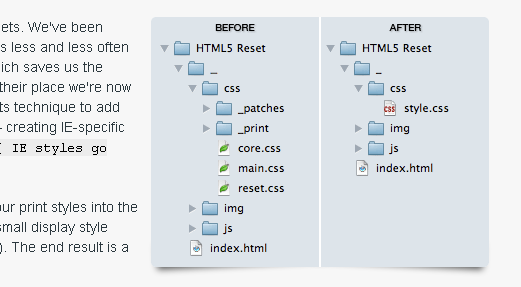
Many of us start every HTML project with the same set of HTML and CSS files. We’ve been using these files for a long time. Now that modern browsers are starting to support some of the really useful parts of HTML5 and CSS3, it’s time for our best practices to catch up.
HTML5 Reset is a simple set of best practices to get web projects off on the right foot. It includes A style sheet designed to strip initial files from browsers, Analytics and jQuery snippets in place, Meta tags ready for population, Empty mobile and print style sheets, IE-specific classes for simple CSS-targeting, iPhone/iPad/iTouch icon snippets and lots of other keen stuff.
Requirements: –
Demo: http://html5reset.org/
License: BSD License