The Windows 8 Start screen is the best place to find and stay connected to all your favorite apps and content. App tiles are alive with activity and show you fresh and tailored content so you know what’s new in your world.
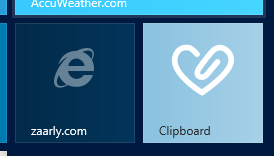
We’ve written about the Internet Explorer 10 browsing experience on Windows 8. This articles shows you how to put your site logo right next to apps on the Windows 8 Start Screen—complete with site-centric visuals and badge notifications to let you know there is new content. I’ll also walk through the few lines of code you need take your site from looking like the left tile…to the right tile here:
Pinned Sites – More than Favorites
Consumers on Windows spend most of their time on the Web and we know from Windows opt-in telemetry (officially, the Microsoft Customer Experience Improvement Program), that they go back to the same set of sites time and again. Pinned sites on Windows 8 make it fast and easy to immediately get to your sites. With badge notifications, site tiles come alive with up-to-date information and help you know when new content is available. Read the rest of this entry »
I’m currently spending most of my time explaining to students, hobbyists, professional developers and teachers how to build games using HTML5. I then recently thought: rather than keeping all these details for small audiences, wouldn’t it be smarter to share it with you?
This article is then based on my own experience. I will probably omit some crucial things some of you may know. But it will try to update this blog post along with my own new discovers and of course based on the feedbacks you will kindly provide in the comments or via Twitter.
But why are so many people currently interested in HTML5 Gaming?
Well, simply because today, we can really use HTML5 to target multi-platforms using the same code: for desktop machines of course (with IE9/IE10, Firefox, Chrome, Opera & Safari), for iOS & Android tablets & phones and Windows 8, and its future associated millions of tablets & PC, is also warmly welcoming HTML5 Games! I then frequently see some HTML5 gaming projects ported to each of these platforms with almost no effort.
What’s more, the modern JavaScript engines performance coupled with the GPU hardware-accelerated graphics layers enable us to build great games in HTML5 with confidence.
Note: we will only talk about the <canvas> tag of HTML5 and about SVG in this article.
Canvas & SVG: 2 ways to draw on the screen
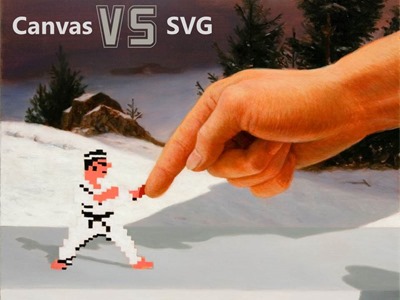
The first thing you need to understand before building your first HTML5 game is how to draw nice objects on the screen. There are 2 ways to do that and to better understand their differences, you should start by reading this article from Patrick Dengler (member of the SVG W3C Working Group): Thoughts on when to use Canvas and SVG
On my side, I’ve re-used parts of Patrick’s materials to build a 45min internal session for my Microsoft’s colleagues last year. You can watch it via this video I’ve made (using HTML5 <video> of course!): Read the rest of this entry »
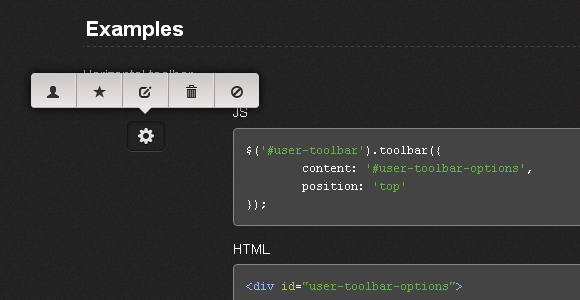
Toolbar.js allows you to quickly create tooltip style toolbars for use in web applications and websites. The toolbar is easily customisable using the twitter bootstrap icons and provides flexability around the toolbars display and number of icons.
Toolbars can be attached to any element required. You can run as many toolbars as required. Toolbars are responsive and follow the element on resize. The implementation is pretty straightforward with simple options. It is released under MIT License.
Requirements: jQuery Framework
Download Link: http://paulkinzett.github.com/toolbar/
License: MIT License
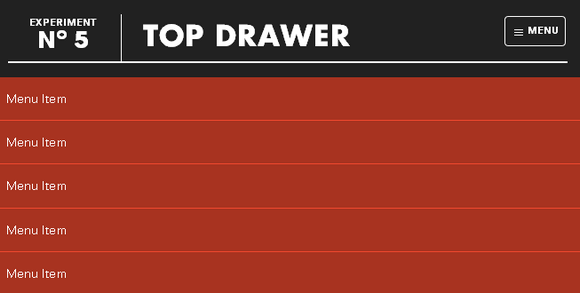
Top Drawer is a smooth dropdown menu for responsive web design. It is designed to demonstrate smoother reveal menus in small contexts using CSS3 rather than animating with JavaScript.
Tap the menu icon in the top right. The click event will assign the class of active to the drawer container which alters the translate value to bring it into view. Modernizr will detect whether the user’s device is capable of CSS transforms, if it isn’t we simply show and hide the menu after the button is pressed – no point in animating if it isn’t going to work smoothly.
Requirements: jQuery Framework
Download Link: http://www.jordanm.co.uk/lab/topdrawer
License: License Free
This article is the second part to: How to Create a Windows 8 RSS Reader App with HTML5. If you haven’t read it, check it out first.
We’re now going to see how to display the details of each article. We will use for that a transition animation, we will play with the simulator and we will continue to discover Blend to use CSS3 Multi-columns for instance.
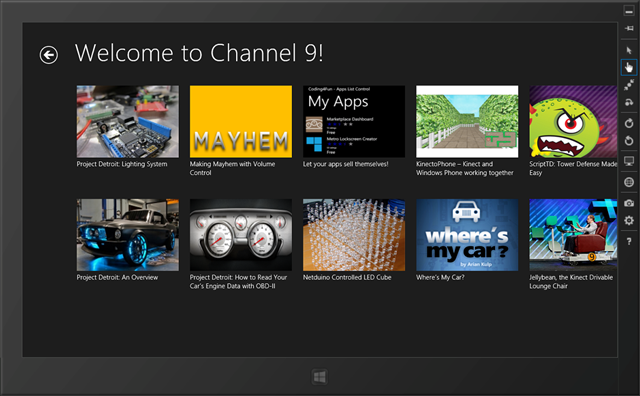
Like in the previous article, you’ll find the source code to download at the end of the article.
During this article, we’ll see:
- Step 1: using the simulator
- Step 2: displaying the articles’ details
- Step 3: finishing the design of the detail view with Blend
- Step 4: source code to download and conclusion
Note: this article has been updated on 21/08/2012 to implement the changes in the UI & in the code between Windows 8 Release Preview and RTM. In a general manner, if you need to migrate your application from RP, you should read this document: breaking changes document. In our case, there was 0 impact between RP & RTM here. Read the rest of this entry »
Starting from scratch, we’re going to learn through these 2 tutorials how to build a small RSS reader with HTML5, CSS3 and WinJS, the Microsoft JavaScript framework for Windows 8. We will then build a WinRT application targeting the Windows Store. We’ll try also to follow the Windows 8 UI design guidelines by using Expression Blend 5. If everything goes fine, you should be able to follow these 2 articles in 30 minutes.

This first article will help you to create the welcome screen that will use a WinJS ListView control. This control will display all the blog posts recently published via nice thumbnails. The 2nd one will work on the detail view displayed when you’ll click on one of the items. At last, you’ll find at the end the final solution to download. See it as useful complementary resources if you need to clarify some parts of this article. Read the rest of this entry »
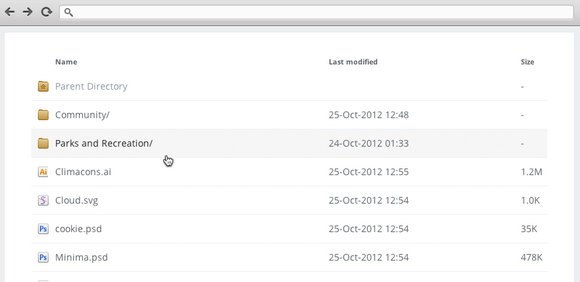
Apaxy is a customisable theme built to enhance the experience of browsing web directories. It uses the mod_autoindex Apache module—and some CSS—to override the default style of a directory listing. It is similar to h5ai.
Apaxy may be basic, but it gives you a great deal of creative freedom when styling your directory. You can make it pop with Javascript or jQuery. You can also add welcome messages, download instructions or copyright notices. Best of all, you can add custom mime type icons.
Requirements: Apache
Demo: http://adamwhitcroft.com/apaxy/
License: License Free
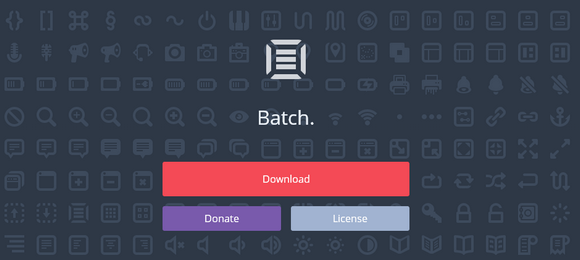
Batch is a lovingly designed and crafted suite of 300 icons for web and user interface design. Each icon is a single Photoshop shape layer meaning they can be scaled up – and down – without loss of quality. Adding layer styles and blend modes is also a breeze.
Batch is completely free because Adam Whitcroft wants to see Batch in as many designs as possible. He wants it to be a resources designers will revert to happily and often, and without the fear of forgetting a silly attribution link.
Requirements: –
Demo: http://adamwhitcroft.com/batch/
License: License Free
User interface design involves a lot of creativity, inspiration, testing and motivation along with the skills necessary to communicate effectively with clients. A good UI is consistent and can make a website easier to understand and use.
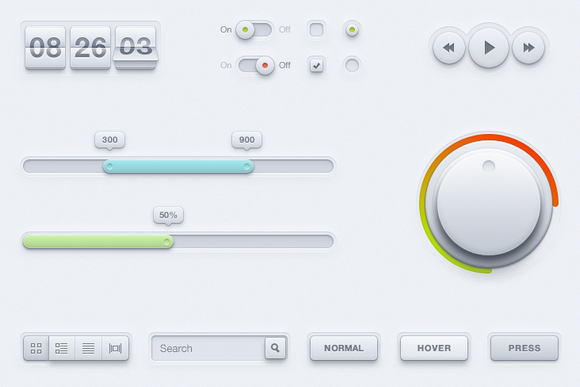
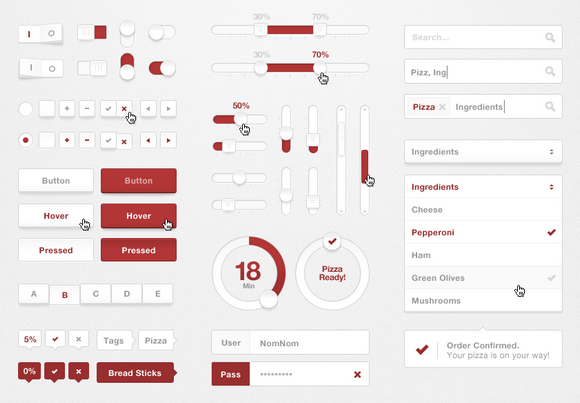
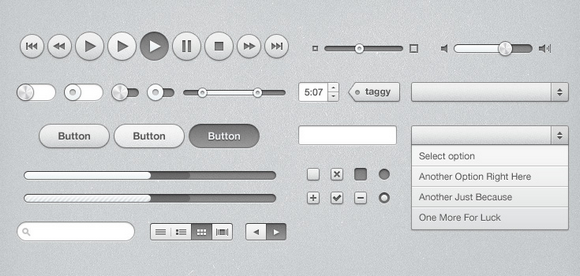
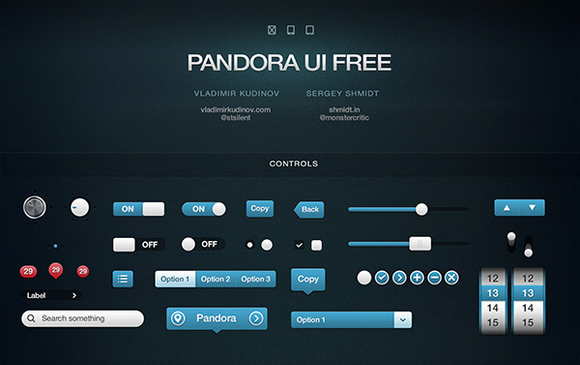
Having a set of editable UI elements is essential for every web designer to make quick layouts and prototypes for their projects. Today, we have a comprehensive collection of Free UI Kits and templates for you. All of the UI kits are editable, in .psd format and all are perfect for creating web mockups.
Sharp UI Kit
Pizza UI Kit
iTunes Inspired UI Kit
Pandora UI Pack
Read the rest of this entry »
TickitWickit.com is a popular site that retails heavily discounted bundles of high quality software, aimed at empowering the creative community on a quarterly basis. It comes with a unique concept: everything you buy earns you future discounts. Users can save 2x on every purchase by earning “tickits†– a discount you win when you make a purchase – to save up to 25% additional discounts off future purchases.
Now, they are running a Ten Everyday Promotion for the next 3 Days, they will randomly select ten lucky winners. That’s 30 winners who will get ALL the deals for free for A WHOLE YEAR. That’s 365 days of deals. You can check out their current deals.

There are some awesome deals there like 60% off WebIconSet Deal gives you access to over 1,000 and counting of high-quality and user-friendly stock icons till the end of year 2015! 75% off Themify Deal gives you two developer themes for just $29.








