Web and mobile developers face many challenges when trying to manage videos on their sites and in their apps. The Cloudinary Video Management solution simplifies the process by enabling developers to quickly and easily optimize and transcode videos in real-time in the cloud.
The solution, which integrates with existing workflow, gives developers the ability to upload videos, then transcode and modify them to enhance users’ experiences. Videos also can be optimized further, with fine-grained control over codecs, bit rate and then delivered via a global content delivery network.
With Cloudinary’s comprehensive API and easy-to-use manipulation URLs, videos can be automatically converted to all relevant formats (MP4, OGV, FLV, WebM) suitable for web viewing, optimized for web browsers and mobile devices, normalized and manipulated in real time to fit developers’ unique graphic design. The solution supports responsive design, enabling users to dynamically resize and crop videos on-the-fly to match graphic design and screen dimension of the viewing device.

Other features of the Cloudinary Video Management solution include the ability to adjust quality, bit rate and codecs on the fly; create video thumbnails from any frame; and enhance viewing experience by changing video playback speed, fading in or out, controlling the contrast and brightness, adjusting the volume and concatenate and adding video or image overlays and text captions.
The company’s adaptive bit rate streaming adjusts the quality of the video stream between multiple bitrates and/or resolutions to suit the client’s bandwidth capacity (as opposed to the buffering or interruption in playback that can happen when client’s network speed can’t support the quality of video). Content can be accessed from anywhere on the web using HTTP or HTTPS URLs, which can then be streamed to users via a worldwide fast CDN with thousands of worldwide edges.
By using Cloudinary Video Management, developers have the tools to deliver high-quality video and audio streams that play back seamlessly for audiences anywhere, on any device.
Opentest is the fastest way for you to share knowledge and collaborate more easily through video. The seamless experience makes it perfect for: Walking a co-worker through a project, Bug tracking/QA (both web & mobile), Personalized sales demos, Customer support. Opentest let’s you do all that for free without having to worry about video storage, upload time, or recording time limits.

Requirements: –
Demo: https://www.opentest.co/
License: License Free
Fullscreen background videos that autoplay right when the webpage loads (above the fold) has become quite a popular trend these days. Rishabh has built Bideo.js, which is an easy-to-use JS based plugin that works over HTML5 video element and does the right job of showing a background video inside a container basically. He has put all the code as well as a working demo on Github – Bideo.js.

Requirements: –
Demo: https://rishabhp.github.io/bideo.js/
License: License Free
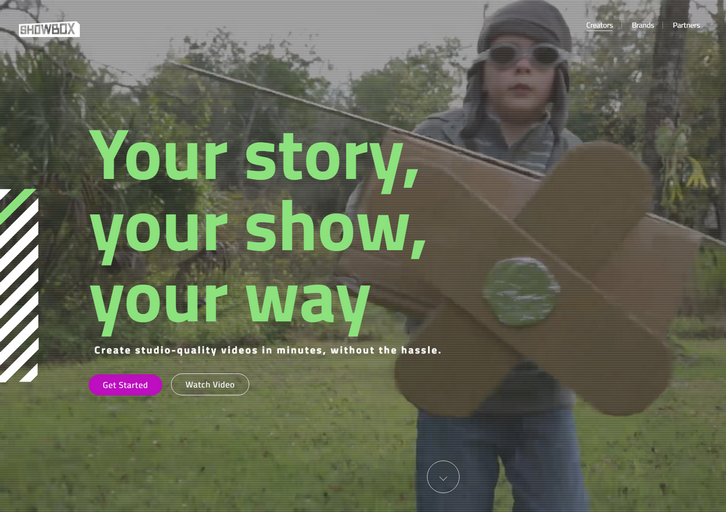
Showbox enables anybody to create studio-quality video content. Showbox is a cloud-based solution that transforms video creation into a simple, scalable process that gives you beautiful results you couldn’t achieve beforehand. We tried to cover everything needed to create a video, in a way that allows you to go from idea to a professional looking video in a matter of minutes – and without requiring any fancy equipment or prior expertise.
Some of the things that Showbox offers in order to make video creation accessible to all:
– Show formats: our formats are the storytelling “blueprints”, which guide you through specific steps for the video you want to create. For example a top 5 countdown, a video to showoff your apartment for AirBnb, or even just you talking about a subject for 60 seconds.
– A library of graphic packages, all created by professional video artists, that give your video a professional look & feel
– Background replacement (“keyingâ€) without having to use a green screen!
– Free-to-use licensed content libraries (from Getty images/videos, ShutterStock, and more)
– Automatic audio mixing and recording a voice-over
– Import your own content from Facebook, Instagram, Dropbox, etc.
The platform is free of charge for individual creators, while we monetize it by creating personalized versions for brands and publishers.
Requirements: –
Demo: https://showbox.com
License: License Free
Coverr was built as a joint initiative between two startups “Veed.Me” & “CodersClan”. Since they experienced the need of homepage background videos from both sides; Video & Code, they decided to build something that will give these, for free – to the community.
Basically, Coverr lets you download any video that you want (mp4+webm+image) AND it also gives you code snippets to help you implement them (html,css,javascript). It’s copyright free and always will be. They will upload 7 new videos of 12-15 seconds each every Monday.

Requirements: –
Demo: http://www.coverr.co/
License: License Free
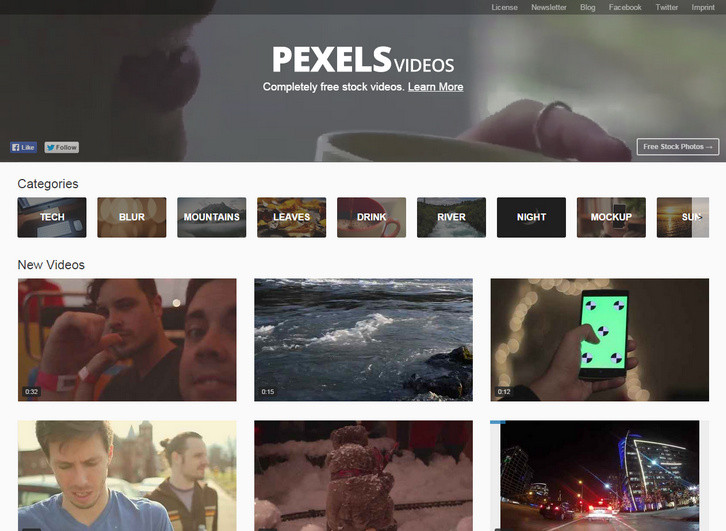
Pexels is a huge platform for free stock photos. Many designers and bloggers use it every day to find photos for their personal and commerical projects. Now we would like to introduce Pexels Videos. The only difference is that its purpose is to find free videos instead of photos.
All of the videos on Pexels Videos are also licensed under the CC0 license. Every video is free for any purpose – including commercial. This guarantees that you will be saving the hundreds of dollars better spent promoting your brand.
Requirements: –
Demo: https://videos.pexels.com/
License: CC0 License
Plyr is a simple HTML5 media player with custom controls and WebVTT captions. It’s a lightweight, accessible and customisable media player that just supports modern browsers. Sure, there are many other players out there but they made it to keep things simple, using the right elements for the job. There is full support for captions and screen readers.

Requirements: HTML5
Demo: http://plyr.io/
License: BSD License
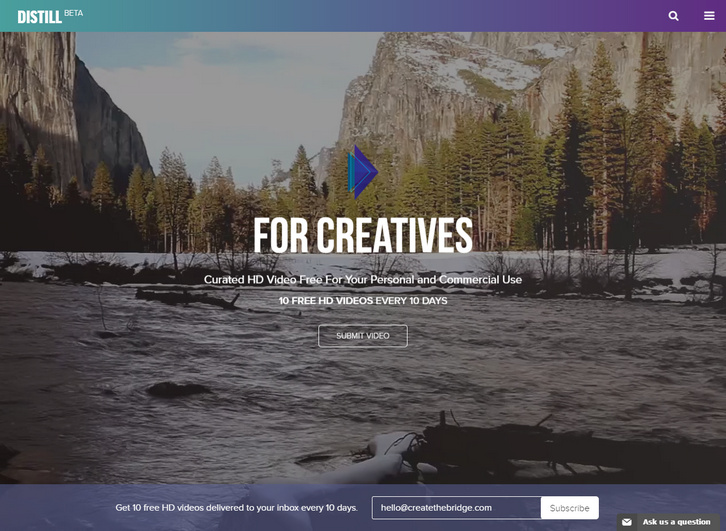
With the growing trend of websites using video as backgrounds (PayPal, AirBnB), and freemium stock content becoming more available, Create the Bridge has released Distill. Distill is a curated video resource platform that offers free, 10-30 second HD videos for anyone to download and use under the Creative Commons License Zero.
It will strengthen an artist’s name as an ambitious filmmaker, and allow them to reach a larger audience by being part of a curated platform. Build an archive for creatives looking to add a new form of visual communication into their web project. Allow video producers to discover high-quality video and/or new talent for their commercial projects.
Requirements: –
Demo: http://www.wedistill.io/
License: License Free
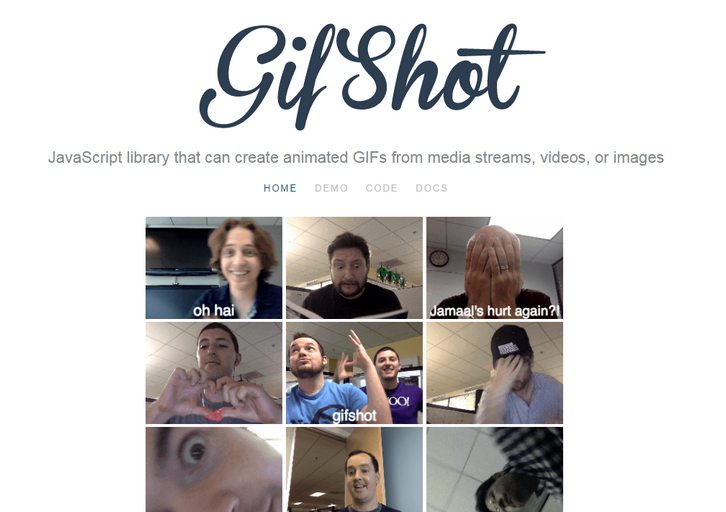
GifShot is a JavaScript library that can create animated GIFs from media streams, videos, or images. The client-side nature of the library makes it extremely portable and easy to integrate into almost any website.
Leverages cutting edge browser APIs including WebRTC, FileSystem, Video, Canvas, Web Workers, Typed Arrays, and Base 64 Encoding to support over 20 options. By harnessing the power of web workers, you get fast GIF creation that doesn’t block the UI. An image quantization algorithm is also used to reduce the number of colors required to represent the image.
Requirements: JavaScript Framework
Demo: http://yahoo.github.io/gifshot/
License: MIT License
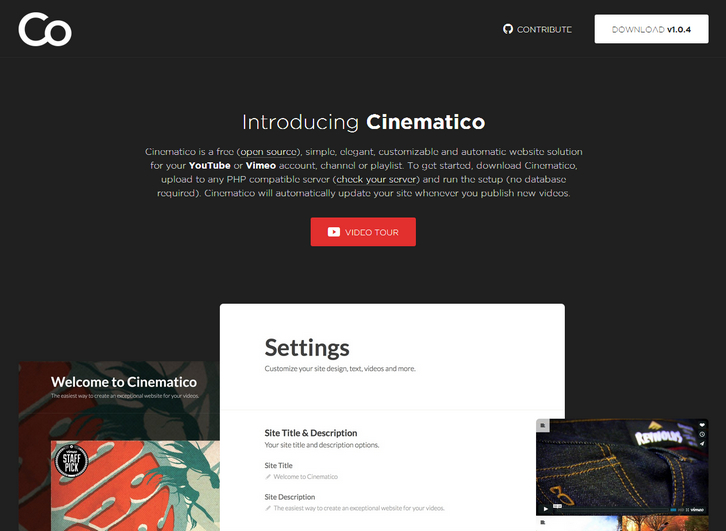
Cinematico is a free (open source), simple, elegant, customizable and automatic website solution for your YouTube or Vimeo account, channel or playlist. To get started, download Cinematico, upload to any PHP compatible server and run the setup with no database required. Cinematico will automatically update your site whenever you publish new videos.
It doesn’t take much to run Cinematico on most PHP compatible servers, but here are the specific requirements for your reference: PHP 5.3.6+, compiled with the mcrypt extension. You’ll need mod_rewrite. Although not required to use Cinematico, having the gd library installed will make your install even better.
Requirements: PHP Framework
Demo: http://cinemati.co/
License: License Free







