

27 Feb
Posted by Ray Cheung as License Free, Tooltips
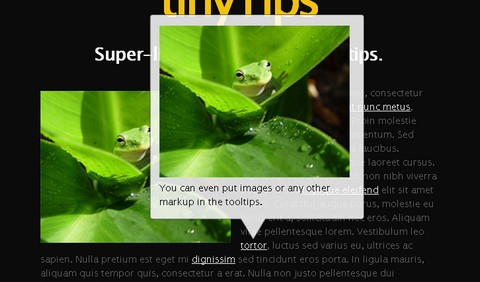
TinyTips is a very lightweight jQuery plugin that gives the ability to add tooltips to pretty much any element on a page. Thoroughly documented and designer friendly. TinyTips is very easy to install and use. Simply include TinyTips and the latest release of jQuery in the <head>. You can also give it a nice style by editing the stylesheet.
Requirements: jQuery Framework
Demo: http://www.digitalinferno.net/demos/tt-1-0/index.html
License: License Free


The script is really fast and light
This ToolTip looks very cool, will try it.. thanks
Nice tips.
Pluses: Clean, quick, fade-in and out. Looks like you could display dynamic data in it.
Minues: Needs to auto-position depending on browser window size so it doesn’t inadvertanntly get cut off by the browser borders.
That looks really cool, fantastic way to spice up your title tags. It could really help with subtle SEO on a website. Do you know if it works across all browsers ok? Thanks for bringing this beauty to my attention. Can’t wait to flex this on my new web designs.
Hey guys, I’m the developer of TinyTips and I figured I’d let you guys know I released a small update to fix some IE quirks and clean up the styles a little bit.
A new demo can be found at: http://www.digitalinferno.net/demos/tt-1-1/index.html
And more information can be found at: http://www.digitalinferno.net/blog/jquery-plugin-tinytips-1-1/
It works in all browsers I have tested. On browsers that support CSS3 you will have nice rounded corners on the tooltips but for older browsers it will revert to simple square corners. Also the little “notch” at the bottom of the tooltip does not display correctly in IE6 since it does not natively support transparent PNGs. If you need pixel perfect IE6 support you will need to create a new style or use a gif for the notch.
Also as for auto-position, that will be coming in a future update in the near future. I just wanted to push this update out to fix some IE problems.
Thanks and feel free to leave a comment on my blog to let me know what you want to see in the future.
RSS feed for comments on this post · TrackBack URI



