

A Solution of jQuery Animation Queue Buildup
The problem of mouseover/-out the menu a couple of times. After you stop moving the mouse, the animation will continue since you’ve built up the animation queue with every mouse event.
Some uses the stop() method to prevent animation queue buildup. While this helps solve the initial problem, it introduces another: When you now do a fast mouseover/-out, you will see no animation at all or just a part of the animation. This behavior seems somehow unnatural.
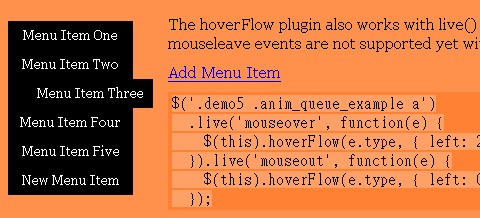
The HoverFlow Plugin is the solution, which honors a single mouseover/-out with a full animation cycle while preventing animation queue buildup. A queued animation will only run if it corresponds with the current mouse position at “runtime”. That is, a mouseover animation will only run if the mouse is currently over the element, and a mouseout animation will only run if the mouse is currently not over the element. Otherwise, the animation queue is emptied.
Requirements: jQuery Framework
Demo: http://www.2meter3.de/code/hoverFlow/
License: MIT and GPL License






