

Extract Colors from Web Pages and Photos with ColorSuckr
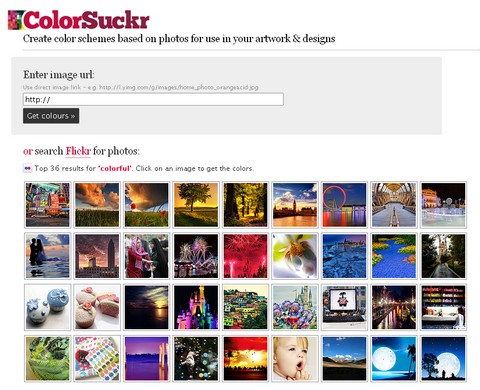
ColorSuckr can create color schemes based on photos for use in your artwork and designs. It extracts the 12 most common colors from your image.You can move the color results around the page, click on the color strip, hold and drag, let go to drop. You can also show and hide the color text by clicking the small grey dot next to the strip.
If you enter a web page url (e.g. http://theDesignInspiration.com/) instead of an image, ColorSuckr will scan the page and show you the images on it & you can choose from there. Make getting image colors even easier with the ColorSuckr Add-on for the Firefox browser. Install the add-on, then simply right click any image on a webpage and choose ‘Extract Image Colors’ from the menu to go straight to the ColorSuckr website with the image.
Requirements: –
Demo: http://colorsuckr.com/
License: License Free






