

Most Popular and Powerful Interactive Google Map
Google Maps are dynamic, interactive maps that you can drag — no clicking and waiting each time you want to view the adjacent parts of a map. Type in the name of a region or neighborhood and see any part of it as easily as with a regular street map. Use your mouse or the directional arrows to pan left, right, up and down to see areas that are hidden offscreen. Use the slider to zoom in and zoom out or press the + or – keys. You can also use satellite view, which gives you access to satellite and aerial images that you can zoom in, zoom out, or pan in any direction. You can create personalized, annotated, customized maps, complete with placemarks, lines or shapes. Add additional content including rich text, photos, videos and then share your map with others or open it in Google Earth.
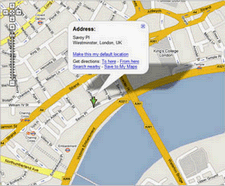
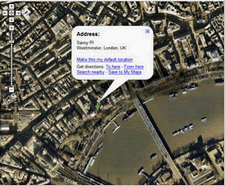
Requirements: Internet Explorer 6.0+, Firefox 1.0+, and Opera 8.0+, Safari 1.2.4+
Demo: http://www.google.com/apis/maps/
License: License Free






