YouTube is the most common platform for sharing videos these days and once you’ve uploaded a video to YouTube, you lose some amount of control over it. YouTube has the rights to withhold or completely erase your content if it breaches any of their copyright or royalty related policies. The worst thing that could even happen in that scenario is when you don’t have your videos backed up to your local hard drive. Before you let yourself lose your entire library of YouTube videos due to some unforeseeable circumstances, it would be preferable that you take timely backups. These backups of your own YouTube videos will also allow you to view them offline, on your own devices. While downloading your own royalty-free YouTube videos, you would need a right tool that will make the entire process less daunting and time consuming.
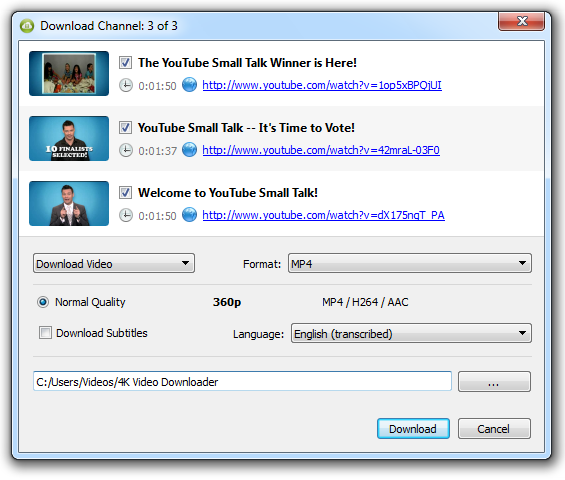
Although many people make use of online file downloaders, you shouldn’t settle for them if you are looking for more options and a much better control over the quality of downloads. One such free tool that will let you backup YouTube videos and the one we will be talking about here is 4K Video Downloader.
Getting started with 4K Video Downloader
4K Video Downloader is a free tool with cross-platform support, available for Windows, Mac OS X and Ubuntu. The tool can be downloaded for free from their official website and the installer is a little over 20MB in size. Once you are done with the downloading and installation, you would be presented with a screen seen above. This uncluttered application makes your YouTube video downloading process worthwhile.
What this tool offers in advantage to its online counterparts is some advanced options like file quality, embedded subtitles, iTunes syncing and much more, which we will be discussing in detail further. Read the rest of this entry »
The Codrops CSS Reference is an archive containing a list of entries categorized by type: CSS property, CSS function, CSS data type, CSS at-rule and CSS pseudo-classes/selectors/elements. Each entry is an article defining and explaining a CSS property, function, data type, at-rule or pseudo-class/selector/element.
In addition to these five categories, one more category exists: CSS concept. An entry in the CSS Concept category is a complete guide to a specific CSS concept or feature.
CSS concept entries serve as a “global” entry for a group of related properties. For example, Flexbox and Counters are two concepts that have their own entries. Each entry explains what the concept means, what it does, and includes a definition and usage examples of its properties. Each entry has a header that states what category this entry belongs to, and a live search module.

Requirements: CSS
Demo: http://tympanus.net/codrops/css_reference/
License: License Free
Nunchuck.js is a library for mobile web-based control of browser applications. It’s easy multi-device data synchronization through the browser. They provide a library that easily allows developers to integrate mobile browser controls into desktop browser-based javascript games with very few (<15) lines of code.
Requirements: JavaScript Framework
Demo: http://nunchuckjs.com/
License: MIT License
In 1994, two programmers started working on a web browser. Their idea was to make a really fast browser, capable of running on limited hardware, keeping in mind that users are individuals with their own requirements and wishes. Opera was born. Their little piece of software gained traction, Their group grew and a community was created. They stayed close to their users and to their roots. They kept improving their software, based on their users feedback, as well as their own ideas on how to make a great browser.
Fast forward to 2015, the browser they once loved has changed its direction. Sadly, it is no longer serving its community of users and contributors who helped build the browser in the first place. They must make a new browser – Vivaldi. A browser for themselves and a browser for their friends. A browser that is fast, but also a browser that is rich in functionality, highly flexible and puts the user first. A browser that is made for you.
Requirements: –
Demo: https://vivaldi.com/
License: License Free
Immutable data cannot be changed once created, leading to much simpler application development, no defensive copying, and enabling advanced memoization and change detection techniques with simple logic. Persistent data presents a mutative API which does not update the data in-place, but instead always yields new updated data.
Immutable.js provides Persistent Immutable List, Stack, Map, OrderedMap, Set, OrderedSet and Record. They are highly efficient on modern JavaScript VMs by using structural sharing via hash maps tries and vector tries as popularized by Clojure and Scala, minimizing the need to copy or cache data.
Immutable also provides a lazy Seq, allowing efficient chaining of collection methods like map and filter without creating intermediate representations. Create some Seq with Range and Repeat.
Requirements: –
Demo: http://facebook.github.io/immutable-js/
License: BSD License
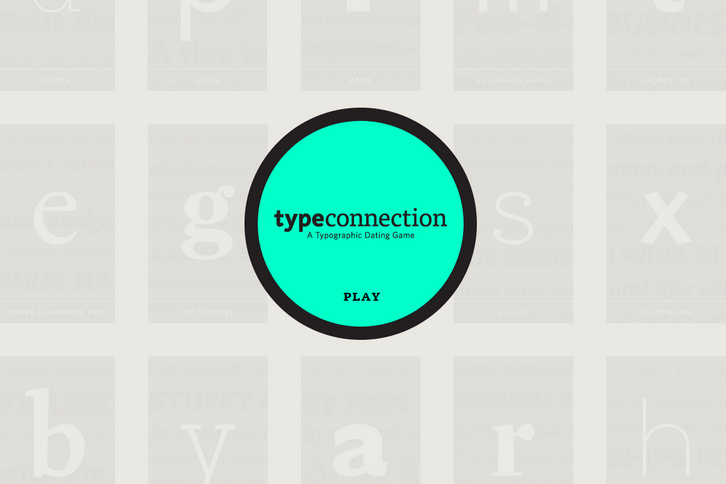
Type Connection is a game that helps you learn how to pair typefaces. Start by choosing a typeface to pair. Like a conventional dating website, Type Connection presents you with potential “dates†for each main character—without the misleading profile photos and commitment-phobes.
The game features well-known, workhorse typefaces and portrays each as a character searching for love. You are the matchmaker. You decide what kind of match to look for by choosing among several strategies for combining typefaces. Along the way, you explore typographic terminology, type history, and more. By playing Type Connection, you deepen your own connection with type.
Requirements: –
Demo: http://www.typeconnection.com/
License: License Free
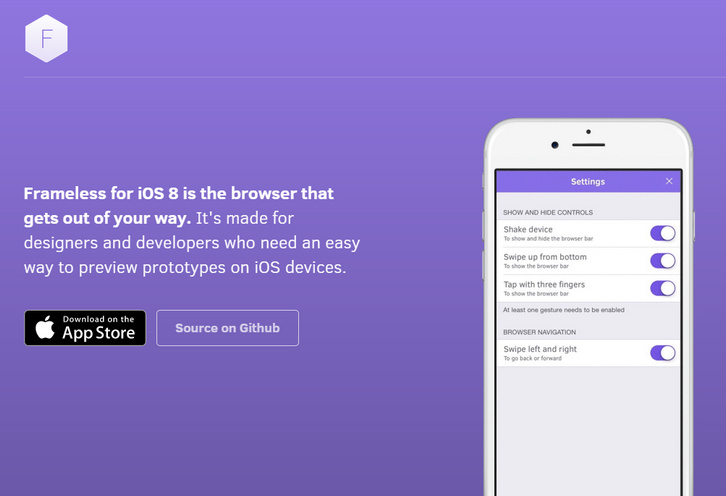
Frameless for iOS 8 is the browser that gets out of your way. It’s made for designers and developers who need an easy way to preview prototypes on iOS devices. No browser chrome and no status bar. Gestures control browser history and reveal the keyboard.
You can swipe, tap with three fingers or shake the device. If anything gets in your way, just disable it. It also works great with Framer Studio mirroring or previewing any HTML prototypes in a “native” context. It is licensed under MIT License.
Requirements: iOS
Demo: http://stakes.github.io/Frameless/
License: MIT License
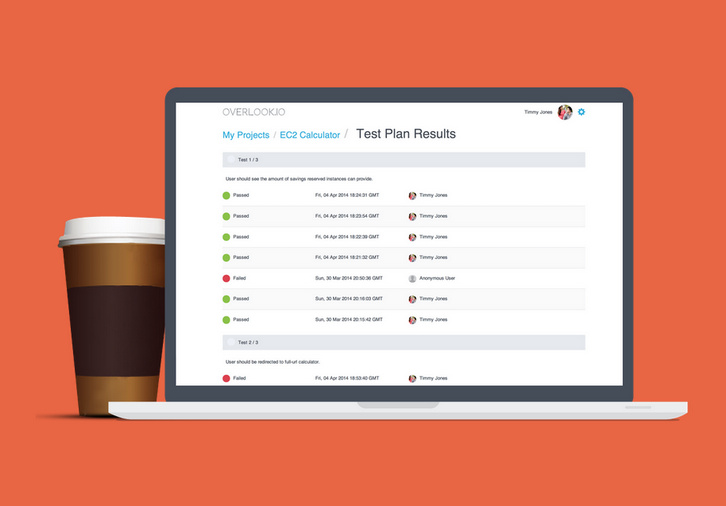
Overlook.io let you create very simple test plans and invite your team members to participate testing cycles. Ensure that your web and mobile projects are tested on a broad range of browsers and mobile devices. You can build very simple test plans without the fluff. Use your sprint’s tasks or detailed test cases – whatever your project requires.
You can send links to your team members to gather their feedback. Get a clear overview of the tests’ results – all in a glance easily. Sign up for Overlook.io now and use it completely free, forever. How great is that?
Requirements: –
Demo: http://overlook.io/
License: License Free
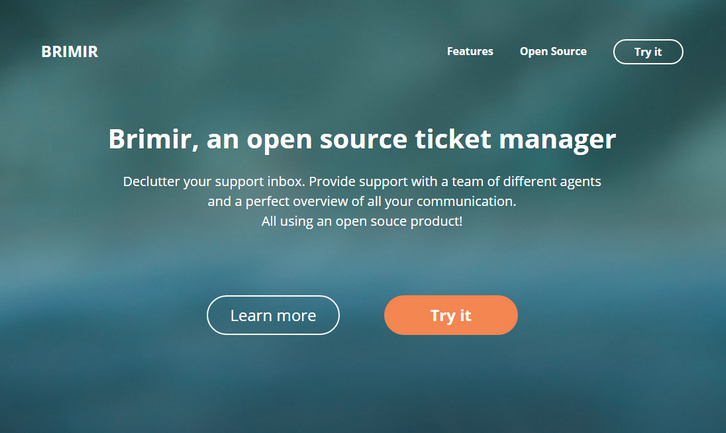
Brimir is an open source ticket manager that can be used to handle support requests via incoming email. You can declutter your support inbox. Provide support with a team of different agents and a perfect overview of all your communication. All using an open souce product.
Brimir allows you to send and receive support emails through a friendly web interface. Received emails are converted to tickets, which can be assigned to agents. Brimir supports all features you would need in a helpdesk support system. Incoming email support, reply via email, customizable user signatures and much more.
Requirements: Ruby on Rails
Demo: https://getbrimir.com/
License: GNU Affero General Public License Version 3
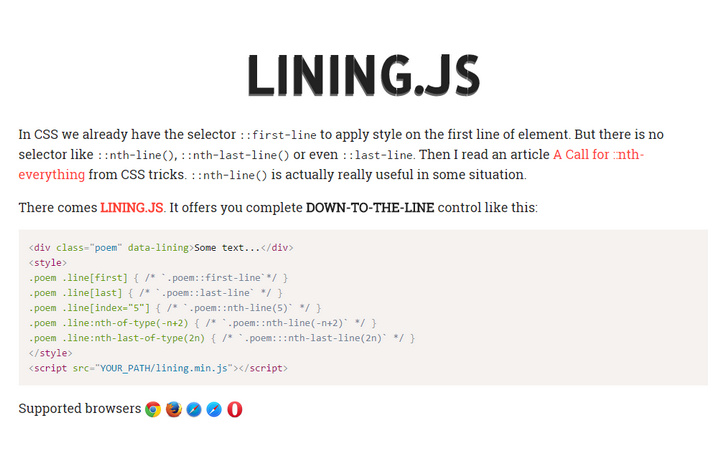
In CSS we already have the selector ::first-line to apply style on the first line of element. But there is no selector like ::nth-line(), ::nth-last-line() or even ::last-line. A Call for ::nth-everything from CSS tricks. ::nth-line() is actually really useful in some situation. There comes Lining.js. It offers you complete DOWN-TO-THE-LINE control.
If you want your line style support Responsive web design. Make sure you add the data-auto-resize attribute. It will automatically relining when window resize event happen. lining.effect.js is an extra part of lining.js. It gives you the power to add appearances animation on your lines.
Requirements: JavaScript Framework
Demo: http://zencode.in/lining.js/
License: MIT License







