Codrops has written an in-depth tutorial on how to build the ripple effect outlined under Google Material Design’s Radial Action specification and combine it with the powers of SVG and GreenSock.
With the advent of Google’s Material Design came a visual language that set out to create a unified experience across platforms and devices. Google’s examples depicted through their Animation section of the Material Guidelines has become so identifiable in the wild that many have come to know these interactions as part of the Google brand. In this tutorial, they are going to show you one way of building the ripple effect specifically outlined under Radial Action of the Google Material Design specification by combining it with the powers of SVG and GreenSock.

Requirements: SVG and GreenSock
Demo: http://tympanus.net/Tutorials/SVGRipples/
License: License Free
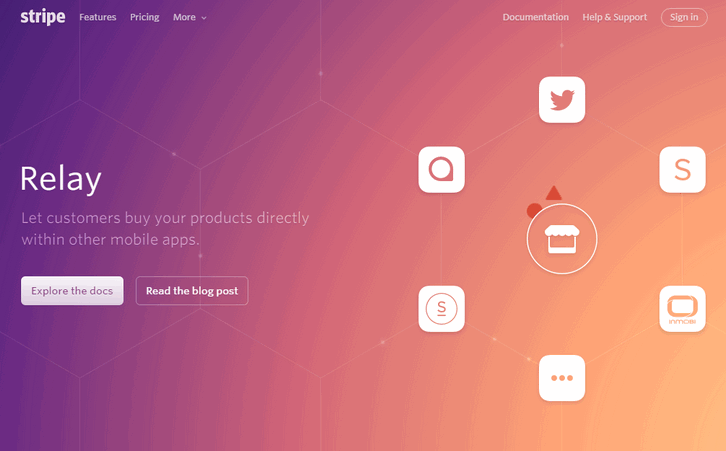
Stripe has launched Relay, an API for stores to publish their products, and for apps to read them. Relay makes it easier for developers to build great mobile e-commerce experiences, and for stores to participate in them.
Relay powered by a few new objects in the Stripe API: Products, SKUs (product variants), and Orders. Stores can provide product information to Stripe via the dashboard, the API, or by linking their existing e-commerce systems. SAP Hybris (used by stores like Levi’s, Oakley, and Ted Baker) is the first e-commerce integration we’re announcing, but expect more to come later.
For stores, you can use Relay to enable instant purchases in third-party mobile apps: one of our launch partners, Twitter, is using Relay to enable anyone to start selling within tweets. Or you can submit your products to be shown in a growing number of apps like ShopStyle and Spring.
Requirements: Stripe
Demo: https://stripe.com/relay
License: License Free
HTML Color Codes is a powerful set of free color tools, including a color picker, color charts and names, tutorials, and resources. You can easily find that perfect color with our color picker and discover beautiful color harmonies, tints, shades and tones; input Hex color codes, RGB and HSL values, and generate HTML, CSS and SCSS styles. Can’t remember all 140 HTML color names? They’ve got you covered, check out our guide for a quick reference of all the HTML color names grouped by color as well.

Requirements: –
Demo: http://htmlcolorcodes.com/
License: License Free
Learn how to code in Java: Whenever, wherever. With Javvy and its 150+ bite-sized, interactive tutorials, getting started with programming has never been so easy and so much fun. Javvy is the easiest and most entertaining way to make your first steps in programming. Javvy picks you up at the very beginning and allows you to learn at your own pace. With bite-sized tutorials, no break or subway ride is too short for a little coding. Javvy has a ready tongue and is packed with jokes and references to popular culture.

Requirements: –
Demo: http://javvy-app.com/
License: License Free
HoverCards is a chrome extension that lets you preview social links from youtube, twitter, reddit, soundcloud, imgur, & instagram. So next time your friend sends a video you’re too lazy to click, just hover for cards. HoverCards is a browser extension that gives you more context to links when you hover over them. It’s similar to how PH shows a preview of people when you hover over their images.

Requirements: –
Demo: http://hovercards.com/
License: License Free
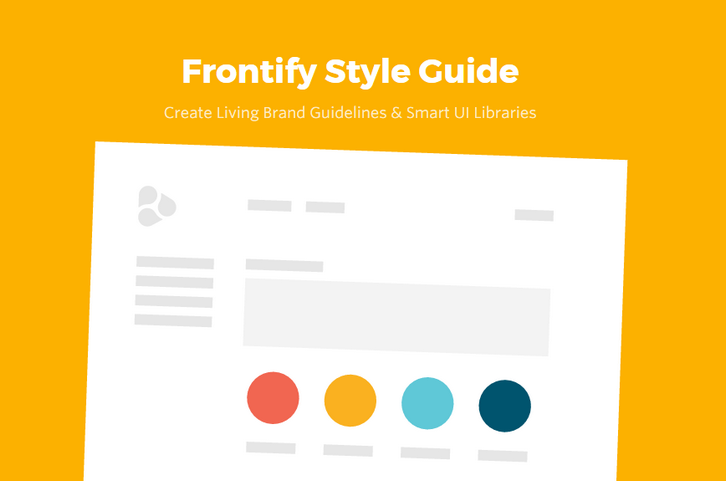
Frontify lets yous create your complete and beautiful style guide in less than 5 minutes! It’s simple, fast and fun. Document and maintain your brand or design guidelines with an online tool. Forget about the time consuming manual creation of PDF style guides. Frontify Style Guide makes professional style guide creation a fast and fun experience.
Frontify Style Guide is build to be usable without learning, so that you can get started instantly. Our educational material, tutorials and documentations are meant to provide best practices, deeper insights and help inspire our users. Start instantly from scratch, choose between own or various predefined style guide templates. Templates do not only contain editable structure, but also helpful content suggestions and style guide best practices.
Requirements: –
Demo: https://frontify.com/styleguide
License: Free Plans Available
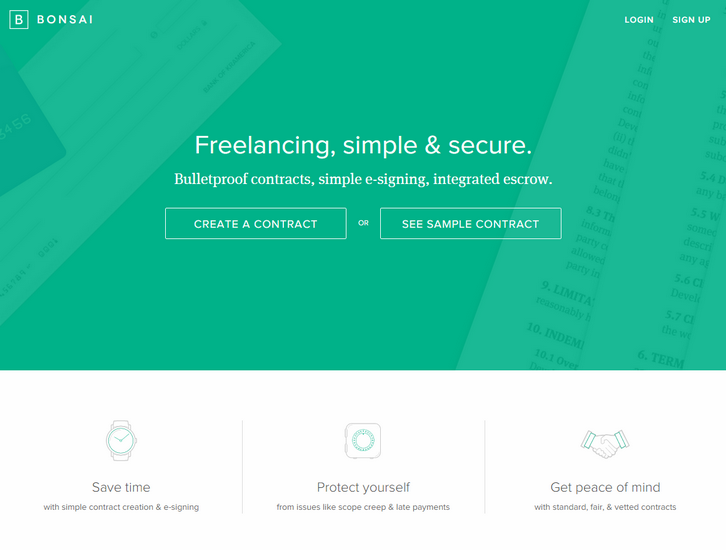
Whenever you start a new project you should have a contract that outlines things like the scope of work, payment schedule and terms, timeline, and intellectual property ownership. The contract should describe what happens in bad situations, such as cancellation of work, late payment, etc. Bonsai is there for you.
Bonsai is a tool for freelancers and consultants to create, sign, and store work contracts, as well as accept payments and escrow for their work. The contracts component is available today, while the payments and escrow component is currently in private beta. Right now Bonsai supports work contracts for creative professionals. These contracts cover things like payment terms, intellectual property ownership, etc.
Requirements: –
Demo: https://www.hellobonsai.com/
License: License Free
jQuery.my is a plugin for real time two-way data binding. It mutates object given as data source, reflecting interactions between user and UI. Data bindings, facade appearance and CSS styling of an app are all defined using single manifest, which is standard javascript object. Manifests are JSONable.
jQuery.my recognizes both standard HTML controls and complex composites created using rich ui plugins. Controls built with jQuery UI, Select2, CodeMirror, Ace, Redactor, CLeditor, jQuery Mobile are supported out of the box. jQuery.my provides comprehensive validation, conditional formatting, complex dependencies, runtime form structure manipulation. $.my forms can run nested, each jQuery.my instance can be a composite control for parent form.

Requirements: jQuery Framework
Demo: http://jquerymy.com/
License: License Free
One of the most challenging things as a Web Developer or Web Designer, may be to come up with new ideas on how to get things done quickly, efficiently, and at a good price. There is a website set up which will help you in your job or hobby as a developer/designer, and allow you to find the best deals out there for each aspect of the job; DealsKiller.com.

One of the features offered on this website is the ability to find time restrained deals. Each web design deals offered has a time limit, and you can search for the deals you need which may expire quickly. You may also find new deals throughout any given day, which will offer you the opportunity to jump right on them.
Web Developing and Design has never been easier than it can be when you use the best deals. DealsKiller offer ease of use, good deals, new deals daily, and time saving techniques, for all your web development needs. Do a search to see what you can find to help your website along.
People at Big Bite found it really annoying to have to calculate grid widths — especially within nested spaces — within his designs without ending up with crazy numbers of vertical guides or guide shapes. After not finding a tool that worked exactly how he wanted it too, they at Big Bite created Grid.Guide. Guide to solve the problem. It uses a max width and column count to calculate possible whole pixel column and gutter width combinations. It generates PNGs so you can drag or copy them straight into your designs. It’s free to use!

Requirements: –
Demo: http://grid.guide/
License: License Free







