So I guess you already know the base id, class and descendant selectors. And this is quite enough for you to get the job done. If so, you’re missing out on a lot of stuff and most likely your code is pretty messy. I know that sometimes it’s hard to remember all of them so lets go through the ones that are quite interesting, rare and most importantly really useful. Technically, CSS doesn’t have the ability to count an element’s siblings.
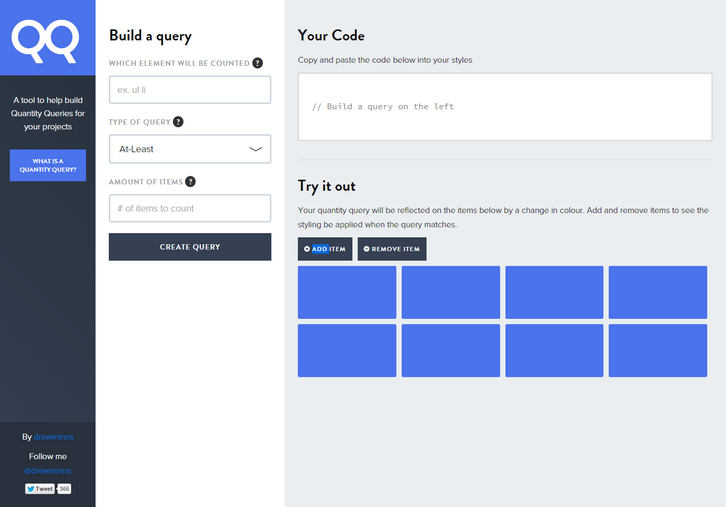
However, Heydon recently showed us what he calls Quantity Queries: a clever combination of :nth-last-child(), :first-child, and ~ to style elements based on how many elements are in a single parent. Quantity Queries is a tool designed to help build and understand Quantity Queries.
Requirements: –
Demo: http://quantityqueries.com/
License: License Free
InVision’s latest UI kit, called NOW which is released today. InVision NOW UI Kit is the perfect cross platform UI kit for web, tablet, and mobile designs — and it’s free. This UI kit has over 52 complete design templates, 35 custom icons, and over 180 UI components to handle all your news and publishing app needs. Plus, the design is minimal and flat to keep your focus on the content instead of the UI. The kit includes iOS, tablet, and web templates, and is available for both Sketch and Photoshop.

Requirements: –
Demo: http://www.invisionapp.com/now
License: License Free
Unsplash.it is beautiful placeholders using images from unsplash. Just put your image size (width & height) after our URL and you’ll get a placeholder. You can easily get a random image by appending ?random to the end of the url; Get a blurred image by appending ?blur to the end of the url; Select the cropping gravity by adding ?gravity to the end of the url. You can use the /g/ path to greyscale the image. You can also get a specific image by appending ?image to the end of the url.

Requirements: –
Demo: https://unsplash.it/
License: License Free
Infinit is a file storage and sharing company created in 2012 by two Frenchmen, Julien Quintard and Baptiste Fradin, with the vision of combining technology and design to allow anyone to send any file (photos, videos or else), of any size, to anyone, on any device.
Infinit is a file transfer application based on a point-to-point technology that connects both the sender’s and recipient’s computer directly. This deviates from cloud-based services like WeTransfer, YouSendIt (Hightail) and Dropbox that rely on a two-phase process through which the files must first be uploaded to the cloud before they can be downloaded by a recipient. The technology allows for transfers to be at least twice as fast, and up to 30 times faster, than cloud-based file sharing services.
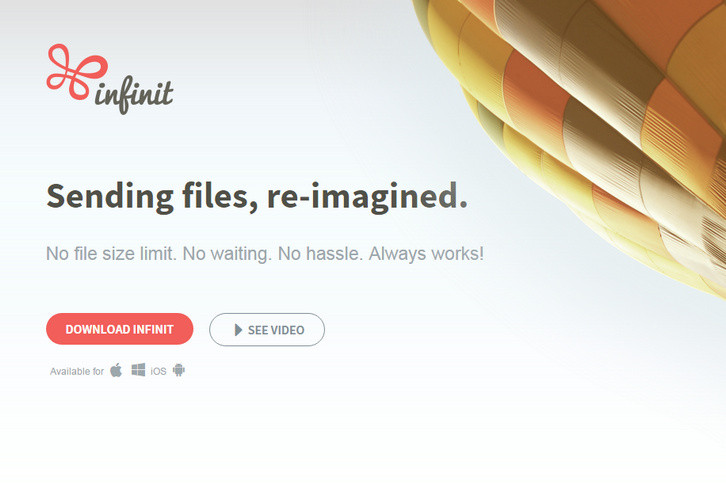
The product also benefits from an intuitive user experience allowing anyone to send any file or folder, of any size in just a matter of seconds through a single drag & drop on desktop and just a few taps on mobile. Infinit completely removes the friction from selecting a tool that only support certain file formats or imposes arbitrary file size limits on the data you wish to send.
Requirements: –
Demo: https://infinit.io/
License: License Free
GameAnalytics is a free analytics service created by and for game developers. They have designed event types and the resulting metrics that are specific to gaming concepts so that you know what to track and how to best track it. These include: User acquisition, Player engagement, Monetization, including drivers of first time purchases, Player progression through game content, In-game economies and virtual resources (e.g. gold, lives, XP), Error tracking.
Once your game is instrumented, dashboards, analysis and data mining tools make it easy to understand what your players and monetizers are doing in your game, and where you should focus your development efforts. GameAnalytics is completely free to use. There are no pricing models nor derivatives, and the features available now will remain free going forward!

Requirements: –
Demo: http://www.gameanalytics.com/
License: License Free
Styleguide is a tool to make creating and maintaining styleguides easy. All you need to do is to add the Styleguide to a separate folder in your project. Use it as your CSS. You just need to import the generated file inside your HTML and you are all set! This way the Styleguide will be synced with your project. Isn’t that awesome!?
Just copy your project’s CSS and paste it in the Styleguide CSS file. Now you only need to customize the modules to use the proper classes. You can always create/edit any module when you need. The Styleguide is also a independent project. You can download it and use it in your browser. Then all you need to do is edit it’s CSS and set/customize the modules. When you are finished you can send the files to a server or use the HTML version.

Requirements: –
Demo: http://hugeinc.github.io/styleguide/
License: License Free
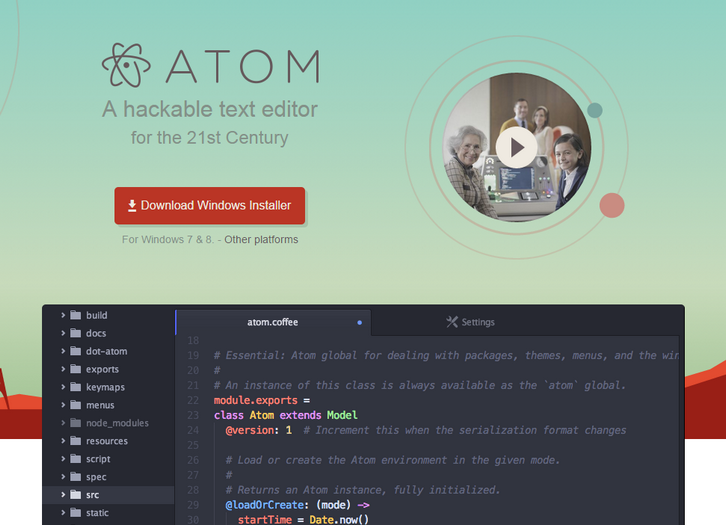
Atom is a text editor that’s modern, approachable, yet hackable to the core—a tool you can customize to do anything but also use productively without ever touching a config file. Atom works across operating systems. You can use it on OS X, Windows, or Linux. Atom helps you write code faster with a smart, flexible autocomplete.
You can easily browse and open a single file, a whole project, or multiple projects in one window. Split your Atom interface into multiple panes to compare and edit code across files. And also Find, preview, and replace text as you type in a file or across all your projects.
Requirements: –
Demo: https://atom.io/
License: License Free
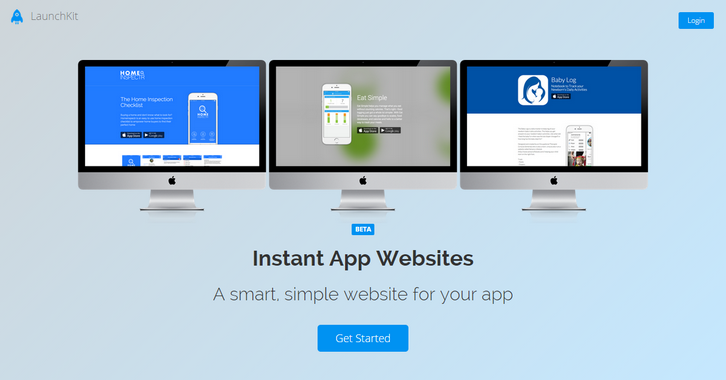
LaunchKit’s App Website tool creates and hosts a mobile-ready, smart solution for anyone who needs to quickly launch a website for their app. LaunchKit provides 9 simple and attractive designs for your website. Just enter your app’s name and watch your landing page appear.
If someone visits your page on an iPhone, they don’t need to see an Android download badge. We only show them download triggers for the platform they’re on. Turn website visitors into app users. Create your website in minutes. It’s free.
Demo: https://launchkit.io/websites/
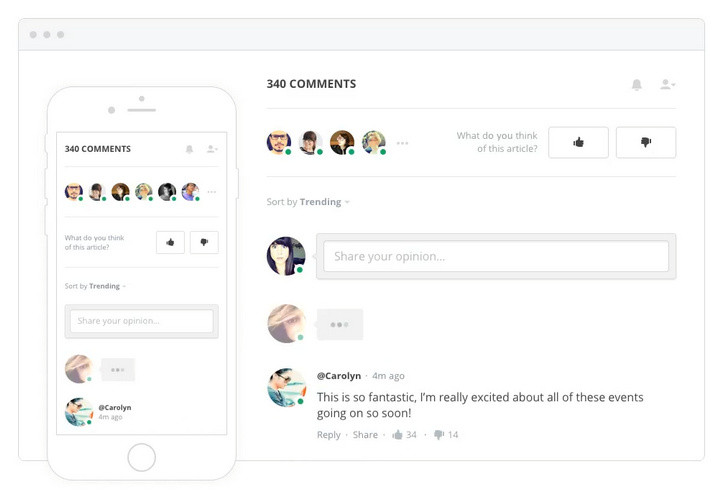
Spot.IM is the creator of the first “everywhere†social network, empowering website owners and publishers to turn their websites into a social network driven by their own content. Spot.IM’s technology enables publishers to take back ownership of the conversation going on around their content, freeing them from having to rely on larger, external social networks to provide the social space for community content engagement.
Typing users and submitted comments are seen in real-time. Hot content and trending conversations are presented in a cross-site Newsfeed. Readers are instantly notified about new comments and hot conversations. Site visitors can talk privately and share common passions and interests.
Requirements: –
Demo: https://www.spot.im/
License: License Free
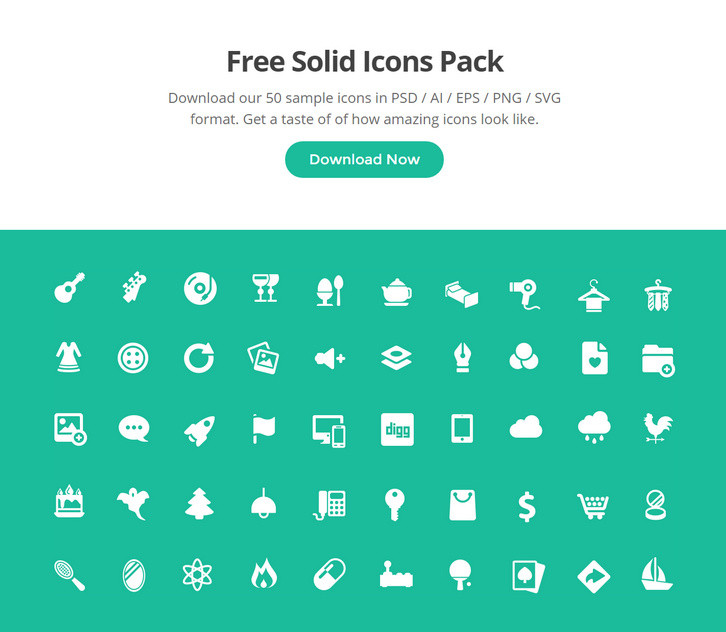
Squid.ink Solid Icon Pack offers 2000 handcrafted, consistent and pixel-perfect icons ready to use. The icons have been specially built to match the current design trends and to help you expand on your projects. This beautiful icons are perfect to create a unique design experience.
Here you can download 50 of their best icons from Free Solid Icons Pack. It includes PSD files for 32px & 64px Icons, PNG files for 32px & 64px Icons, SVG files for 32px & 64px Icons, AI & EPS vector files.
Free Download: http://thesquid.ink/free-solid-icons/







