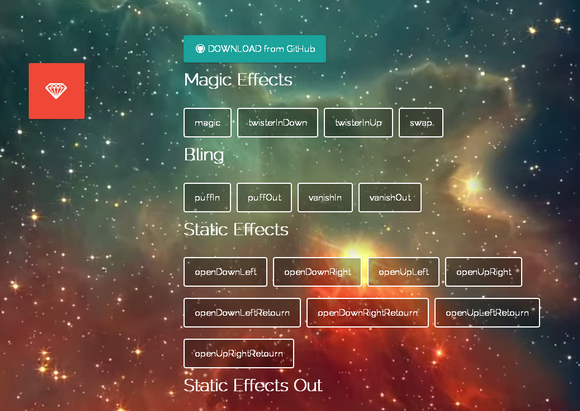
Magic CSS3 Animations is a package of CSS3 animations with special effects that you can freely use for your web projects. Simple include the CSS style: magic.css or include the mynified version: magic.min.css. The project is now hosted on GitHub. There are special effects like bling, perspective, rotate, slide, tin, bomb and etc.
Requirements: CSS
Demo: http://www.minimamente.com/example/magic_animations/
License: License Free
Designmodo is has shared with us an article: Playing with CSS3 Animations, which is a personal experience he had while trying to build advanced visual animations with CSS keyframes. We will create a simple fluid menu based on four squares. Clicking on one of them will display an overlay showing related content, closing the overlay will reverse the process showing the default menu. All delays will be managed directly with CSS — no javascript timeout().
All demos have been tested on Chrome, Safari, Firefox, Opera, IE11 and IE10 (also on iOS). They are not intended for production; they are simply provided as tangible case studies. Additionally, you may have to implement some fallbacks for users (especially those using old IE browsers), something beyond the scope of this article.

Requirements: CSS3
Demo: http://designmodo.com/demo/css3animations/
License: License Free
The Flexbox Layout module currently a W3C Candidate Recommandation aims at providing a more efficient way to lay out, align and distribute space among items in a container, even when their size is unknown and/or dynamic.
The main idea behind the flex layout is to give the container the ability to alter its items’ width/height to best fill the available space. They work well for pages, they lack flexibility to support large or complex applications especially when it comes to orientation changing, resizing, stretching, shrinking, etc.
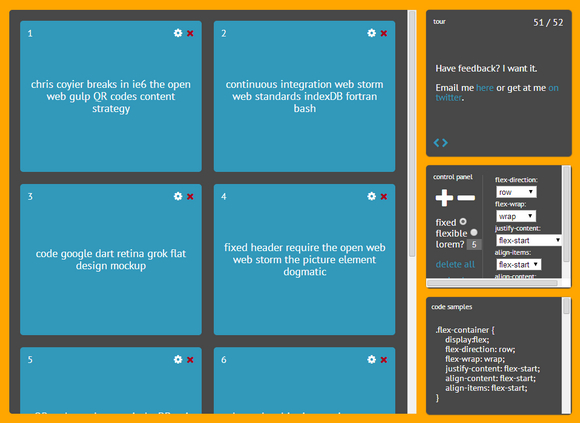
Flexbox in 5 minutes is an interactive tour of all the major features of the new CSS property: flexbox. It’s built using Knockout.js.
Requirements: –
Demo: http://devbryce.com/site/flexbox/
License: License Free
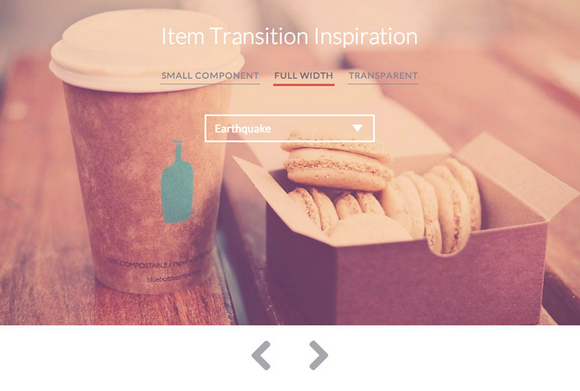
Codrops has shared some inspiration for item transitions with us. There are three different use cases: a small image slideshow, a large header slideshow and a slideshow using product images with a transparent background.
State transitions are done using CSS Animations. This allows us to specify a certain behavior for the items when coming from any direction. This can be useful for direction-aware navigation of items, like you can see in the demos.
Please note that in some examples we are using CSS Animations on pseudo-elements which might not be supported in some browsers (especially mobile browsers).
Requirements: –
Demo: http://tympanus.net/Development/ItemTransitions/
License: License Free
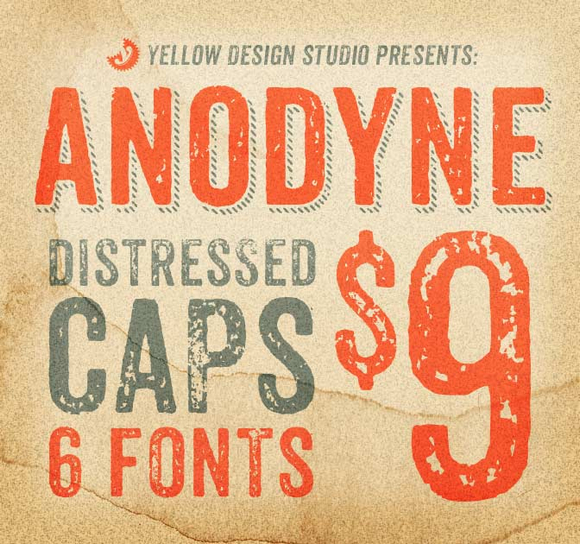
Anodyne will add a ton of distress to your life, but in a good way. This beautiful, original, all-caps font from Yellow Design Studio offers up a collection of 6 distressed fonts. This Anodyne Bundle includes hand-printed texture variations, multiple styles, contextual alternates and multi-language support.
The Desktop Fonts support a large number of languages. Anodyne can be used on just about any surface that includes a fixed image. That means you can use this fantastic font to create gorgeous works of art on computer screens, posters, websites, photographs, T-shirts, and more.
Anodyne normally sells for $39, but for a limited time only, you can get all 6 distressed, caps fonts for only $9. That’s 75% off the regular price. OR get both the Desktop and Web Font versions together for just $15.
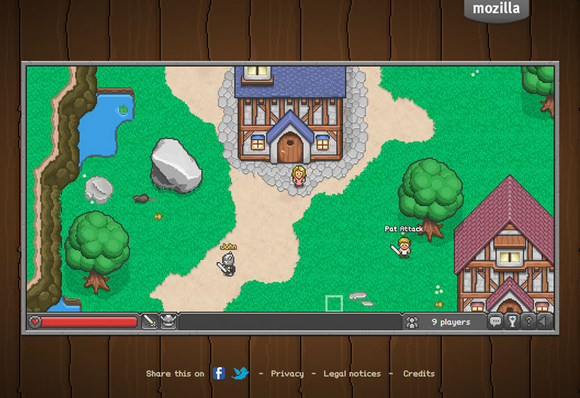
BrowserQuest is an HTML5 massively multiplayer experiment. The mission was to showcase HTML5 gaming and WebSockets, a new technology allowing to create real-time web apps, games and more.
BrowserQuest is a tribute to classic video-games with a multiplayer twist. You play as a young warrior driven by the thrill of adventure. No princess to save here, just a dangerous world filled with treasures to discover. And it’s all done in glorious HTML5 and JavaScript. Even better, it’s open-source so be sure to check out the source code on GitHub.
Requirements: HTML5 Framework
Demo: http://browserquest.mozilla.org/
License: MPL 2.0 License
Looking for a modern-yet-retro font? A highly customizable typeface? A totally friendly font you can use for just about any project? Mighty Deal is offering all 20 Fonts in Yellow Design Studio’s Gist Family for you.
Gist is an inline slab serif that features a retro yet modern vibe. With 20 weights and loads of OpenType features including ligatures, swashes and alternates, it comes primed with the tools to work on just about any project.
It normally sells for $49 (for the Desktop version), but for a limited time only, you can get the desktop version of all 20 fonts for just $14. That’s 70% off the regular price. OR get both the Desktop and Web Font versions together for just $21.
Get a pack of 19 premium resources worth $66 for free by entering this contest. The free pack is sent to the email address you use to participate in the competition and comes from the New Colossal Bundle: $10,063 worth of Top-Quality Resources – From $49. This way, you can test the products before you actually win them.
What can you win?
Get a pack of 19 premium resources worth $66 for free by entering this contest. The free pack is sent to the email address you use to participate in the competition and comes from the New Colossal Bundle: $10,063 worth of Top-Quality Resources – From $49. This way, you can test the products before you actually win them. Read the rest of this entry »
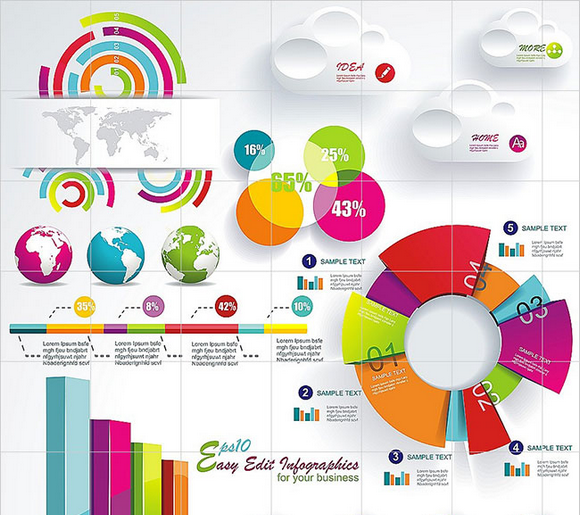
Infographics take stuffy, boring ol’ data and present it all in a fun, entertaining and easy-to-understand manner. Visuals make all the difference. And with this incredible 100 Premium Infographics bundle from MightyDeals, your data will never be happier.
With this bundle, you’ll get 100 different high-quality infographics to help bring your data to life. Every infographic comes in EPS format, so you can easily edit elements of the images to suit your needs. With the original files, you can easily slot in whatever data you’d like to share. Just replace any text from titles to descriptions to captions. It couldn’t be easier to put together a professional, high-quality infographic.
Flappy Bird is a nice little game with easy to understand mechanics, and Thomas thought it would be a perfect fit for an HTML5 game tutorial. So in this tutorial: How to make a Flappy Bird in HTML5, he is going to make a simplified version of Flappy Bird, in only 65 lines of Javascript with the Phaser framework.

Requirements: HTML5 & JavaScript
Demo: http://blog.lessmilk.com/how-to-make-flappy-bird-in-html5-1/
License: License Free







