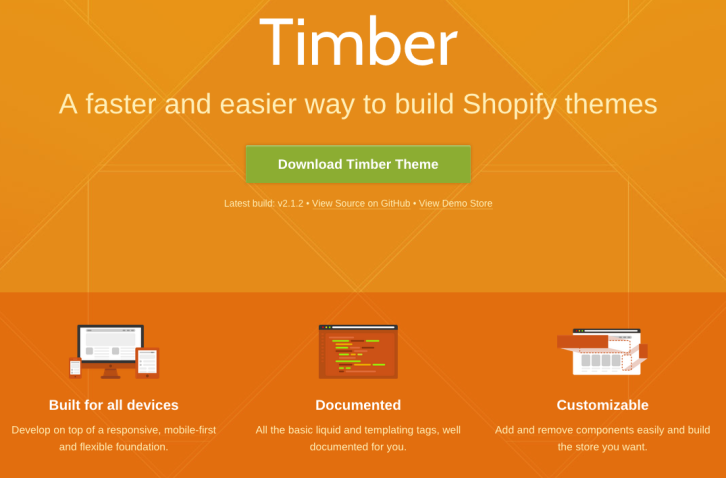
Shopify Timber is a front-end framework which makes building Shopify themes quick and easy. It can be used by theme creators of any skill level for themes of any scope. Seasoned pros and newbies alike can benefit from the starter templates, liquid markup, modules, and CSS frameworks provided in Timber.
Shopify Timber has been tested to work in IE 8+, Safari, Chrome, Firefox, Opera, Safari for iOS, Chrome for Android, and the stock Android browser. Timber is built with Sass, but you don’t have to know it to use it. The compiling is all done on the Shopify server, so edit the .scss.liquid file just as you would CSS and watch the magic happen on your site.
Requirements: Shopify
Demo: http://shopify.github.io/Timber/
License: MIT License
Bonsai is a lightweight graphics library with an intuitive graphics API and an SVG renderer. Bonsai’s main features include: Architecturally separated runner and renderer, iFrame, Worker and Node running contexts, Shapes, Paths, Assets (Videos, Images, Fonts, SubMovies), Keyframe and regular animation (easing functions too), Shape/path morphing and much more…

Requirements: JavaScript Framework
Demo: http://bonsaijs.org/
License: MIT License
CSS Plus wants to provide a simple and fast way to make flexible layout based on flexbox modeling. This awesome css feature lets you specify a flexible container which the children can also be flexible and re-sized automatically when the size of the container changed. It supports Chrome 14, Internet Explorer 10, Firefox 6, Safari 4, Opera 12.10.

Requirements: CSS
Demo: http://hictech.github.io/cssPlusWebsite/
License: MIT License
Lotus is Open Source Software, which strives for simplicity, fewer DSLs, minimal conventions, more objects, zero monkey-patching and the separation of concerns between MVC layers. It suggests best practices, but it leaves all the freedom to you, the developer, to build your own architecture, with your own objects. Lotus is made of standalone frameworks (controllers, views, etc.) and each one is shipped as an independent gem to emphasize the separation of concerns.

Requirements: –
Demo: http://lotusrb.org/
License: MIT License
Material Design Lite lets you add a Material Design look and feel to your websites. It doesn’t rely on any JavaScript frameworks and aims to optimize for cross-device use, gracefully degrade in older browsers, and offer an experience that is immediately accessible. The MDL components are created with CSS, JavaScript, and HTML. You can use the components to construct web pages and web apps that are attractive, consistent, and functional. Pages developed with MDL will adhere to modern web design principles like browser portability, device independence, and graceful degradation.
The MDL component library includes new versions of common user interface controls such as buttons, check boxes, and text fields, adapted to follow Material Design concepts. Material Design Lite also includes enhanced and specialized features like cards, column layouts, sliders, spinners, tabs, typography, and more. MDL is free to download and use, and may be used with or without any library or development environment (such as Material Design Lite). It is a cross-browser, cross-OS web developer’s toolkit that can be used by anyone who wants to write more productive, portable, and — most importantly — usable web pages.

Requirements: –
Demo: http://www.getmdl.io/
License: Apache License
ExpandJS is a modular library with 80+ custom elements and 350+ utility functions to kickstart your Web Applications. The elements are built upon Polymer and follow Google’s Material Design guidelines, allowing for beautiful and responsive interfaces. The utility library is an extension of lodash, adding more functions and introducing checks for unexpected arguments. It is released under BSD-3-Clause License.

Requirements: javaScript Framework
Demo: http://expandjs.com/
License: BSD License
Outline is a simple CSS starter responsive boilerplate for any new web project, created by Matt Harris. It’s a modular, mobile-first framework which includes todays best practices for responsive design and core components I use on every project. Outline is designed to be a starting point. A solid foundation for your project, leaving the creativity up to you.

Requirements: –
Demo: http://www.outlinecss.co.uk/
License: MIT License
Sitecake is an easy to use CMS (Content Managament System) for small websites, with a WYSIWYG, drag&drop editor. A standard web hosting packet (a web server and PHP 5.4+) is all you need to install and use it. Sitecake reads, modifies and saves changes in regular HTML files. No PHP or template language knowledge required. All changes are saved directly in HTML page, all images in file system. Once you finish editing you still have a static website.

Requirements: –
Demo: http://sitecake.com/
License: GPL License
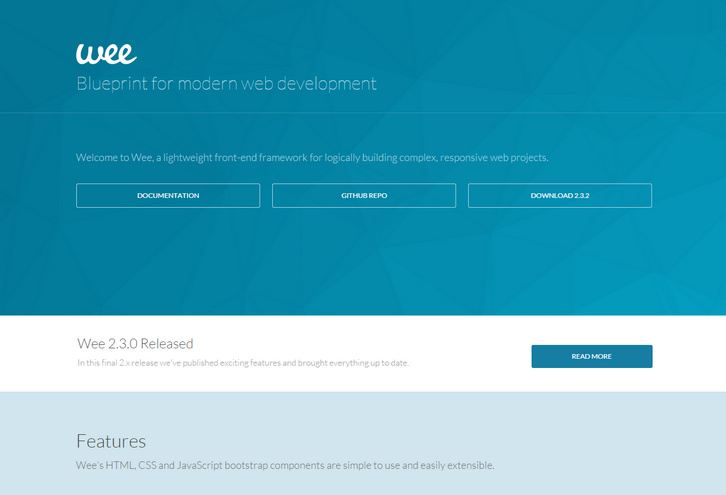
Wee bundles many of the components developers need to architect and produce responsive, interactive websites and apps. True to its name, Wee does this all with a tiny footprint. Wee is mobile-first CSS framework with reset, base, and Less mixin library < 4KB gzipped.
Wee is organized in a simple, scalable hierarchy with a consistent structure for both style and scripts. Wee’s core JavaScript toolset brings logic to what can often become a daisy-chained nightmare. Compiling, minifying, and optimizing everything can be a pain, but Wee manages it all with a simple config file.
Requirements: –
Demo: https://www.weepower.com
License: Apache License 2
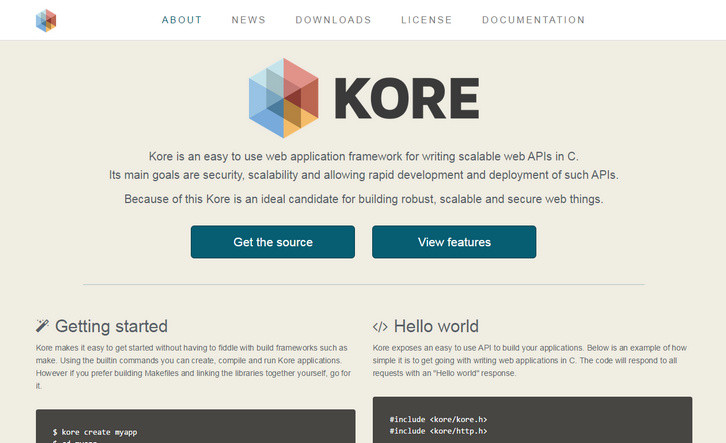
Kore.io is an easy to use web application framework for writing scalable web APIs in C. Its main goals are security, scalability and allowing rapid development and deployment of such APIs. Because of this Kore is an ideal candidate for building robust, scalable and secure web things.
Kore makes it easy to get started without having to fiddle with build frameworks such as make. Using the builtin commands you can create, compile and run Kore applications. Kore exposes an easy to use API to build your applications.
Requirements: –
Demo: https://kore.io/
License: License Free







