Squire is an HTML5 rich text editor, which provides powerful cross-browser normalisation, whilst being supremely lightweight and flexible. It is built for the present and the future, and as such does not support truly ancient browsers. It should work fine back to around Opera 10, Firefox 3.5, Safari 4, Chrome 9 and IE8.

Requirements: HTML5
Demo: http://neilj.github.io/Squire/
License: MIT License
International Telephone Input is a jQuery plugin for entering and validating international telephone numbers. It adds a flag dropdown to any input, which lists all the countries and their international dial codes next to their flags. Dropdown appears above or below the input depending on available space/scroll position.

Requirements: jQuery Framework
Demo: http://jackocnr.com/intl-tel-input.html
License: MIT License
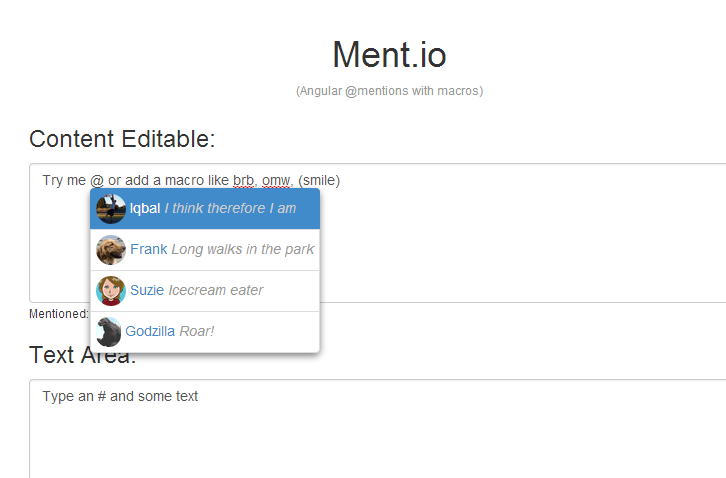
Ment.io gives you @mentions and macros widget based on AngularJS, but with no dependencies on jQuery. The mentio directive is applied to any element that accepts selectable text input and exposes an ngModel. The mentio directive watches the ngModel of the element for changes. If the user enters a sequence of non-wihtespace characters starting with a trigger character, a typeahead menu appears.
Requirements: AngularJS Framework
Demo: http://jeff-collins.github.io/ment.io/
License: MIT License
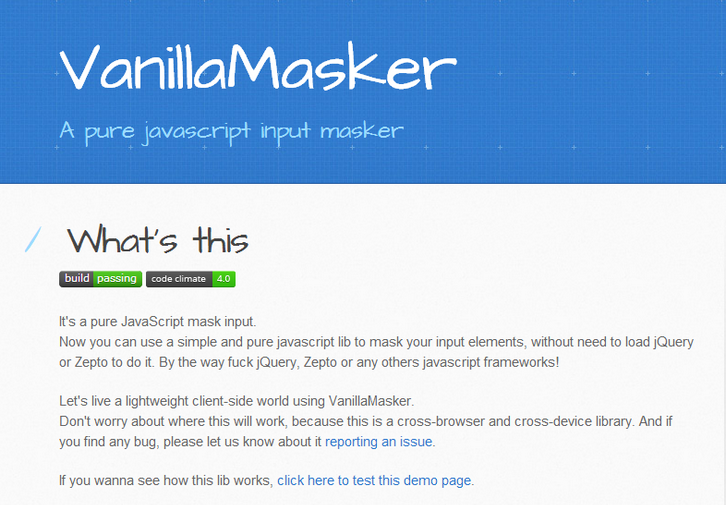
Vanilla Masker is a pure javascript input masker. Now you can use a simple and pure javascript lib to mask your input elements, without need to load jQuery or Zepto to do it. Don’t worry about where this will work, because this is a cross-browser and cross-device library. It is licensed under MIT License.
Requirements: JavaScript Framework
Demo: http://bankfacil.github.io/vanilla-masker/
License: MIT License
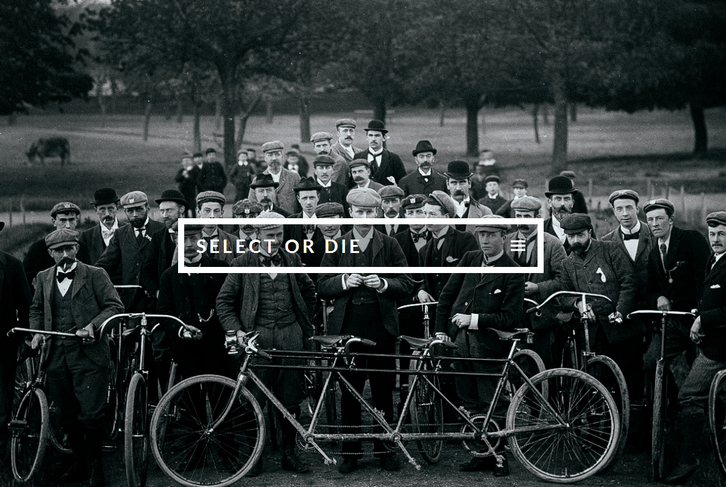
Select-or-Die is a jQuery plugin to style select elements. If you feel like adding a placeholder that’s displayed before anything is selected. Once a selection has been made the placeholder will be removed until the user clicks the SoD again. You can also add a prefix that’s displayed in front of the selected option.
When enabled “Keyboard Cycle”, it allows the user to cycle the list using his/hers arrow keys. Lets say an option have been added to the native <select>, then you might want to update the SoD to reflect the native <select>. Then it’s just a matter of running the update method and the SoD will update with the new option.
Requirements: jQuery Framework
Demo: http://vst.mn/selectordie/
License: MIT License
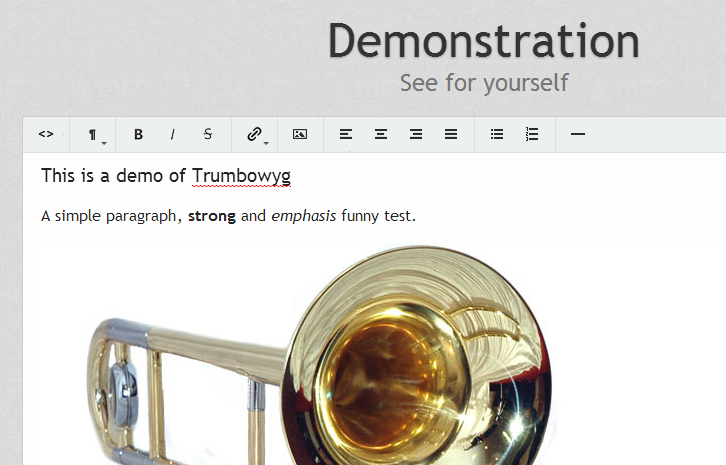
Trumbowyg is a light, translatable and customisable WYSIWYG editor jQuery plugin. Beatiful design, generates semantic code, comes with a powerful API. Editor and generated code are optimized for HTML5 support. Compatible with all recents browsers like IE8+, Chrome, Opera and Firefox.
All existing WYSIWYG editors are larger than 45kB. Trumbowyg is only 15kB which means faster page loading. No useless features, just the necessary ones to generate a clean and semantic code. Options and design are entirely configurable ot suit your needs.
Requirements: jQuery Framework
Demo: http://alex-d.github.io/Trumbowyg/
License: License Free
Subtle, minimalist and intuitive UI is what I like most about web design, having the visual part of it in mind. The design is in details. Refine each of them in the context of user experience and you’re almost perfect.
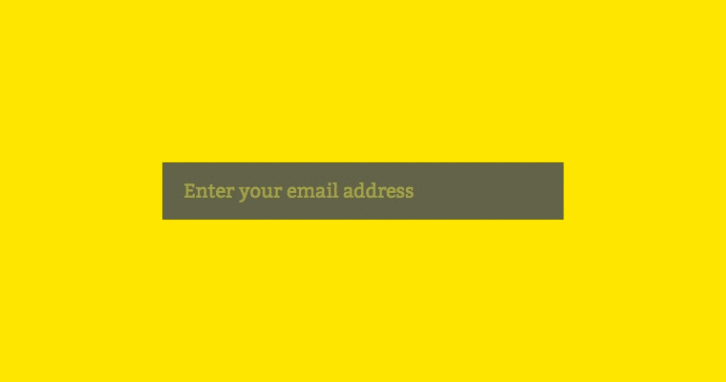
Newsletter subscription form is the detail that can easily get you one step closer to the perfection. There are quite a few things you can do with it, such as floating label, unusual visual approach, etc. But there’s one thing we’ll surely do now: hide the submit button by default and only show it if user enters the correct email address. Here we got Minimalist Newsletter Subscription Form.
Requirements: JavaScript Framework
Demo: http://osvaldas.info/minimalist-newsletter-subscription-form
License: License Free
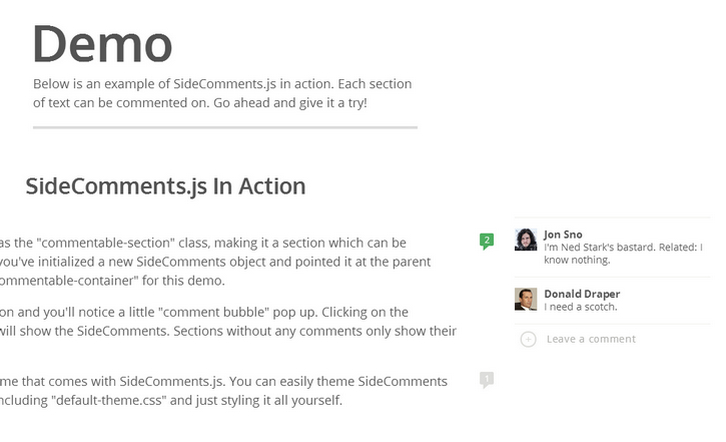
SideComments.js is a UI component to give you Medium.com style comment management on the front-end. It allows users to comment directly on sections of content rather than the boring comment stream on the bottom of the page that we’re so used to.
Note that this component only handles the display / user interface of how your comments are presented. It does not provide any utilities to help manage storing or retrieving your comment data from your server, how you do that is entirely up to you.
Requirements: JavaScript Framework
Demo: http://aroc.github.io/side-comments-demo/
License: MIT License
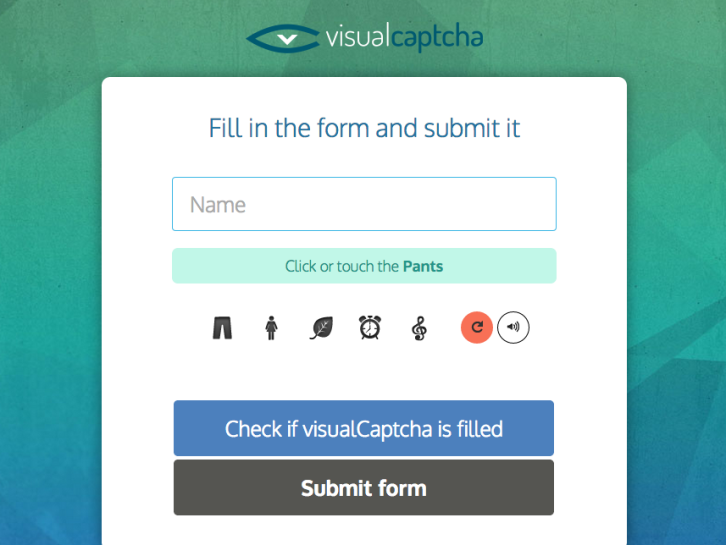
visualCaptcha is a configurable captcha solution, focusing on accessibility & simplicity, whilst maintaining security. It also supports mobile, retina devices, and has an innovative accessibility solution. visualCaptcha is now available across multiple backend languages. If you are using JavaScript, Ruby, or PHP, you can use visualCaptcha.
You can now use visualCaptcha as plain JavaScript, as a jQuery plugin, and Angular JS directive, or even build your own integration with your favourite framework. You can use your own pictures or audio as captchas which can be configured through JSON files. There are thousands of websites are already enjoying the benefits of visualCaptcha, with less spam and more customer engagement.
Requirements: JavaScript Framework
Demo: http://demo.visualcaptcha.net/
License: MIT License
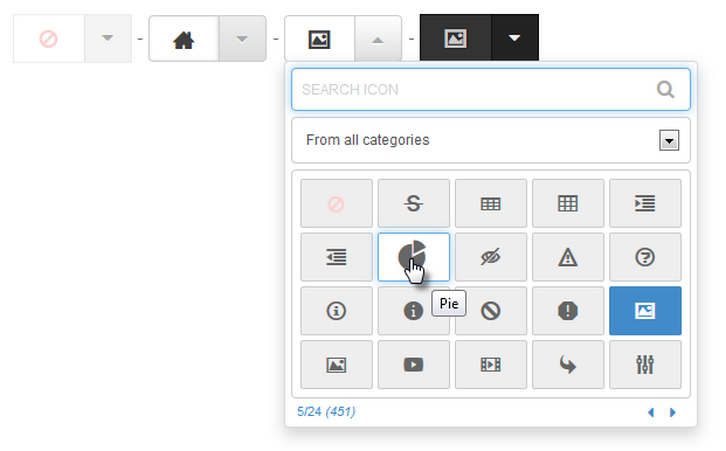
jQuery fontIconPicker is a small (3.22KB gzipped) jQuery plugin which allows you to include an elegant icon picker with categories, search and pagination inside your administration forms. The list of icons can be loaded manually using a SELECT field, an Array or Object of icons or directly from a Fontello config.json or IcoMoon selection.json file.
Simply just include a copy of jQuery, the fontIconPickers script, the fontIconPickers theme and your Font Icons. Now you can trigger it on a SELECT or INPUT[type=”text”] element. jQuery iconPicker has been successfully tested on: Firefox (edge), Safari (edge), Chrome (edge), IE8+ and Opera (edge).
Requirements: jQuery Framework
Demo: http://codeb.it/fonticonpicker/
License: MIT License







