Fullscreen background videos that autoplay right when the webpage loads (above the fold) has become quite a popular trend these days. Rishabh has built Bideo.js, which is an easy-to-use JS based plugin that works over HTML5 video element and does the right job of showing a background video inside a container basically. He has put all the code as well as a working demo on Github – Bideo.js.

Requirements: –
Demo: https://rishabhp.github.io/bideo.js/
License: License Free
Jaco records and plays exactly what your users are seeing. No matter how complex your application is. Their unique recorder technology captures every user interaction as it happens in your application, including css animations and dynamic content. You’ll be able to get a look at your real users` experience.
They collect every user interaction and event by default, allowing you to get the information you need, when you need it. Advanced Filters, Easily filter your recordings by user actions, user details, or session info. Automatic Session Scoring, We automatically rate your sessions and highlight the most interesting and relevant ones.

Requirements: –
Demo: https://www.getjaco.com/
License: License Free
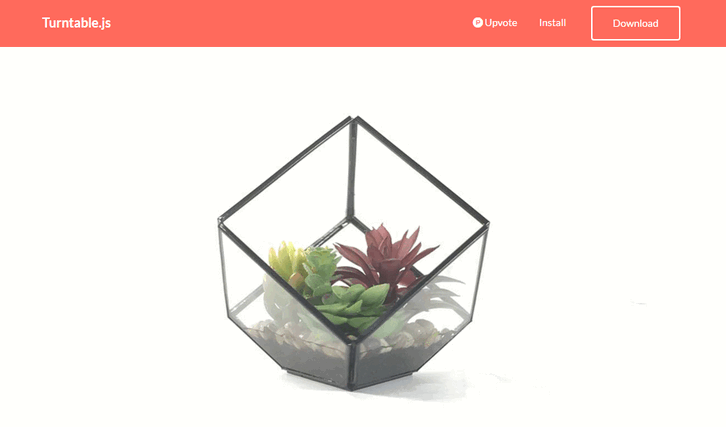
Turntable.js is a responsive JQuery slider that will let you rotate through a list of images as your mouse (or finger) sweeps across a container. Think of it like a flipbook made with Javascript, instead of paper. All you need is a set of images, and jQuery. It’s a fresh alternative to the typical ‘click-to-slide’ JQuery gallery.
Requirements: –
Demo: http://polarnotion.github.io/turntable/
License: License Free
Chart.js is a simple yet flexible JavaScript charting for designers & developers. Chart.js merges configurations and options in a few places with the global defaults using chart type defaults and scales defaults. This way you can be as specific as you want in your individual chart configs, or change the defaults for Chart.js as a whole. Chart.js offers support for all browsers where canvas is supported. Chart.js is open source and available under the MIT license.
Requirements: –
Demo: http://www.chartjs.org/
License: MIT License
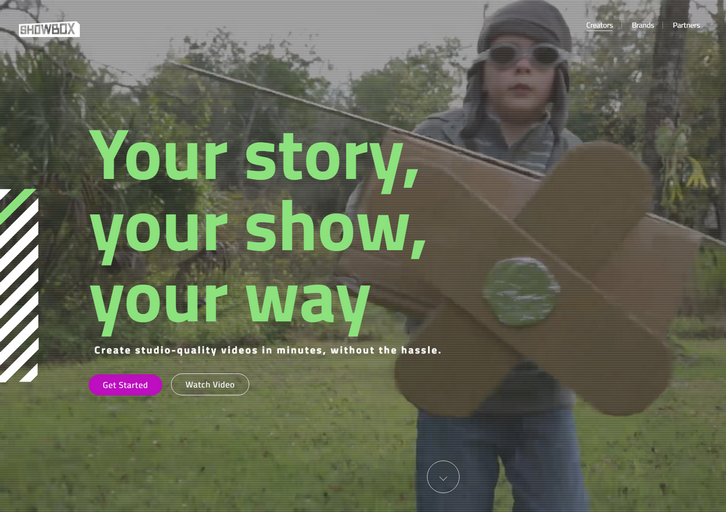
Showbox enables anybody to create studio-quality video content. Showbox is a cloud-based solution that transforms video creation into a simple, scalable process that gives you beautiful results you couldn’t achieve beforehand. We tried to cover everything needed to create a video, in a way that allows you to go from idea to a professional looking video in a matter of minutes – and without requiring any fancy equipment or prior expertise.
Some of the things that Showbox offers in order to make video creation accessible to all:
– Show formats: our formats are the storytelling “blueprints”, which guide you through specific steps for the video you want to create. For example a top 5 countdown, a video to showoff your apartment for AirBnb, or even just you talking about a subject for 60 seconds.
– A library of graphic packages, all created by professional video artists, that give your video a professional look & feel
– Background replacement (“keyingâ€) without having to use a green screen!
– Free-to-use licensed content libraries (from Getty images/videos, ShutterStock, and more)
– Automatic audio mixing and recording a voice-over
– Import your own content from Facebook, Instagram, Dropbox, etc.
The platform is free of charge for individual creators, while we monetize it by creating personalized versions for brands and publishers.
Requirements: –
Demo: https://showbox.com
License: License Free
At StatHat, they make a lot of charts. They creates dynamic, autoupdating charts using JavaScript, but we also send charts via email and to external services like Campfire and Slack. Plus, they let users embed charts on their own web pages. For these situations, JavaScript charts either won’t work, are overkill, or could get messy.
So they made chartd. It allows you to create a chart with just an img tag. These charts:
- are responsive (resize this page to see the charts respond)
- are retina-friendly
- can contain up to 5 datasets
- can be line or step charts
- have customizable colors and strokes
No JavaScript is required. You can generate SVG or PNG charts. We prefer SVG, but some services (like gmail) won’t render SVGs in emails.

Requirements: –
Demo: http://chartd.co/
License: License Free
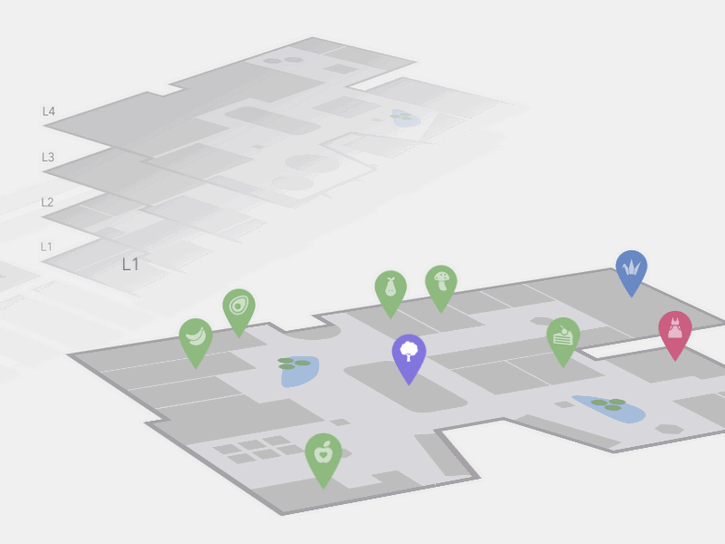
Today Codrops has shared an Interactive 3D Mall Map experiment with us. The idea is to show a mall map with all its floors in perspective. Additionally, we have a search in a sidebar that allows to filter mall spaces. Once a floor is selected, we show some pins as indicators for the different stores/spaces.
When clicking on a pin, we show some more details of that space. We’ve mostly used CSS trickery for this, applying transitions that will rotate and move the levels by adding or removing classes. The levels are represented by inline SVGs. This concept can be applied to any kind of floor map actually; any building that has several floors and spaces could be an interesting use case for this.
Requirements: –
Demo: http://tympanus.net/Development/Interactive3DMallMap/
License: License Free
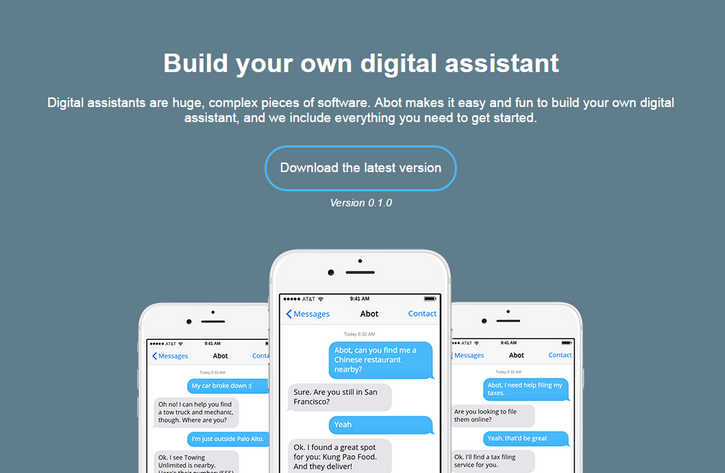
Abot (pronounced Eh-Bot, like the Canadians) is a digital assistant framework that enables anyone to easily build a digital assistant similar to Apple’s Siri, Microsoft’s Cortana, Google Now, or Amazon Alexa. Further, Abot supports a human-aided training backend enabling anyone to build services like Facebook M.
Unlike those proprietary systems, Abot is open-sourced and extensible. By providing an extensible platform onto which anyone can easily add functionality, Abot is the first A.I. framework that aims to be available everywhere and— ultimately—to do everything.
Requirements: –
Demo: https://www.itsabot.org/
License: MIT License
By using a PNG sprite and the steps() timing function in CSS, Codrops taught us how to create video effects and use them as transitions! In the resource, they used this technique to fire a modal window, but you can use it to transition between two different pages as well. First, you need a video with a filling effect and a transparent area. Then you need to export this video as a PNG sequence. You can read the full tutorial on the site.

Requirements: –
Demo: https://codyhouse.co/demo/ink-transition-effect/index.html
License: License Free
You know how navigations have only a desktop and a mobile state, right? Vergil Penkov thought, “this might cost people money because it requires additional click for users to reach even the most important pages.” OkayNav jQuery Plugin aims at progressively collapsing navigation links into an off-screen navigation instead of doing it for all the links at the same time. It is released under MIT License.

Requirements: –
Demo: https://github.com/VPenkov/okayNav
License: MIT License







