With Rollerblade, you can easily give your webpage visitors a great 360° viewing experience with your products, images, or anything else you can think of. Rollerblade targets a container element with an image element inside that has the class of “rollerblade-img”. Make the src of the image the path to the first image in your rotator.
Rollerblade.js works on desktops, tablets, and smartphones (touch enabled). For all mobile devices, the rollerblade rotator will be activated when a user slides their finger from left to right. Image preloading is used to cache the images from your array to make sure the rotator performs as fast as possible. Rollerblade.js works well in IE9+.
Requirements: JavaScript Framework
Demo: http://www.iamapioneer.com/plugins/rollerblade/
License: License Free
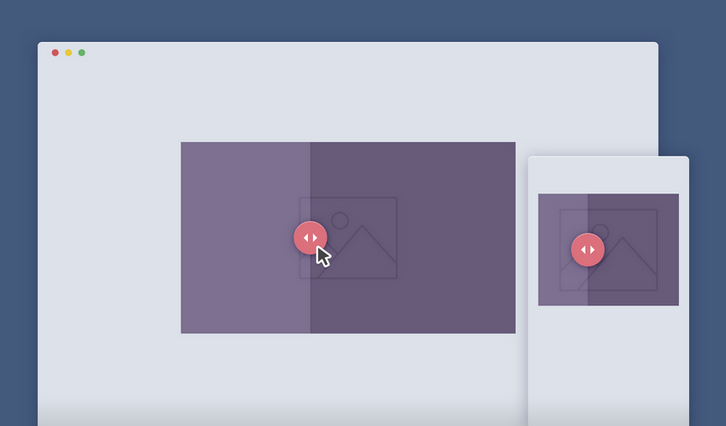
Image Comparison Slider is a handy draggable slider to quickly compare 2 images, powered by CSS3 and jQuery. When you create a product page, there are some effective UX solutions that can be used to make the user ‘feel’ the product.
A comparison image slider is one of those. If you look at the Sony Ultra HD TV product page, they use this approach to emphasize the difference between their display resolution and a standard one. Google uses it to show how cool is a Google+ Photos filter.
Requirements: CSS3 and jQuery Framework
Demo: http://codyhouse.co/demo/image-comparison-slider/index.html
License: License Free
Timesheet.js is a simple JavaScript library to create HTML time sheets. You can visualize your data and events with sexy HTML5 and CSS3. Create simple time sheets with sneaky JavaScript.
Just include Timesheet.js and configure your data. No external dependencies, no jQuery needed and of course no Angular.JS! Just a few lines JavaScript to generate a beautiful HTML5 layout and some really delicious CSS to be customized by mighty you.

Requirements: JavaScript Framework
Demo: http://semu.github.io/timesheet.js/
License: MIT License
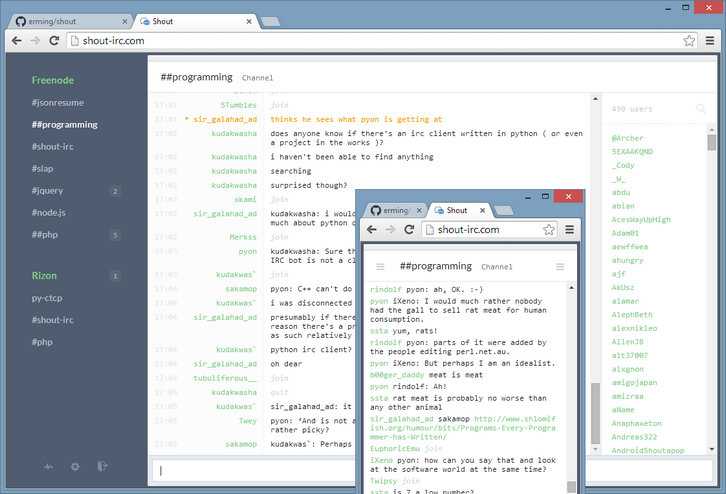
Shout is a web IRC client that you host on your own server. It stays auto-connected with no configuration. It offers a great desktop (web-based) UI, including embedded images, videos, tweets, pastebins, and more. And it offers fantastic mobile apps for both iOS and Android, for both phone and tablet form factors. Best of all, it’s free for download and released under MIT license.
Requirements: –
Demo: http://demo.shout-irc.com/
License: MIT License
TutsMix has shared with us some cool CSS loading effects for grid images. You can use them on your portfolio, blog, or anywhere you want. The setup is quite simple. We use Normalize.css as an alternative to the traditional CSS reset, ZURB Foundation to create a responsive grid, Masonry to create a dynamic grid layout, imagesLoaded to check if the images have been loaded, and Infinite Scroll by Paul Irish to load more images and append them to the gallery.

Requirements: JavaScript Framework
Demo: http://tutsmix.com/demo/cool-css-loading-effects-for-grid-images/
License: MIT License
Chartist.js is a simple responsive charting library built with SVG. Chartist’s goal is to provide a simple, lightweight and non-intrusive library to responsive craft charts on your website. It’s important to understand that one of the main intentions of Chartist.js is to rely on standards rather than providing a own solution to the problem which is is already solved by the standard.
Chartist works with inline-SVG and therefore leverages the power of the DOM to provide parts of its functionality. This also means that Chartist is not providing it’s own event handling, labels, behaviors and anything else that can just be done with plain HTML, JavaScript and CSS.

Requirements: JavaScript Framework
Demo: http://gionkunz.github.io/chartist-js/
License: License Free
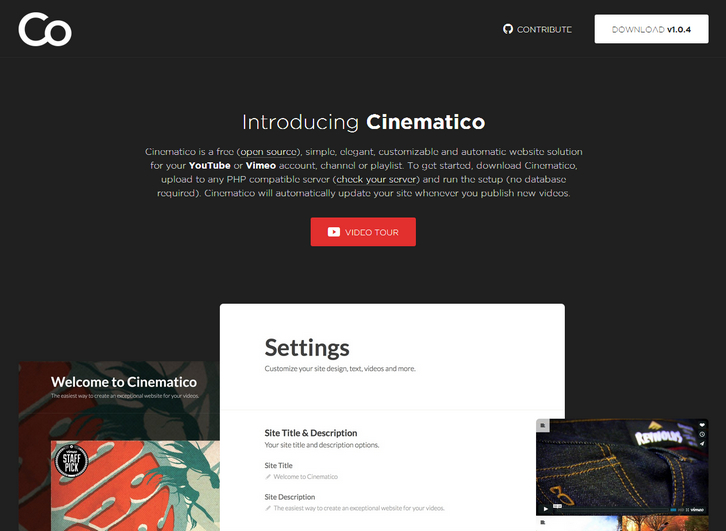
Cinematico is a free (open source), simple, elegant, customizable and automatic website solution for your YouTube or Vimeo account, channel or playlist. To get started, download Cinematico, upload to any PHP compatible server and run the setup with no database required. Cinematico will automatically update your site whenever you publish new videos.
It doesn’t take much to run Cinematico on most PHP compatible servers, but here are the specific requirements for your reference: PHP 5.3.6+, compiled with the mcrypt extension. You’ll need mod_rewrite. Although not required to use Cinematico, having the gd library installed will make your install even better.
Requirements: PHP Framework
Demo: http://cinemati.co/
License: License Free
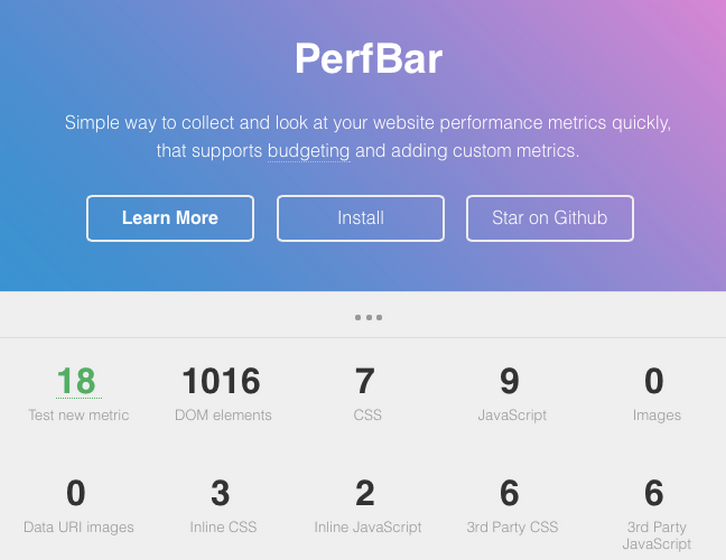
PerfBar is a simple way to collect and look at your website performance metrics quickly, that supports budgeting and adding custom metrics. PerfBar is a tool that puts dozens of metrics at the tip of your fingers with just a single script include.
Once set up, PerfBar adds a collapsable bar to the bottom of your website that displays the metrics for the current session. Here’s what it looks like in action on the project’s homepage.
Requirements: –
Demo: http://lafikl.github.io/perfBar/
License: MIT License
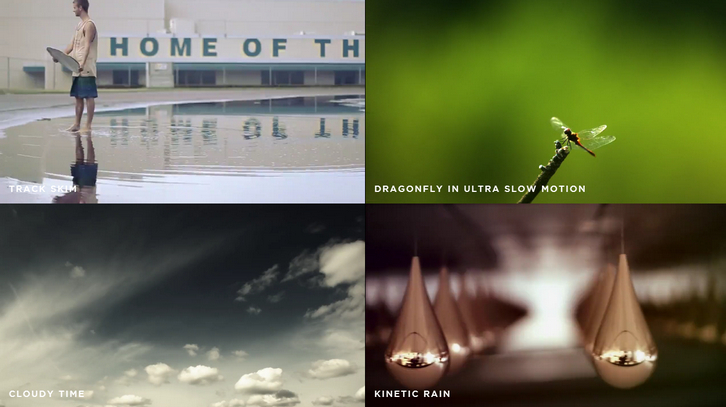
Mazwai is a new stock video which only selects the very best of free videos online. The purpose of Mazwai is to help every web designer, creative, and artist to find great video resources for their professional and personal projects.
All the video clips, footage, and mini-film are available in HD under the public domain or the Attribution license (CC 3.0). This means that you can do everything with the video (transform, adapt, cut, share) as long as you do not forget to credit the original author in some way. There is no subscription. No download limitation.
Requirements: –
Demo: http://mazwai.com/
License: Creative Commons License
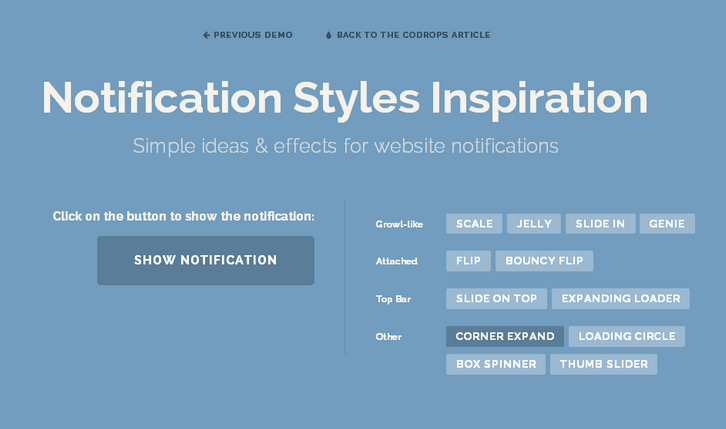
There are some simple ideas and effects for unobtrusive website notifications. There are a lot of ways to show an unobtrusive message to a user: from the classic growl-like notification to a bar at the top of the viewport.
There’s really no limit to making creative notification styles and effects but you should keep in mind that notification has to be a discreet message to the user, keep simplicity and subtlety in mind for the effect of appearance and also the disappearance.
Codrops has shared a small set of Notification Style Variations that use CSS animations for showing and hiding the notifications. Some of them are preceded by a dummy loading animation, which could be a nice idea for specific actions that require some time in a system.
Requirements: CSS
Demo: http://tympanus.net/Development/NotificationStyles/
License: License Free







